"We need to edit our film before we shoot it, not after." Steve Jobs famously told the Pixar team that while championing animatics—rough animated storyboards cut with temporary voices and music. The idea was simple: see the whole movie work before spending months on final rendering.
Riley Brown applied that exact rule to short talking-head videos. Most AI video editing happens in post-production: trimming pauses, slapping on captions, dropping in B-roll. If the script drags, though, auto-editing can't save it—you either set up lights and reshoot or publish a weak video. Building a rough cut before filming turns pacing fixes into minutes of terminal work instead of another shoot day, making pre-production the spot where a coding agent saves real time.
Inside the Claude Code Pipeline and Why v2.video Matters
Brown writes his script inside a Claude Artifact right in Claude Code, adding color-coded notes for graphics—such as a purple quote block describing the insert he wants.
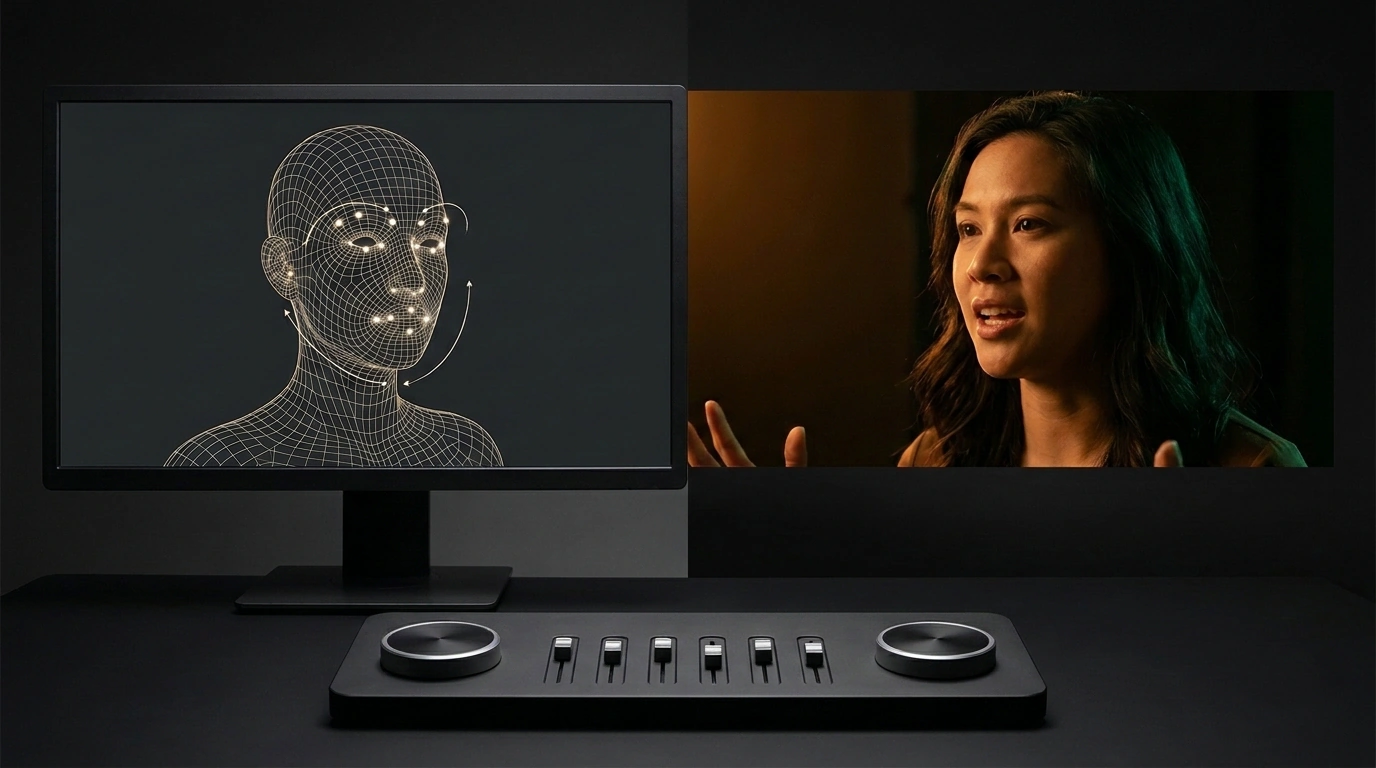
When told to assemble a draft, the agent runs a local render pipeline via the terminal, ffmpeg, and external APIs. First, it builds a 3D avatar from real clips using MediaPipe (Google's AI Edge library that tracks 478 3D face landmarks and 52 facial blendshapes from ordinary video without depth sensors). Next, ElevenLabs clones his voice (offering instant cloning from one to two minutes of speech or full professional cloning over API), and Sync LipSync 3 from Sync Labs matches lip movement to the new audio. Titles and overlays go on top.
Where does the agent learn the right pacing and visual style? From v2.video, a service pitched as "GitHub for video editing."
The v2.video video-versioning platform showing edit history for AI agents (Source: v2.video)
Nothing gets edited in the browser; all rendering happens locally. The v2 CLI tool (macOS and Linux, requiring git and ffmpeg) drops an AGENTS.md rulebook into your project when you run v2 init. Commands like v2 save, v2 diff, v2 restore, and v2 comments track every version of a video along with prompts, edits, and timestamped feedback. Projects default to private, while public ones can be cloned and forked. Brown uploaded the source files of his best-performing videos, so Claude Code can see what he kept, what he cut, and replicate his rhythm in the draft.
Why Trash the Avatar Before Release and Who This Pays Off For
If the AI already built a video with your face and voice, why not just hit publish? Brown sticks to a strict rule: no 3D avatars on social media. Viewers burn out fast on synthetic presenters like HeyGen or Synthesia, and plastic facial expressions chip away at personal-brand trust. Here, the avatar is just a disposable storyboard.
Once the pacing and graphics feel right in the draft, Brown prints the script, films himself on a Sony camera, and plugs it into his MacBook Pro. He tells the agent to swap in the live footage and trim out stumbles. Claude Code replaces the avatar with real video and re-times the animations to match his natural speech. Roughly 90% of the edit stays untouched—in fact, the very video where Brown showed off this workflow was built the exact same way.
There are real hurdles. The setup demands far more technical comfort than a standard editor: you need git, ffmpeg, the v2 CLI, ElevenLabs and Sync Labs API keys, and a terminal workflow with Claude Code (or Codex and Cursor, which v2.video also supports). Brown didn't share exact cost numbers—we don't know the per-minute API and token bill or render times—and the full prompt pack sits behind a free email signup.
This kind of pre-production isn't for everyone. For casual vlogs or interviews, it's overkill. For tight scripted explainers, tutorials, and product launches where pacing and a repeatable style carry the video, a throwaway avatar saves hours of reshoots while keeping a real human on camera.