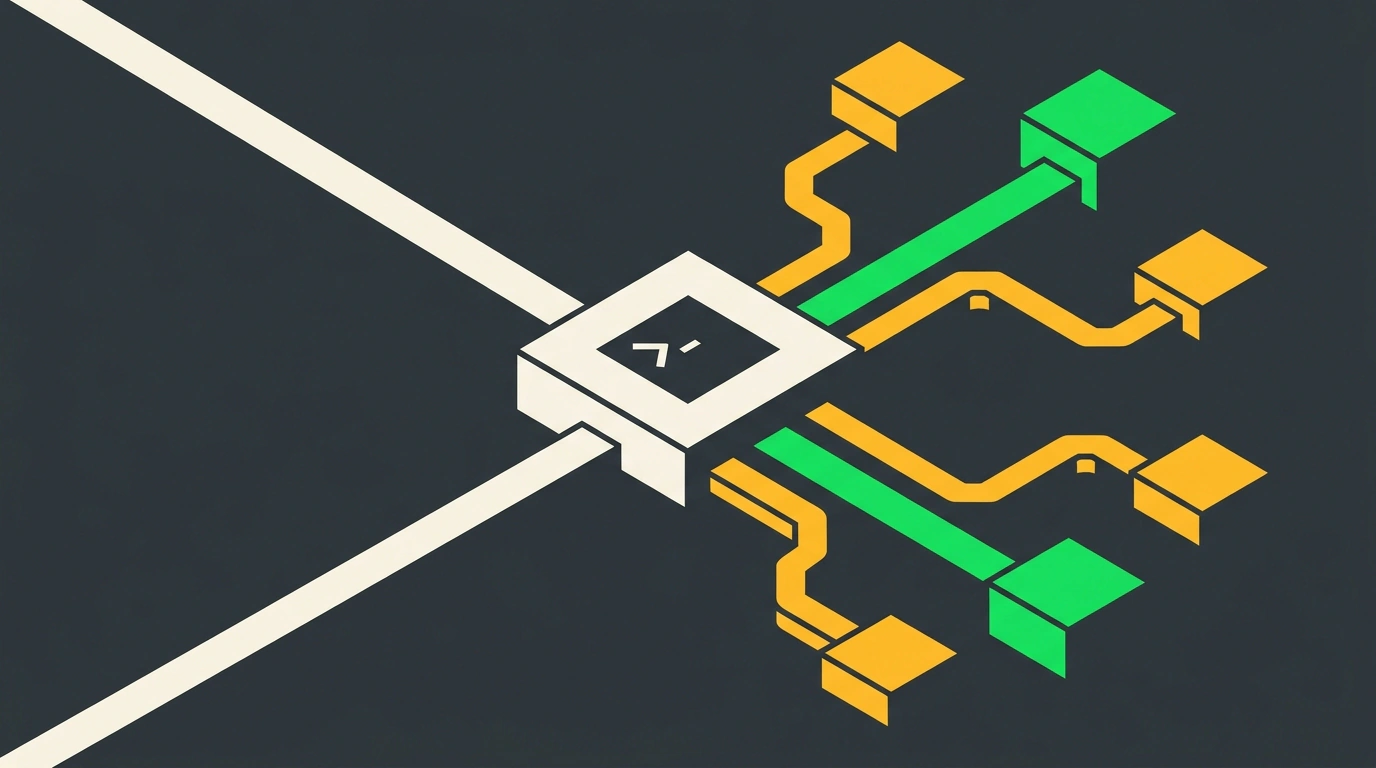
When you launch OpenAI Codex CLI in your terminal and ask it to build a web UI, it looks like a single solid program. Under the hood, two separate pieces do the work. An agent harness lives on your laptop, reading files and running shell commands. Meanwhile, every reasoning step flies over the network to a remote language model.
Because the agent makes dozens of calls per task, a ChatGPT Free or Go quota burns out right in the middle of a build. Since the harness and the model are already separate, though, there's no need to abandon Codex. You just point its requests at a local gateway that routes them to other providers.
Separate the Harness From the Model
That's the job of OmniRoute, an open-source local API gateway under the MIT license with 90,135 GitHub stars (version 3.8.54 is live on npm). Think of it as a traffic cop. To Codex CLI, it looks like a standard OpenAI server at localhost:20128, while behind the scenes it forwards calls to whichever provider you pick.
OmniRoute's catalog lists 394 providers and over 1,400 models, including Kimi, DeepSeek, GLM, Claude, GPT, Gemini, and MiniMax. Around 153 providers offer free tiers, and roughly 51 provide recurring or keyless quotas.
The standout feature is auto-fallback. If a free provider suddenly throws a 429 Too Many Requests rate-limit error, the gateway quietly shifts the next step to a healthy backup provider. Your task keeps rolling, and the gateway sits comfortably beside a regular ChatGPT subscription: use your OpenAI quota while it lasts, then switch to the local port when it runs dry.
Step-by-Step Setup for Codex CLI and OmniRoute
You'll need Node.js 22 (>=22.22.2 <23) or 24–26 (>=24.0.0 <27). The setup works on macOS, Linux, and Windows. Install both packages globally and start the gateway:
# Install the official OpenAI Codex CLI and the local gateway
npm install -g @openai/codex
npm install -g omniroute

# Start the gateway: dashboard opens at localhost:20128
omniroute
Open http://localhost:20128 in your browser (the OpenAI-compatible API listens on http://localhost:20128/v1) and add at least two providers—a primary and a backup—so auto-fallback has somewhere to jump. Next, wire up Codex CLI:
# Interactively pick a model and write the Codex config
omniroute configure codex

# One-off run through the gateway without overwriting config
omniroute run codex --model auto
Previously, you had to edit ~/.codex/config.toml by hand (%USERPROFILE%\.codex\config.toml on Windows) to set base_url = "http://localhost:20128/v1" and wire_api = "responses", since Codex uses the Responses API. Now configure codex handles that automatically. Two extra flags come in handy: --dry-run previews the environment variables without launching, and --api-key-env NAME passes your key via an environment variable so it stays out of shell history. Keep keys there or in the gateway dashboard—never inside a repo.
To test everything, open an empty folder, run codex ., and ask for a simple landing page or local to-do app. Requests show up right away in the OmniRoute dashboard. Later, you can feed claude, opencode, cline, aider, goose, and gemini through the same gateway.
Free-Tier Reality and How It Compares
"Free" here doesn't mean "unlimited." Most providers enforce tight rate limits, change terms often, and still require an account plus your own BYOK (Bring Your Own Key) API key. Auto-fallback also only jumps between providers you've configured, that are currently online, and whose models reliably handle Codex-style tool calling. Some free models mangle arguments and stall.
Once your ChatGPT quota hits zero, you have three realistic paths. Local Ollama gives total privacy because code never leaves your drive, though without a beefy GPU it crawls on an average laptop. Free cloud models routed through OmniRoute feel much snappier, assembling a simple landing page or basic UI in 60 to 90 seconds.
Against paid flagships like Fable 5 or GPT-6, however, the gap shows fast. For prototypes, small scripts, and quick layout tweaks, the free pool is great. On multi-module refactoring, free models lose track of cross-file links and break neighboring code—that's where a paid flagship still pays for itself on the first hard task.