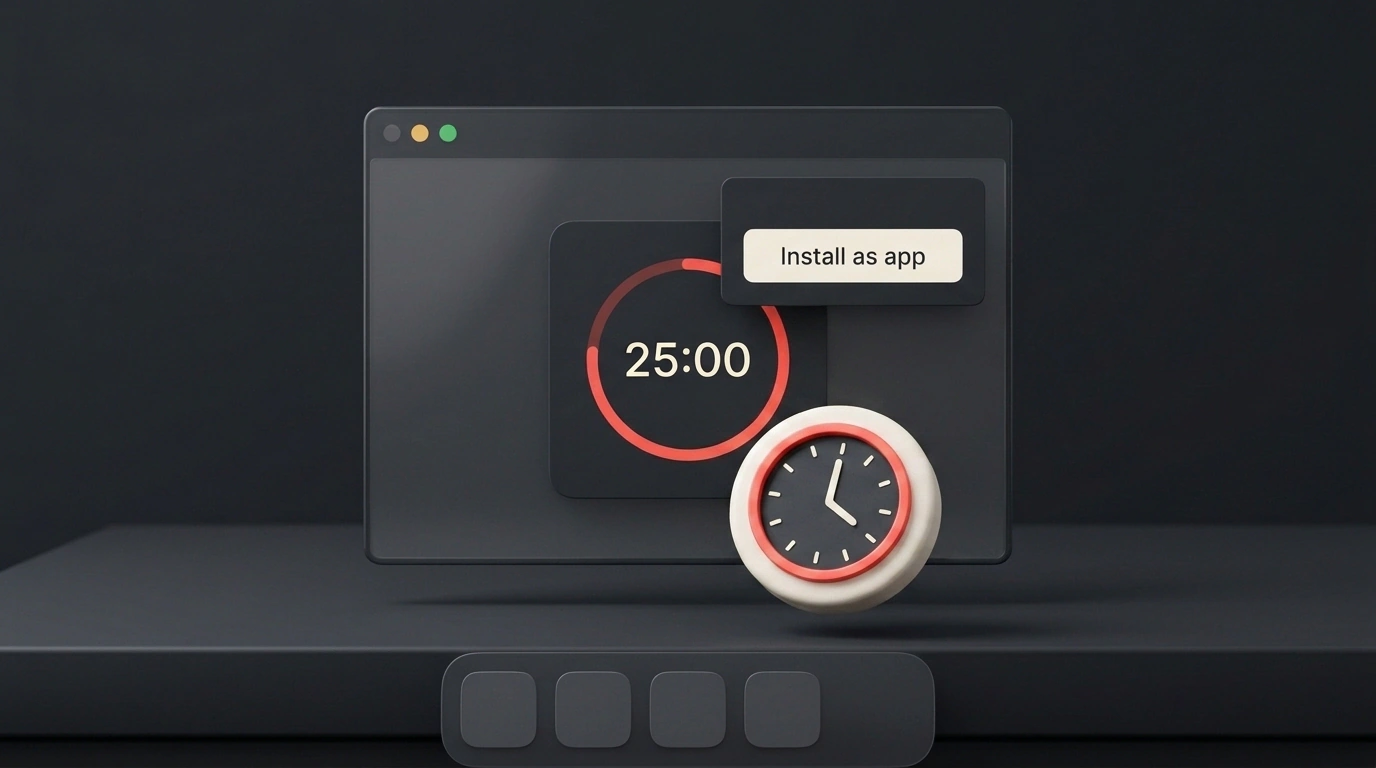
Claude Desktop (starting with version 6.28899.0) has added a beta feature called Install as app. Any interactive artifact, meaning a separate window with a mini-tool, dashboard, or tracker that the model builds next to your chat, can now be installed on Mac or Windows like a regular desktop program. Access is rolling out gradually across all plans, including the free tier. Linux and Enterprise setups with hybrid environments or HIPAA requirements are not supported yet.
Claude platform and workspaces for artifacts and apps (Source: claude.com)
How an Artifact Turns Into a Desktop App
Previously, the path from a finished solution in chat to real daily use felt clumsy. The model built a useful dashboard or calculator, and then you either left it buried in your tenth browser tab or copied the code and dealt with deployment. With Install as app, that extra step disappears. You open an interactive artifact in Claude Desktop, click Share or right-click its title, and choose to install it.
The mini-program gets its own icon in the macOS Dock or the Windows Start menu and opens in a separate window. It behaves like a normal system resident: it sends system notifications, sits in the Mac menu bar or Windows system tray, opens with a global shortcut, and can stay on top of other windows. For example, a simple Pomodoro timer described briefly in chat moves straight to the top bar of your screen in half a minute.
The biggest benefit is under the hood: you don't need to register API keys or spin up a server. The app immediately uses your current Claude account login and connected integrations, such as Slack, Asana, or Google Calendar. If you edit the original artifact in chat, the installed desktop app updates automatically. The trade-off for this convenience is your usage quota, since every AI request inside that window counts toward your plan's overall limits.
There is also one important restriction. Artifacts created from built-in Docs, Slides, or Sheets templates cannot be installed as standalone apps. The install button only works for custom interactive builds.
From a Static Preview to a Live Team Page
Desktop installation is only half the update. Over recent months, artifacts themselves (covered in detail in Claude's help documentation) have grown from one-off previews into a shared workspace. Users have already generated more than 45 million documents, presentations, and mockups there.
You can publish pages from a regular chat or directly from Claude Code sessions. A report or utility lives at a permanent link with version history. You no longer have to send colleagues a file named report_final_v4.html and ask everyone to download it again because of a typo. Your edit simply becomes a new version at the same link. By default, every new artifact is private and visible only to the author until you decide to share it with your team.
Seven templates are currently available on the platform, split clearly by plan:
- Docs (briefs, guidelines, and reports with targeted edits), Slides (presentations), and Design (mockups, landing pages, and visual one-pagers) are available on all plans, including Free.
- Sheets (spreadsheets with formulas, tabs, and dropdown lists), Whiteboards (brainstorming boards), and Data (formerly Dashboards, for analytics) are available on paid plans; Sheets and Whiteboards are still in beta.
- Motion, for short animated explainers, is in beta and available only on Team and Enterprise plans.
The biggest shift in mechanics is that these pages are now live. An artifact stores shared state: when one employee checks off a tracker item or fills out a form, everyone else sees the update right away. A page can also call the model itself for suggestions, and those requests use the quota of the team member who opened the link, not the author. Colleagues can leave comments right on top of the page and tag @Claude, and the AI applies the edit on its own.
The Data template has another useful feature: it connects to real databases like BigQuery or Salesforce, and clicking any number on a chart reveals the underlying SQL query. That makes it easy to check the math with your own eyes instead of trusting a polished number blindly.
What Small Software This Replaces and Where It Hits a Ceiling
After every major Claude platform update, social feeds immediately declare hundreds of SaaS startups dead. In practice, things are much more down to earth. Artifacts and Claude Apps solve the "last mile": that annoying stage where the AI's answer is ready, but you still have to move it into Google Docs, take screenshots for Slack, or explain to a non-technical colleague how to open an HTML file from GitHub.
In day-to-day work, this replaces "small software"—tiny internal utilities that companies either pay extra subscriptions for or manage through messy spreadsheets. A good example is operations manager Jen. She needed to run an internal cybersecurity training for her whole team. Instead of buying an LMS platform or pulling in developers, she built a quiz course as a Claude Artifact by pulling details from work email. Colleagues took the test via a link, and Jen got a dedicated screen with completion statuses and scores—a mini-app with its own backend, built without a single programmer.
Daily dashboards work the same way. A morning Content OS dashboard that gathers video ideas from YouTube and X moves out of a browser tab into a separate menu bar window. In a couple of minutes you rank, approve, or reject topics, and your choices sync right back. You can share a presentation for an October all-hands meeting straight from an artifact during the call, or iterate on new logo options on one versioned board instead of a folder full of ten HTML files.
Still, this is far from full-scale enterprise software.
| Team Task | Claude Apps / Artifacts | Traditional Software |
|---|---|---|
| Hiring tracker, onboarding, mini-quiz | Built in an evening, works via a link with shared state | Not needed unless deep HR system integration is required |
| Weekly KPI page, dashboard | Easy to keep in a separate window and update via @Claude | Needed for heavy financial models in Excel with macros |
| Personal utilities (timer, filter) | Installs in the menu bar or tray with no deploy or API keys | Needed if Linux support or full offline mode is required |
| CRM and customer tracking | Falls short: lacks a full database and complex relations | Dedicated CRM with deal history and automation |
| Portal with access permissions | Access is tied to a Claude account | Custom backend, logins, and RBAC (role-based access) |
Anthropic itself warns that built-in Sheets cover basic spreadsheet tasks and won't replace heavy Excel workflows. If a project needs custom logins, a complex backend, and granular RBAC (role-based access control where each department sees only its own rows and buttons), artifacts quickly hit a ceiling.
There is also an organizational trap: the "artifact graveyard" syndrome. When everyone on a team starts churning out ten pages for every tiny task, you soon end up with sixty links and nobody knows where to look. To make sure people actually open a page every day, start with a clear brief: who uses it, what decision it helps them make, and what a good outcome looks like.
Security and the Ecosystem Lock-In Trap
The main technical concern around these new desktop apps is security. And here it's smart to be cautious right from the start.
Claude Apps currently has no manual pre-moderation or curated store of verified apps. At the same time, permissions vary widely: one app stays inside a browser sandbox, while another may ask for full access to your computer to launch programs and modify local files. Grant extended permissions only to builds you created yourself or from authors you trust 100%.
The second painful issue is vendor lock-in. All artifacts live on Anthropic's infrastructure, and viewing private team pages requires colleagues to sign into a Claude account. The company's logic is clear, and it isn't alone: Microsoft has Copilot Pages, Google runs Gemini Canvas, and OpenAI has Spaces. The model itself is no longer the only advantage, so the giants are building work environments that are hard to leave later.
The exit door is still open, though. Artifacts export to Word (DOCX), PDF, Google Docs, PowerPoint (PPTX), Google Slides, Sheets, CSV, Markdown, and HTML, while boards export to Miro, Lucid, or Vani. Under the hood, it's still plain text and markup.
To enjoy the benefits of Claude Apps without locking yourself into someone else's cloud, follow one simple rule: keep your source of truth with you, and use the artifact as a storefront. Store your source files, knowledge bases, and core data in local folders or your own system, and put a convenient view for reviewing, commenting, and editing into the artifact. The skills of scoping tasks clearly for AI, verifying numbers, and moving your team from file attachments to live links will stay with you even if you switch platforms a year from now.