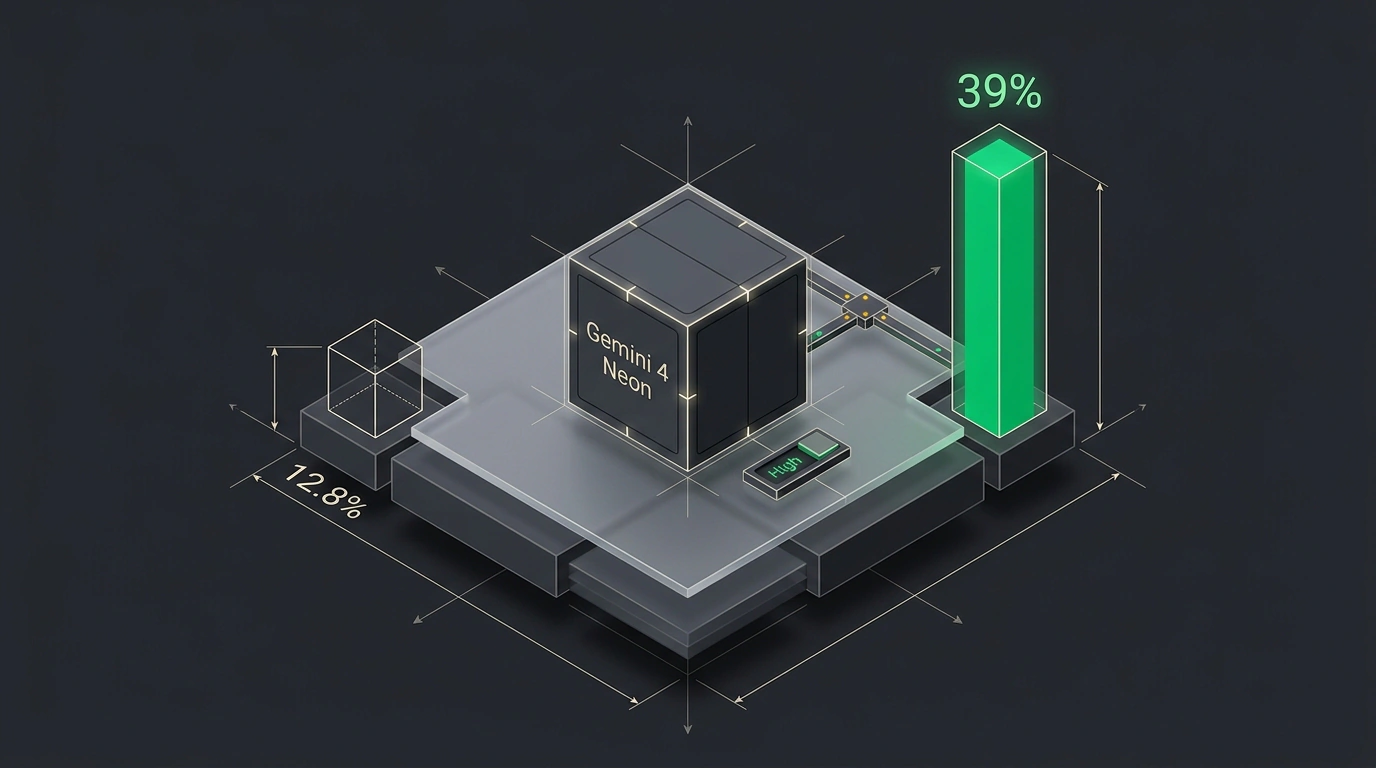
The exact same Gemini 4 Neon model scores 12.8% on coding tasks in a bare chat window without tools, and jumps straight to 39% inside the Google Antigravity agent environment. That is more than a threefold leap, even though the model weights don't change by a single byte.
That explains why social media reviews split down the middle. Some people tested the new model in an empty wrapper and shrugged, while others ran it in its native environment with a terminal and a browser. In the Gemini 4 lineup, Neon sits between the lightweight Hydrogen and the heavy Carbon, supports a 1M-token context window, and costs roughly $3 per million input tokens and $15 per million output tokens via API. Five specific settings help you get the most out of it.
Why High Mode Beats Extra High and Why the Environment Matters
The thinking level setting controls the budget for the internal scratchpad where the model works through a problem before answering. On a hard task, it's tempting to crank the slider up to Extra High, and on the Artificial Analysis Intelligence Index the model really does reach 61 points there.
In practice, though, there's a catch. Google hasn't published an official token-spend table comparing modes, and field benchmarks show a lopsided trade-off: Extra High burns roughly 70% more tokens for less than a 2-percentage-point gain. For daily work, High is the smarter default. By those same measurements, it costs about 32% less than heavy Carbon while barely giving up any accuracy.
The second common mistake is trying to build a large project in a bare chat window. Without access to your repository, terminal, and tests, the model guesses blindly and drops back to that 12.8%. Inside Antigravity, the agent reads files, runs commands, and fixes bugs on the spot.
Orchestrator by Day, Swarm by Night, and Caching From Line One
For regular daytime edits, the built-in Orchestrator is plenty. For a major build, it's better to run /swarm: assign clear roles (researcher, frontend designer, frontend engineer, backend engineer) and leave the swarm running overnight. By morning, the assembled project is sitting on disk.
To keep the agent from reporting "done" when a button on the page is dead, add a verification loop. Tell it explicitly in the prompt to open a browser, click through the interface, and fix anything that breaks. That single line catches a huge share of half-baked bugs.
The final technique is prompt order. Across the entire Gemini 4 family, automatic (implicit) caching is on by default. According to Google AI Studio documentation, it kicks in on prefixes starting at 4,096 input tokens and charges nothing for storage. The system remembers the unchanged opening of your prompt, but any edit near the top resets the cache. Put your static context and rules strictly at the beginning, place the task at the end, and tell the model to stick to facts so the output doesn't drift into marketing fluff.
- Set thinking to
Highinstead ofExtra Highto save tokens with almost no loss in accuracy. - Build large projects inside Google Antigravity rather than a bare chat wrapper.
- Use Orchestrator during the day, and hand big builds to
/swarmby role overnight. - Always include a browser verification loop: open, click through, and fix bugs.
- Put static context at the top (at least 4,096 unchanged tokens) and require facts to benefit from auto-caching.
Where Neon Shines in Practice and What to Fix in Its Writing Style
The model handles physics, 3D, and messy data with confidence. Using Blender and WebGPU (the browser interface that hands 3D graphics directly to the GPU on a page), people build a working pinball game from a prompt—complete with multiball, stained-glass textures, and procedural sound in the spirit of the classic Windows XP game. In another test, Neon added uneven limestone terrain to a robot-dog simulation and automatically wired up slope-based leg adaptation, 5-point obstacle scanning, and spine twisting.
In business workflows, the model turns a stack of messy invoices into a financial model and audit, handles CRM reconciliation and lead routing, and builds interactive lead magnets (3D configurators, mini-games) and custom demos. Feed it a local business URL, and it generates a calculator tailored to that site.
In prose, Neon has three built-in habits: excessive brevity, a fondness for em-dashes, and formulaic "not X, but Y" contrasts. One line in your system prompt asking it to write in full detail and drop those patterns clears all three up.