You send an AI agent off on a complex task, step away for ten minutes to grab coffee, and come back to a cheerful "done" on your screen. You close the tab, only to find out two hours later that the report never saved to disk or the published page throws an error. The agent finished and went quiet, while all you saw during the run was a scrolling stream of text that never told you which step broke.
On November 24, 2026, Google Antigravity shipped a UI update that solves the first half of this problem: observability. Checking the real outcome, however, is still up to you.
What Changed in Google Antigravity
Previously, a long run in Antigravity just scrolled a feed of the agent's "reasoning." To figure out whether it had reached testing or was still editing the first file, you had to scan the log by eye and guess how much work remained.
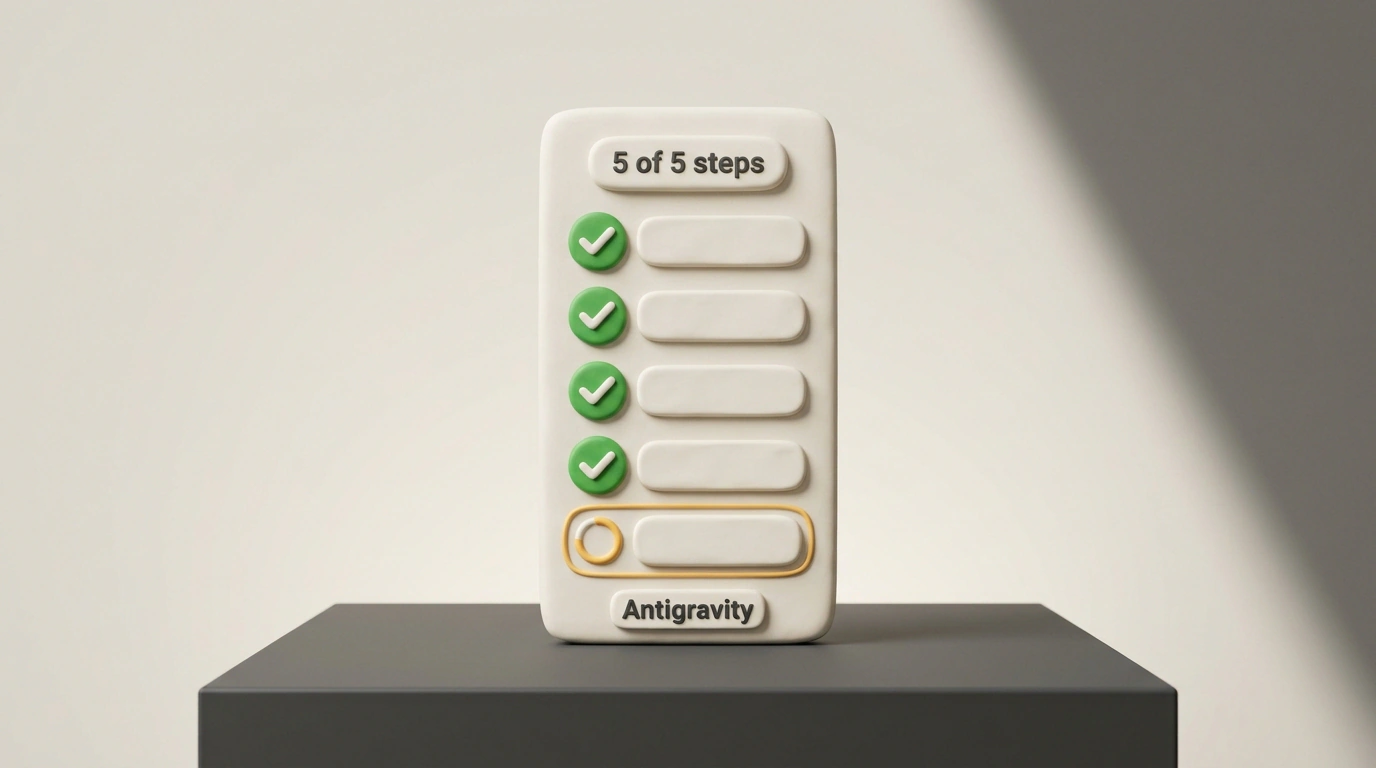
Now the platform has Live Progress Checklists. Before starting, the agent breaks the task into a list of steps and updates it as it goes: finished items get a checkmark (done), the active step is highlighted as in progress, and the rest wait in not started. Once finished, the list collapses into a compact badge like 5 of 5 steps, which you can click open to audit.
Google Antigravity workspace for managing AI agents and projects (Source: antigravity.google)
The feature arrived alongside November platform updates (v2.35.1 and an Orchestrator settings panel with separate model selection for planner and executor). You can also define custom review checklists directly inside SKILL.md skill files so the agent sticks to your style and error-handling rules.
Work feels calmer now. One glance at the screen tells you in a second where the run stands.
Silent Failures and the Difference Between a Checklist and a Receipt
Observability is sorted, yet a checkmark by itself proves nothing. AI agents still suffer from a common flaw—silent failure, where automation reports success while the expected result is missing. Auto-posting tools send success logs for days while the feed stays empty, an email goes out to a client with a [First Name] placeholder or a broken link, or a report never hits the disk.
A simple courier analogy makes this clear. A checklist is the courier's own notepad where they mark a plus next to an address. They genuinely believe they delivered the package. A receipt is the recipient's signature or a photo of the box at the door.
A checklist shows what the agent thinks it did. A receipt proves it actually happened.
In Antigravity's default checklist, the agent sets the statuses itself without external verification. If the model decides a step is done, the checkmark appears even if the file is empty.
How to Verify Steps With Artifacts and Catch Honest Failures
To close this gap, you tie each step to a completion artifact—a tangible trace on disk or online, such as a file, a live URL, or a screenshot. On top of that, you add a proof probe: an independent script or rule that checks the disk and opens the URL before letting a step close.
Take a real six-step website SEO audit (~7.5 minutes). In step one, the agent crawls the homepage and up to 10 linked pages, producing an 8.8 KB crawl file. In step two, it checks headings, descriptions, alt tags, and broken links, writing a 36 KB audit file. Next come mobile speed checks and an edit plan, each with its own file. Step five builds a one-page report with a screenshot (in the test run: 11 pages, 0 broken links out of 38, 20 of 26 images missing alt, 4 pages missing canonical, score 69/100). Step six starts a local server and checks the HTTP response. If a file is empty or missing, the probe fails the step and blocks a fake success.
An "honest failure" workflow is even more revealing. Imagine packaging a lesson in six steps: outline, lesson page, 5 quiz questions, social post, a 40 KB ZIP archive, and publishing to a gated platform. The first five steps pass cleanly. On step six, the agent hits a locked login screen and, instead of faking "done," marks the step failed with the exact reason: no account login, upload the ZIP manually. You see that in one second instead of hearing it from an unhappy client.
- Split work into 5–6 small steps—broad, vague prompts hide mistakes.
- Define a verifiable artifact for each step: the file exists and is larger than
0bytes, the URL opens, a screenshot is saved, and emails contain0placeholders like[First Name]. - Explicitly grant permission to fail honestly in your prompt or
SKILL.md: if access or data is missing, mark it failed and state why instead of inventing success. - Spot-check the first few runs by eye—open the file, click the link, and read the email.
Once checks reliably catch empty files and locked logins, that collapsed 5 of 5 steps badge stops being decoration and starts saving real time.