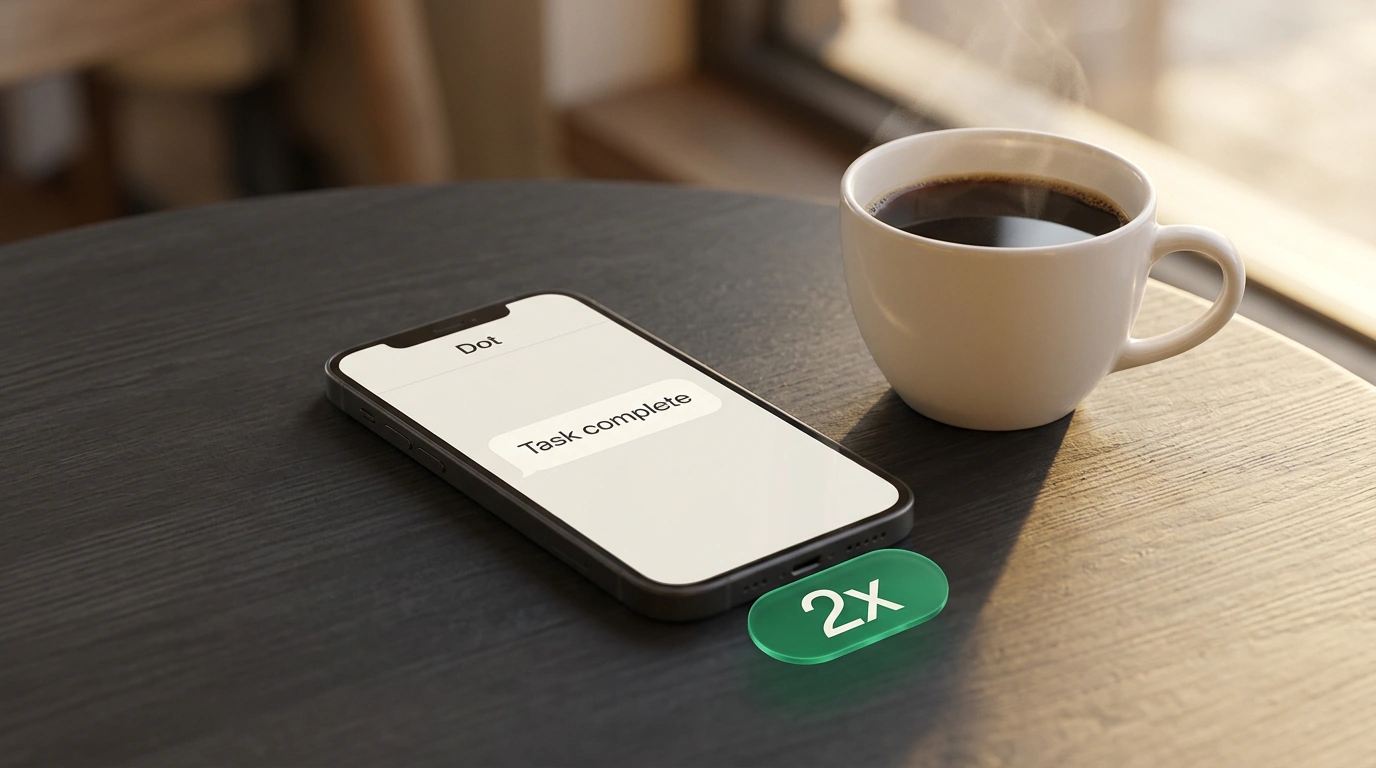
Why text an AI agent in your regular messaging app when ChatGPT is already installed on your phone? You have to remember to open a separate app, whereas you already check Messages dozens of times a day.
OpenAI rolled out two updates at once (ChatGPT release notes). Its background agents, ChatGPT Dots, entered preview directly inside iMessage on iPhone and RCS on Android. Alongside that, the company doubled usage limits on Pro and Business Premium plans and moved Dots consumption into a separate quota.
How Messaging With Dots Works in iMessage and RCS
ChatGPT Dots are persistent background agents inside ChatGPT with their own cloud environment, name, and connected tools. While you focus on other work, the agent runs in the background and sees multi-step tasks through to completion.
Previously, you could only talk to a Dot inside ChatGPT. Now the agent moves into your default Messages app, via iMessage on iOS and RCS on Android (the modern replacement for SMS that supports photos, voice notes, and read receipts).
Setup takes a minute: open your Dot's profile, select Texting, enter your phone number, and confirm it with a 6-digit code. Your context and tools stay identical to the web or mobile app. You can send text, photos, and voice notes in the thread, and the agent texts back on its own.
Linking your number does not give the agent access to your other chats or group threads. OpenAI built the channel strictly one-to-one between you and a specific Dot, so neither the agent nor the company can see your other conversations.
Timed Routines and a Codex Remote in Your Pocket
Messaging shines brightest with routines—tasks triggered by a schedule or an event. You can ask your Dot to send a daily summary at 5:30 PM, or watch an important email thread about upcoming calls and text you only when something changes. You stop refreshing your inbox manually; the agent taps you on the shoulder when there is a reason.
The second practical use case is pairing with Codex, ChatGPT's engineering environment that writes code, edits websites, and builds projects. With a Dot in Messages, your phone becomes a remote control for development. Instead of pulling out your laptop for a small fix, you dictate a quick voice note: clean up the landing page and push the changes to the repo. The Dot launches a Codex session in the background and sends back the result. The same race to break out of the browser is happening across the market: Anthropic is putting Claude Apps in the desktop menu bar, Viktor lives in Slack and Teams, while OpenAI is betting on system messaging, widgets, and Apple Shortcuts.
Doubled Pro and Business Limits and Real Constraints
To keep a background agent from burning through your entire work quota before lunch, OpenAI addressed the risk in two ways (ChatGPT pricing).
First, ChatGPT Dots now have a separate quota, so background chats and scheduled checks don't eat into your heavy-duty work allowance. Second, limits doubled across all Pro tiers (Pro 100, Pro 200, and Pro 500) as well as Business Premium. For Pro 200, that effectively reversed a previously planned 50% cut. The boost applies to the shared ChatGPT Work and Codex quota, while basic chat and the Plus plan stay under existing rules.
Before reorganizing your workday around it, keep three limitations in mind.
The iMessage and RCS preview for Dots launched only for ChatGPT Pro in the US, with a gradual rollout to select Plus and Business Standard accounts. In other countries, the texting channel itself may still be closed, though routines and Codex still work inside the regular ChatGPT app.
OpenAI doesn't specify an exact task count for the doubled quota and notes that "double the limit" doesn't guarantee twice as many identical tasks. Usage depends on code complexity and Codex context length.
Security-sensitive actions cannot be approved by replying in iMessage or RCS; the system still sends you to the main ChatGPT app for final confirmation.