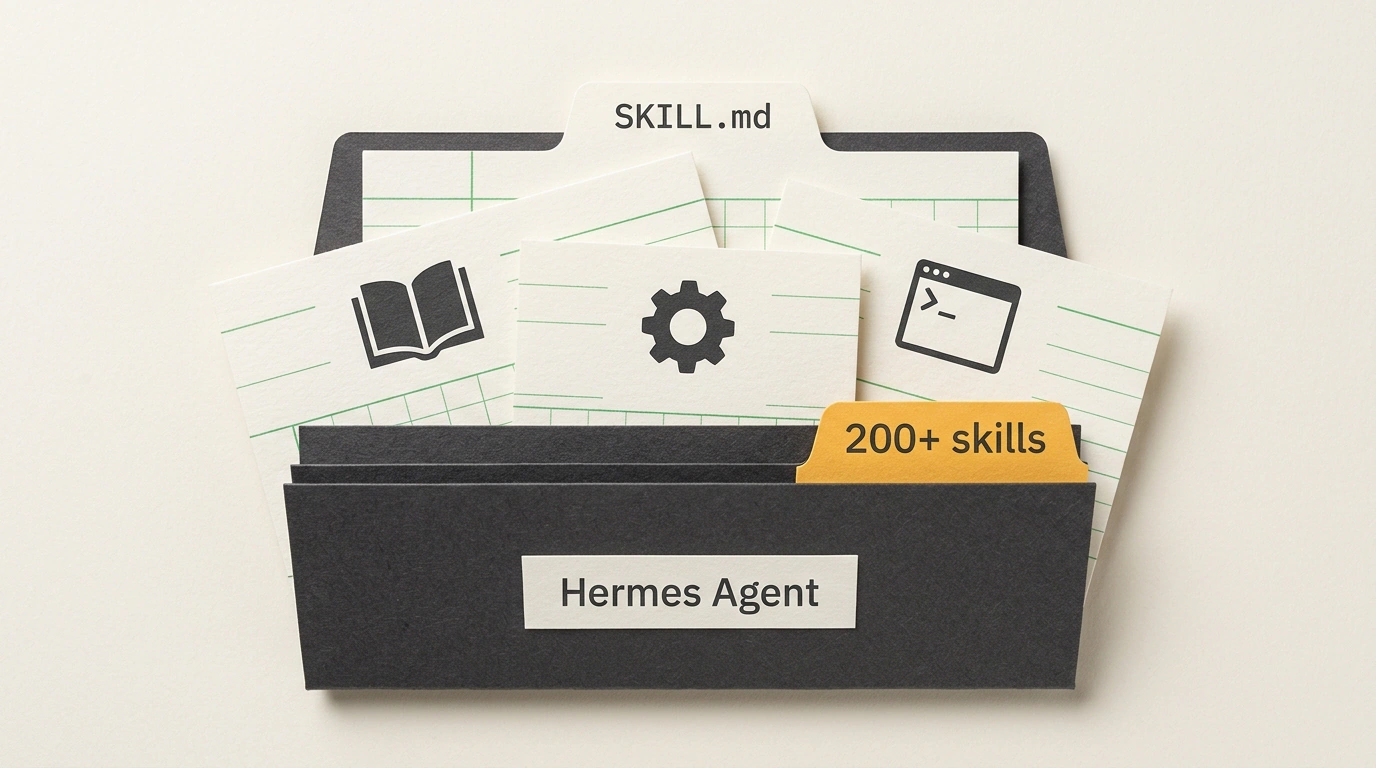
You install Hermes Agent from Nous Research locally, open the chat, and start typing another wall of text: what format you need, where to save files, and what not to forget. Yet sitting right beside it is a library of more than 200 free skills for common tasks. You don't need a paid wrapper like Agent OS for them—everything runs directly inside the open-source agent.
How a Skill Works and How to Call It
An agent skill is a compact folder containing instructions for one specific job. Hermes Agent follows the open agentskills.io standard and stores local skills in ~/.hermes/skills/.
This setup protects your context window. The agent doesn't drag all two hundred playbooks into every prompt: only a short list of names and descriptions sits in memory, and the full file loads on demand the moment you call it.
You can browse the list and install recipes from the catalog right in your terminal:
# List built-in and installed skills
hermes skills list

# Install an official skill from the catalog
hermes skills install official/research/arxiv

# Or pull a skill directly from GitHub
hermes skills install owner/repo/path/to/skill
The hermes skills list command prints a table with names and descriptions of available skills. Inside a chat session, /skills does the same thing, and you can trigger a workflow directly with a slash command (such as /excalidraw) or simply by naming it in your message.
Every skill folder holds three clear parts:
~/.hermes/skills/my-skill/
├── SKILL.md     # YAML header (name, description, version) and workflow steps
├── references/  # Optional reference materials
└── scripts/     # Optional helper scripts
SKILL.md does the main work with its metadata and step-by-step instructions. The references/ and scripts/ folders only load when a task needs reference docs or local script execution.
Which Skills Actually Save Hours at Work
Browsing all two hundred entries one by one makes little sense. It's much easier to look at a few skills working together.
A regular chat loses visual consistency fast: every new page of a site drifts in colors and spacing. The design.md skill (design-md, based on Google's open DESIGN.md spec) first writes your palette, fonts, spacing, and shadows into a design file, and only then builds a landing page in about a minute. Every page after that pulls rules from the same file.
Next, you need to show the site to your team or client. The Netlify deploy skill runs a draft deploy in roughly three minutes, putting the project on a private test link before you touch the main domain.
Another pair shines on scans and PDFs. The OCR skill (optical character recognition for scans and photos) turns a crooked form into clean fields in a minute, while document to action items pulls tasks and deadlines out of handwritten notes. If no owner is listed, the agent doesn't invent a name; it marks unassigned and asks you to clarify. And nano-pdf lets you fix a headline or view-hour figure in a finished PDF brochure using plain-language instructions without breaking the layout.
For visuals and cited writing, the catalog includes three more handy tools. /excalidraw builds editable whiteboard-style diagrams (Excalidraw JSON). The manim skill, built on the open-source Python engine Manim (made famous by 3Blue1Brown), writes code and renders a 20-second Full HD video with no camera or editing. Meanwhile, grounded citations writes short texts strictly from verifiable sources and places numbered links under every claim.
The fastest wins come from meeting action items for call notes, product price monitor for tracking competitor prices, and OCR for scans. Each run takes 1–5 minutes and immediately clears away tedious busywork.
Environment Limits and When to Write Your Own Skill
Some of these 200+ skills come bundled with Hermes Agent, while others are installed via hermes skills install. Not every skill works out of the box without setup.
Netlify deploy requires an account and authentication in the Netlify CLI (keep tokens in environment variables, never in chat). The manim skill needs Python, the Manim package, and dependencies like FFmpeg, while nano-pdf relies on its own CLI tool. Community-built skills should also be inspected before installation, since scripts/ can hold executable code.
In terms of quality, expectations should stay grounded. Action-item lists, price tracking, and weekly plans are ready to use right away. Presentations and brochures come out as solid drafts that are faster to polish in a couple of replies than to build from scratch.
If you have a recurring task with your own rules, you can drop a custom SKILL.md into ~/.hermes/skills/ in five minutes. Both Claude Code and Google Antigravity already support the agentskills.io format, so your recipes move easily between agents.