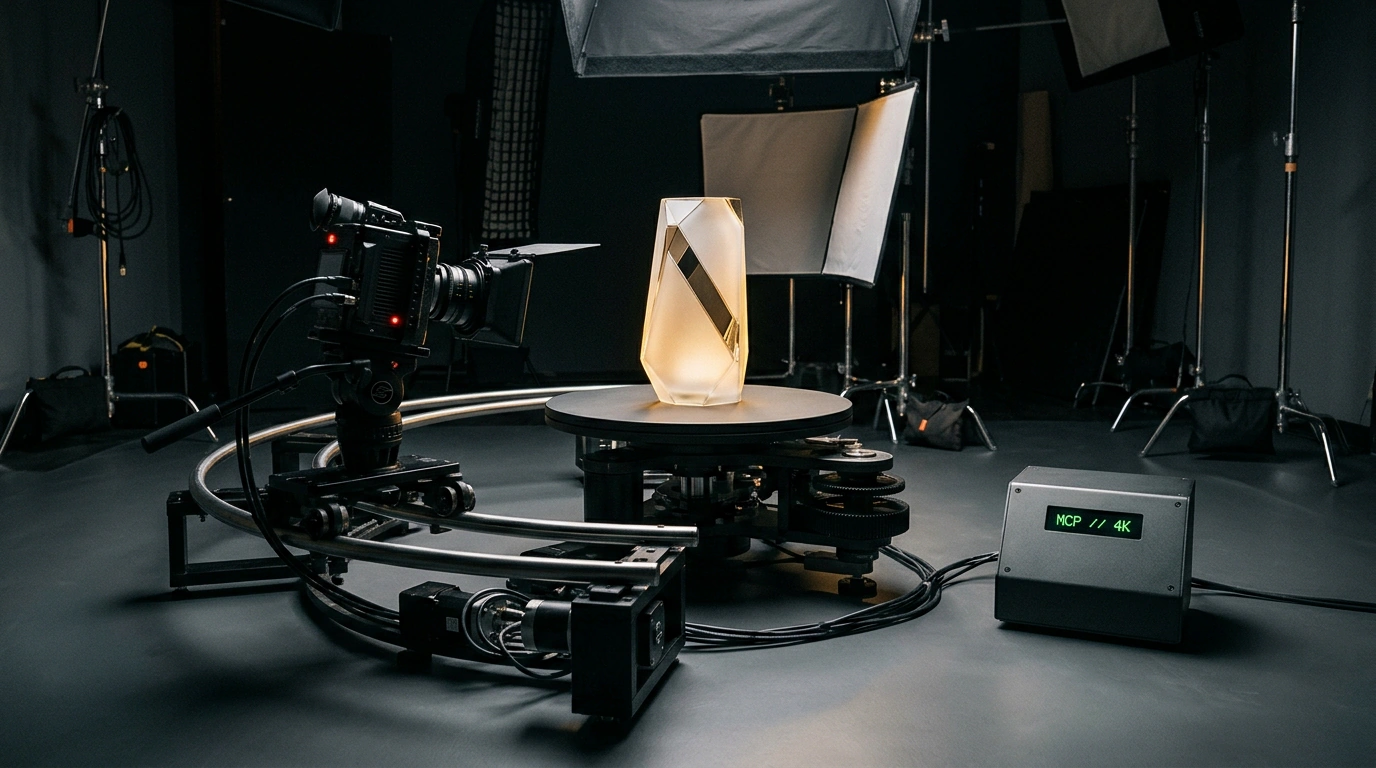
A one-minute 4K 3D commercial with volumetric lighting, camera movement, voiceover, and sound effects costs roughly $15 in AI credits. You don't even have to touch the 3D editor by hand: an agent builds everything in the background as long as you have free Blender, the desktop Claude app on a paid plan, and a decent GPU.
For commercial video production, the price gap looks unreal. According to producers with 15 years of experience ordering 3D graphics from studios, a polished 60–75 second spot at this level normally runs well over $20,000, and often closer to $50,000.
Why a 3D engine beats video generators when brands matter
Anyone who has tried making an ad in Sora, Veo, or Kling knows the pain. A five-second clip of a cat looks great. Show a real product with a logo, though, and by second three the lettering melts while lighting follows dream logic. Revisions are even worse: ask to pan the camera slightly left, and the model repaints the entire frame from scratch, changing the wall color along the way.
The difference is easy to picture. A video generator acts like a painter redrawing every frame in watercolor from memory—by frame forty, it has forgotten what your logo looked like. Claude Code plus Blender builds an actual film set with solid props, spotlights, and a camera on tracks. If a light lands wrong, you move that spotlight half a meter and everything else stays put.
Under the hood, this relies on procedural 3D rendering. Instead of guessing pixels, the AI builds a 3D scene through commands: modeling geometry, applying materials, placing lights, and keyframing camera paths. Blender's physics engine (Cycles or EEVEE) then calculates true reflections and shadows in 4K. The bridge is MCP (Model Context Protocol), an open protocol letting models call external app tools directly. Blender runs headless in the background without your clicks. Unlike lighter web stacks such as Three.js with FFmpeg, you get full ray tracing and intricate geometry—right down to a steam locomotive built piece by piece.
MCP for Blender interface showing a live 3D viewport beside the AI agent chat (Source: github.com/ahujasid/mcp-for-blender)
Setting up the environment and connecting Blender
The web version of Claude won't work here; you need Claude Desktop for macOS or Windows and a paid plan. Open the Claude Code tab inside the app rather than regular chat. Don't let the word "Code" scare you—you won't have to write code by hand and can type in plain English. That tab simply gives the agent access to a local folder, terminal, and external apps.
Setup is straightforward: create an empty folder on disk (say, commercials), open it in Claude Code, and click Trust workspace so the agent can save scenes and renders. Install a recent Blender build (Blender 3.0+ and Python 3.10+ are required). In model settings, pick Claude Opus 5.5 at Extra effort (or High to save quota) or Fable 5.2.
The bridge is the open-source MCP for Blender project under the MIT license (formerly blender-mcp, now packaged on PyPI as mcp-for-blender). You can ask the agent to install it from chat, though running clean uv commands once is more reliable:
# Auto-install MCP for Blender on macOS / Linux
curl -LsSf https://www.mcp-for-blender.com/install.sh | sh

# Or via an existing uv installation
uvx mcp-for-blender setup

# Connect the server directly in Claude Code (CLI)
claude mcp add ahujasid-blender -- uvx mcp-for-blender
On Windows, replace the first line with the PowerShell installer irm https://www.mcp-for-blender.com/install.ps1 | iex. If you configure claude_desktop_config.json manually (located at ~/Library/Application Support/Claude/ on macOS or %APPDATA%\Claude\ on Windows), the config is tiny:
{
  "mcpServers": {
    "blender": {
      "command": "uvx",
      "args": [
        "mcp-for-blender"
      ]
    }
  }
}
If Windows can't find uvx, set command to "cmd" and args to ["/c", "uvx", "mcp-for-blender"]. Next, open Blender once: enable the MCP for Blender add-on in Edit -> Preferences -> Add-ons, press N in the viewport, and start the local server. Restart Claude Desktop, and you can minimize Blender.
MCP for Blender add-on connection panel in Blender's sidebar menu (Source: github.com/ahujasid/mcp-for-blender)
In your first prompt, set strict guardrails right away: require concepts and a shot list (a frame-by-frame plan with timing) first, forbid downloading third-party 3D models, and demand preview renders before the final pass.
Create a 60-second 3D commercial for [Brand / Website URL].
1. Study the site and pitch 3 concepts. Once I pick one, write a shot list.
2. Build all geometry, materials, lighting, and camera animation yourself
   in Blender via MCP—do not download third-party 3D models.
3. Show intermediate keyframe renders before the final pass.
4. Render the final in 4K (Cycles GPU), assemble the video, and sync
   voiceover, music, and SFX from ElevenLabs.
This structure prevents the classic trap where an agent spends two hours rendering silently and delivers the wrong scene. Keyframe previews let you fix camera angles or lighting before any heavy 4K render.
Three real commercials: a quick draft, robots, and a voiced 4K film
You can see what this stack can do across three real Futurepedia spots, built in rising complexity by someone who previously struggled for two hours in Blender just to make a crooked chair.
The first spot, "The Claw," started from a single link to futurepedia.io. The agent was asked for three TV ad concepts, turned the chosen one into a storyboard, and rendered it in HD and 4K. Claude worked autonomously for about three hours and delivered a first draft with zero human edits, even generating music and sound effects.
For the second project, "The Launch Crew," the bar rose to a 75-second commercial starring tiny 3D robots. Borrowed from Riley Brown, the visual hook had objects emerging straight out of a computer screen inside Blender. The prompt banned pre-made assets, forcing Claude to build the entire robot crew, environment, and lighting itself. The agent studied the homepage, mapped out characters and a shot list, and built the video in chunks while bringing preview frames for quick sign-off. On a PC with a strong NVIDIA GPU, the build took roughly five hours.
The third project was the real showcase: "The Next Leap," a 60-second 4K narrated film. Here, the storyline and part of the storyboard were set manually—tracing human tech leaps from the railroad, lightbulb, factory, computer, internet, and smartphone to artificial intelligence. The prompt explicitly demanded live-action realism without a plastic CGI look.
Polishing it took nearly a week and 17 rounds of revisions. To see inside the process, the agent was asked to record 30-second behind-the-scenes clips straight from Blender, showing it model a steam locomotive piece by piece, tweak textures, and animate cameras. The final 4K render ran for over 20 hours.
For audio, they didn't even touch API keys. They used the official Claude in Chrome extension (available on Pro, Team, and Enterprise plans, letting Claude click web UIs with user confirmation). The user simply shared access to an ElevenLabs account. Claude picked a narrator voice to match its script, generated SFX and music, and assembled the final 4K video without a separate editor.
Where you hit hardware, pricing, and common-sense limits
There is no magic "press a button and get a commercial in five minutes" button here. The agent removes modeling and animation grunt work, yet ray-tracing physics still takes time. Most hours go into Cycles GPU Compute, Blender's engine that offloads lighting math from the CPU to your graphics card. On a regular laptop, what takes a beefy NVIDIA desktop 3–5 hours can easily stretch past a full day.
| Cycles GPU backend | Supported hardware | VRAM guidelines |
|---|---|---|
| NVIDIA CUDA / OptiX | Maxwell cards (CC 5.2+) for CUDA; RTX cards with RT cores for OptiX | 2 GB min; 8 GB+ recommended; heavy 4K needs 12–24 GB+ |
| AMD HIP | Radeon GPUs on Vega architecture and newer | 8 GB+ for basic scenes; 12–24 GB+ for dense 4K renders |
| Intel oneAPI | Discrete Intel Arc (Xe-HPG) cards | 8 GB+; geometry and textures must fit entirely in VRAM |
| Apple Metal | Apple Silicon (M1–M4) on macOS 13 and later | Shared system memory; complex 4K scenes need 16–24 GB+ |
All scene geometry and textures must fit inside GPU memory during rendering, or performance drops sharply—or crashes.
The second ceiling is Claude's pricing. The entry point is the $20/month Pro plan, enough for roughly one commercial, especially if you run Fable 5.2 (which uses usage credits on Pro) or Opus 5.5 at Extra effort. For producing a batch of spots without watching the meter, you need the $200/month Max plan, which easily covers five or six projects a week.
Audio automation has caveats too. Browser clicking via Claude in Chrome is handy at first when you don't want to set up ElevenLabs keys, yet it's slower and gives less credit control than the official ElevenLabs MCP. Most importantly, you remain the director: even after a week of work and 17 revision rounds on "The Next Leap," a couple of shots still ended up flagged for replacement.