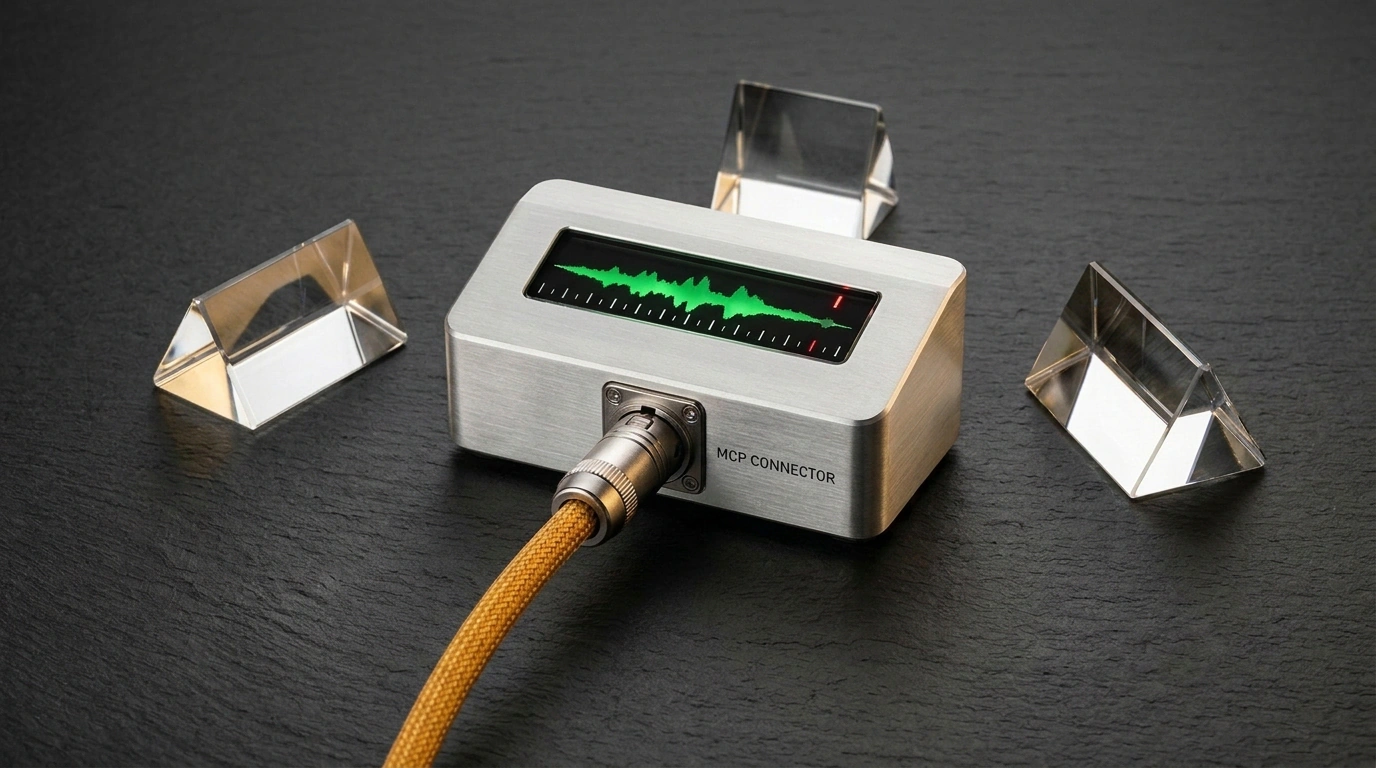
ElevenLabs has expanded its official MCP connector. Previously, it only controlled ElevenAgents voice bots; now that same plug connects over 50 ElevenCreative multimedia models. A text agent in your terminal or editor can voice scripts, compose music, dub audio, and assemble short videos without jumping across five tabs.
One plug instead of five tools: what's under the hood
MCP (Model Context Protocol) acts like a universal power outlet for agents: connect an external service once, and the model calls its functions straight from chat. The ElevenLabs suite bundles voiceovers from any library voice, custom voice design, audio transcription in 99 languages with speaker labels and timestamps, timbre-preserving dubbing, music, SFX, image generation, image-to-video, and lip-sync (matching mouth movements on video to a new audio track).
Every call lands in ElevenCreative Flow, an editable node canvas in the web studio. When the agent builds a solid draft, you open the project on the timeline, tweak cuts by hand, and export the final file. A working wrapper takes about twenty minutes to set up: feed it a book cover and a short blurb to get a vertical promo, while talking avatars look far more convincing thanks to ElevenLabs' natural vocal pacing.
How to connect: cloud OAuth or local server
The main route from the ElevenCreative MCP docs is the hosted OAuth connector. You don't need your own server or pasted keys: just sign in via browser, pick a workspace, and grant permissions. Team admins can restrict available tools and set data residency regions (Europe, India, or Singapore).
The connector works in Claude Code, Hermes Agent (Nous Research's open-source agent with built-in MCP), Cursor, ChatGPT, and GrokBot:
# Claude Code: connect the shared hosted server
claude mcp add --transport http elevenlabs \
  https://api.elevenlabs.io/v1/mcp

# Hermes Agent: sign in via OAuth in the browser
hermes mcp add elevenlabs \
  --url https://api.us.elevenlabs.io/v1/mcp \
  --auth oauth
In Claude Code, type /mcp inside a session after running the command and sign in through your browser. Hermes opens the browser automatically, while Cursor, ChatGPT, and GrokBot install it from their connector directory or via mcp.json using https://api.elevenlabs.io/v1/mcp-creative.
The ElevenCreative connector in Claude's built-in directory (Settings -> Connectors) is trimmed down and lacks images, video, and music. For the full suite, add a Custom Connector pointing to /v1/mcp-creative or /v1/mcp.
Never connect /v1/mcp and /v1/mcp-creative at the same time—the agent will see duplicate tools and get confused. Also note that voice-agent edits through /v1/mcp go straight to the main branch with no draft step.
If you need files saved to disk or running inside containers, grab the open-source elevenlabs/elevenlabs-mcp server (MIT, 1,558 GitHub stars). You'll need uv and a short config:
{
  "mcpServers": {
    "ElevenLabs": {
      "command": "uvx",
      "args": ["elevenlabs-mcp"],
      "env": {
        "ELEVENLABS_API_KEY": "<your-api-key>",
        "ELEVENLABS_MCP_BASE_PATH": "~/Desktop"
      }
    }
  }
}
Grab the key from your ElevenLabs dashboard—it stays on your machine, and files land on your Desktop by default. To pass media via MCP resources instead, add ELEVENLABS_MCP_OUTPUT_MODE to env with resources or both.
Five traps that burn through credits
Every call deducts standard workspace credits. Speech alone returns two takes by default, while images and videos generate multiple variants, so a single prompt costs more than you might expect.
The second trap is hitting retry during a render. Asking the agent again doesn't cancel the active job; it starts and bills a brand-new one from scratch.
Third is a short TTL (link lifetime). URLs on elevenlabsusercontent.com expire after about two hours, so download keepers right away or pull them back from your saved Flow.
Fourth, chain steps inside one Flow: generate frames, animate the second option, add voiceover plus music, and mix everything on the Studio timeline. That way you don't regenerate the whole clip from zero.
Fifth, check plan limits before starting. Clip length depends on your workspace (in live testing, the ceiling was 8 seconds). Go, Starter, and Creator plans also enforce a rolling 24-hour cap of 1,000 generations (~42 per hour), even if you still have credits; Pro, Scale, and Enterprise lift that cap. It's safer to start small—one voice line, a short track, an eight-second clip—before scaling into a pipeline.