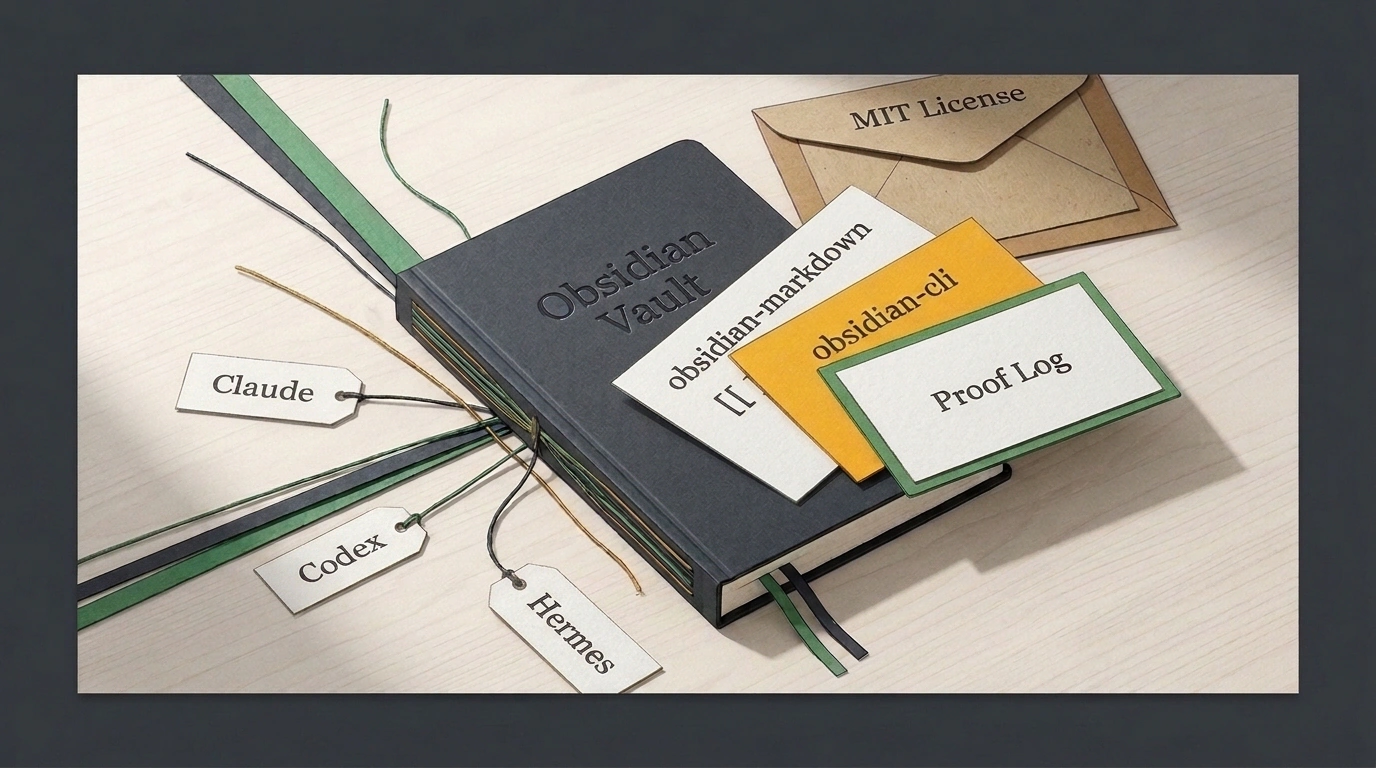
In the morning you edit a proposal in Claude Code, by afternoon you finish a script in Codex, and in the evening you ask a Telegram bot from your phone what you agreed on with a client last week. Every single time, you hit the same wall of fragmented memory. One agent never got your updated price list, another remembers an old policy, and the third acts like it has never met you. You end up copying context from chat to chat and burning tokens.
On November 25, 2026, the Obsidian team released official connectors for AI agents—an open-source package called obsidian-skills under the MIT license that has already passed 54,000 stars on GitHub. The idea is simple: all your agents connect to a single local folder of Markdown notes on your computer.
Why Agent Skills Work Without a Background Server
In Obsidian, your knowledge base lives in a vault, which is just a regular folder of .md files on your drive. There is no locked-in database and no tie to a specific cloud provider. If you switch from Claude to Codex or Hermes next month, your entire knowledge base stays right where it is.
Previously, connecting agents to notes meant running background servers like MCP. Leaving a process like that running in the background constantly eats RAM and can quietly crash. Obsidian packaged its connectors as Agent Skills following the open agentskills.io specification.
When an agent uses skills, no extra daemon runs at all. A skill is simply a text file of rules that the model loads only when it works with a note. Once the task finishes, nothing lingers in memory. The approach works out of the box in Claude Code, ChatGPT and Codex, Antigravity, Cursor, Grok Bot, Hermes Agent, Kiro, Meta Muse, GitHub Copilot, and OpenCode.
Interface and knowledge graph of a local Obsidian vault (Source: official Obsidian website)
Seven Official Skills: From Wikilinks to Live Tables
In the past, AI models working inside a live vault often broke [[...]] wikilinks, mangled YAML properties, and wrote awkward Markdown. The obsidian-skills package solves this with seven focused skills.
| Skill | What it does | When it helps |
|---|---|---|
obsidian-markdown | Edits .md notes with wikilinks, embeds, properties, and callouts | Daily note work without syntax breakage |
obsidian-bases | Works with .base files—tables, filters, and formulas | Client trackers, task boards, and content calendars |
json-canvas | Builds .canvas boards with cards, arrows, and groups | Visual project maps and weekly plans |
obsidian-cli | Controls a running Obsidian instance from the terminal | Vault search, tasks, properties, and plugins |
obsidian-headless | Syncs and publishes a vault without a GUI window | Server and cloud workflows |
defuddle | Strips menus and ads from web pages into clean Markdown | Token-saving web research |
knap | Generates notes from templates using JSON and CSV | Bulk importing lists and catalogs |
In practice, combining these skills is where things get interesting. In Obsidian Bases, every note becomes a row in a live table, and its top metadata (properties) turns into columns with filters and formulas. Using obsidian-bases, an agent can build a client tracker with lead, discovery, proposal, active, and renewal stages, plus a "Follow-ups This Week" view for deals that need a message.
Two helper tools also save a lot of time. Before you run research, defuddle strips navigation bars, banners, and layout clutter from web pages before the text ever enters the model's context window. Less noise means fewer tokens spent. And if you have a CSV or JSON spreadsheet of ten clients, knap runs it through a template and generates ten cleanly formatted cards in a second without manual copy-pasting.
There are two limits to keep in mind. The obsidian-cli skill requires a recent desktop version of Obsidian running with CLI enabled under Settings → General, so it won't work in cloud-only agents like Meta Muse. Meanwhile, obsidian-headless (a headless npm client) is still in open beta and only works with paid Obsidian Sync or Obsidian Publish plans.
Installing in Claude Code, Codex, Hermes, and Other Agents
All seven skills install from the obsidianmd/obsidian-skills repository with a couple of commands. Pick the block for your agent.
# Claude Code: add the marketplace and install the plugin
claude plugin marketplace add obsidianmd/obsidian-skills
claude plugin install obsidian@obsidian-skills

# Update the package later
claude plugin update obsidian@obsidian-skills
Inside an open Claude Code session, the same slash commands work too: /plugin marketplace add obsidianmd/obsidian-skills and /plugin install obsidian@obsidian-skills. For other agents, setup is even shorter.
# ChatGPT and Codex (then install Obsidian from the plugin catalog)
codex plugin marketplace add obsidianmd/obsidian-skills

# Hermes Agent: install and immediately enable all 7 skills
hermes plugins install obsidian
hermes plugins enable obsidian

# Antigravity CLI
agy plugin install https://github.com/obsidianmd/obsidian-skills

# Kiro
kiro-cli powers install obsidian

# Universal installer for GitHub Copilot, OpenCode, and other agents
npx skills add https://github.com/obsidianmd/obsidian-skills
In Hermes, running hermes plugins enable obsidian turns on all seven skills right away without restarting chats. The universal npx skills add prompts you to choose which agents should receive the package, or you can manually copy folders from plugins/obsidian/skills/ straight into a skills directory like ~/.copilot/skills/. In ChatGPT (including desktop and Dots), Grok Bot, and Cursor, the plugin installs in one click from the built-in catalogs.
After installing, test the setup: ask your agent in read mode to open one note and draft an example with YAML properties, a [[...]] wikilink, and a callout block. If the formatting comes out clean, obsidian-markdown is loaded.
How to Stop Agents from Wrecking Your Knowledge Base
The connector itself never sends data anywhere because it is just text instructions on disk. However, the moment an agent opens a note, its contents go to the language model you chose (Claude, OpenAI, xAI, and others). Keep API keys, passwords, and sensitive client data outside folders that cloud agents can read.
The biggest mistake here is trusting a polite rule in your prompt. Telling a Telegram bot "please only read and never delete anything" works right up until its first hallucination or broken tool call. If the model mixes up a file path, an important SOP can vanish.
A safer setup splits agents across three access lanes enforced by the file system, not by the model's good intentions.
The first lane is read-only mode. This fits mobile and Telegram bots like Hermes that you message on the go to check a task, pull up meeting notes, or compile a weekly summary. Run the bot against a locked copy of your vault with OS-level read-only permissions so it physically cannot overwrite anything.
The second lane is drafts only. When an agent updates the knowledge base after a client call, give it an inbox or proposals folder. It drops proposed edits there in a "before → after → reason" format, and changes only move into your live SOPs after you approve them.
The third lane is targeted writes. Direct write access goes to one trusted agent, and only inside specific folders like inbox or a shared memory log. For client cards, it helps to split duties: the agent edits only the top properties metadata for Bases tables, while humans own the body of the note.
Background agents often report 'Done' even when the file on disk is empty or untouched. If you let them prepare an email campaign without an external check, you only find out something broke when a client asks why they never received the promised file.
A Proof Log protects you from silent failures. After every write, each background job saves a short receipt with the file path, file size, and checksum. A separate watcher script compares that receipt against the actual file on disk and raises an alert if the size is zero or the hash doesn't match. Twenty lines of verification code, and your knowledge base no longer relies on an AI's word of honor.