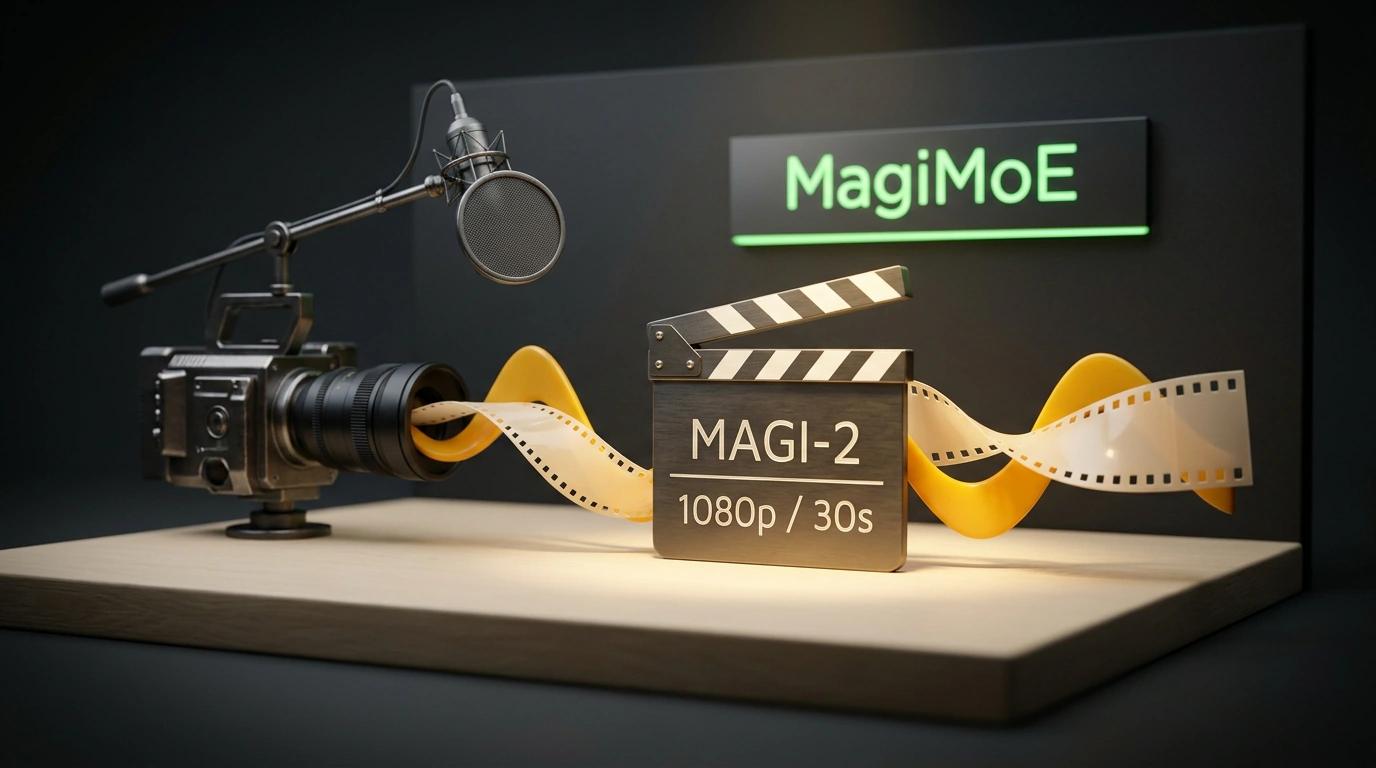
Building a normal AI short video usually goes like this: first you squeeze out three or four silent five-second clips and hope the lighting doesn't drift between takes. Next you stitch them in an editor, run your script through a separate voice generator, hunt stock libraries for footsteps and notification chimes, and try to force lip-sync on top. Fifteen seconds of finished video eats up half an evening.
On November 24, 2026, Sand AI launched its flagship video model MAGI-2 (following a research preview that had been running since August), breaking that multi-step chain. In one pass, it generates 1080p video at 25 frames per second lasting anywhere from 4 to 30 seconds—complete with speech, lip-sync, ambient noise, and sound effects.
One Pass Instead of an Editing Timeline: How MAGI-2 Works
Official announcement of Sand AI's MAGI-2 video model with native audio generation (Source: Sand AI blog)
Most video generators still hit a 5-to-10-second ceiling, forcing you to assemble full clips from fragments. Thirty seconds in one run changes the workflow itself: an entire vertical short or ad teaser fits into a single generation.
Under the hood, it uses native joint audio-video generation. Picture and sound aren't built by two separate models for a human to align later. One model synthesizes video frames and the audio waveform together, so a phone ring, footsteps across a room, street hum, and lip-sync (mouth movements matching spoken words) stay locked from frame one. The model can even make multiple cuts inside one pass and edit specific timeline segments.
Long-scene endurance comes from the MagiMoE architecture (Multi-Head Latent MoE, a "mixture of experts"). The model holds 480 billion total parameters trained on 4 trillion tokens, yet each token activates only the needed slice—about 28 billion active parameters. Picture a huge film crew where only the specialists needed for the current frame and sound step onto the set while everyone else waits off-camera. Compute load stays manageable, though local home runs are off the table: the flagship weights are closed, and the model runs only as a commercial API.
Three Generation Modes and the Character Consistency Trick
MAGI-2 offers three main modes, each covering a practical use case.
In text-to-video (T2V), a scene builds from scratch using a text description. In a real test, one simple idea—"you don't need to film every day, you just need one good idea"—was run in a batch across three vertical Reels in different styles: a studio talking head, a street mini-interview with city noise, and a short scene with an empty content calendar at night and a phone blowing up with notifications by morning. Every line came out word-for-word, and footsteps plus alert chimes landed cleanly without any editing.
Image-to-video (I2V) takes a starting frame (via API you can also set an ending frame) and brings it to life. That lets you turn a static app screenshot into a smooth camera push-in with light reflections across the screen.
For brands, product reviews, and mini-series, though, the star tool is reference-to-video (R2V / Omni-Reference). You upload reference assets so a character, outfit, gadget, or location stays consistent from take to take.
Multimodal Reference Limit in a Single MAGI-2 R2V Request
That allowance gives you enough room to lock in character appearance, props, visual style, and voice tone all at once. A telling example is a three-part vertical micro-drama starring two recurring characters: a round robot mascot named Nova (dark glass screen, blue eyes, orange antenna light, and a tiny orange scarf) and a creator named Maya (curly dark hair and a mustard sweater). In episode one, Maya stares at an empty calendar at night and asks the robot for an idea; in episode two, seven screens with finished videos float around her; in episode three, her phone floods with comments.
In typical video models, the robot's body shape would warp by episode two and the sweater would change color. Here, even the tiny orange scarf held up. The secret wasn't just uploading images. Each reference has to be clean (the character on a neutral background), and your prompt must spell out fixed anchors in text—such as "keep the robot from the first reference exactly the same"—while listing the scarf color, eye shape, and clothing. Adding a strict text lock on top of the reference image stops the character from drifting.
The Director's Prompt: Keeping Audio and Cuts Intact
MAGI-2 doesn't handle vague prompts like "cozy office, woman talking about marketing" very well. It reads prompts like a director's script, so it helps to split your prompt into three clear blocks.
The first block covers visuals: who is in the frame, where the scene takes place, and how the camera moves. If you want a cut inside one video, use a direct editing cue like shot 1 ... hard cut to shot 2. The model understands this syntax and holds two or three distinct angles in a single generation without breaking the room layout.
The second block is dialogue. Put every word the character should speak inside straight double quotes "...". If you skip the quotes, the model may treat the line as an action description and try to act out the meaning visually instead of speaking it.
The third block sets the audio. Start it with Sound:, then list voice tone, room acoustics, footsteps, ambient noise, and sound effects.
In longer generations, the audio track sometimes cuts off a second before the end, leaving an awkward silence at the close of the clip. To prevent that, end your Sound: block with continuing to the very last frame so both voice and background noise carry all the way through.
You don't need to push the full 30-second max every time. In practice, shorter presets tailored to the format work better:
| Video format | Aspect ratio | Duration | Why it works |
|---|---|---|---|
| Short Reel | 9:16 | ~10 s | Enough for one point and a cut without fluff |
| Micro-drama with dialogue | 9:16 | 12 s | Fits two lines and a brief pause for a closing hook |
| Product teaser | 16:9 | 8–10 s | Covers a smooth camera push-in and UI reveal |
| B-roll for editing | 16:9 | 6 s | Short cutaways are easier to trim under a voiceover |
Even when you generate B-roll and mute it under your own narration, native audio generation still helps: hand movements, footsteps, and facial expressions naturally follow the rhythm of real sound, so the footage feels livelier than standard stock clips.
Cost per Second and Where the Model Still Trips
The official Sand AI API bills by the second: $0.08 per second of 1080p video with audio. A short 4-second clip costs $0.32, a 10-second video runs $0.80, and a full 30-second scene comes to $2.40. If you prefer one key across multiple models, all three modes (T2V, I2V with first and last frames, and R2V) are already live on Kie.ai at 17.6 credits per second—around $0.088/s at the base rate ($0.005 per credit), with bulk top-up packs cutting the price by roughly 10%.
Everything looks spotless in promo reels, yet live testing quickly reveals three practical limits.
First, small text on screenshots smears. When animating a real UI via I2V, a large headline stayed crisp while a small top banner dissolved into gibberish. One practical fix is adding keep the text sharp and unchanged straight to your prompt. If the font still warps, switch tactics: either put the generation in the background behind a real screenshot in your editor, or use R2V to place the interface on a curved monitor in a dark studio, which renders the screen much more cleanly.
Second, manual review before publishing is still essential. Most takes come out usable, yet occasional generations still show finger artifacts, warped letters, or odd vocal inflections. Feeding the pipeline straight into auto-publishing is risky; it is safer to spend ten seconds watching the clip and rerunning duds.
Third, close-ups of speaking humans still look synthetic. Products, gadgets, B-roll, and stylized mascots like Nova pass almost as live footage, whereas on a close-up of a real person's face an attentive viewer can sometimes spot the AI look. The sensible split is simple: use AI characters for stories, illustrations, and mascots with clear AI-content labels on platforms, and keep a real camera for personal face-to-camera messages. Two open questions also remain at launch: all public tests and demos used English dialogue, so lip-sync quality in Russian and exact commercial licensing terms still need real-world verification.