It sounds logical: if you want a good result from an AI, sit beside it and feed it small commands step by step. In practice, that kind of back-and-forth quickly turns into babysitting. Half your day disappears moving screenshots, logs, and spreadsheet snippets from one window to another.
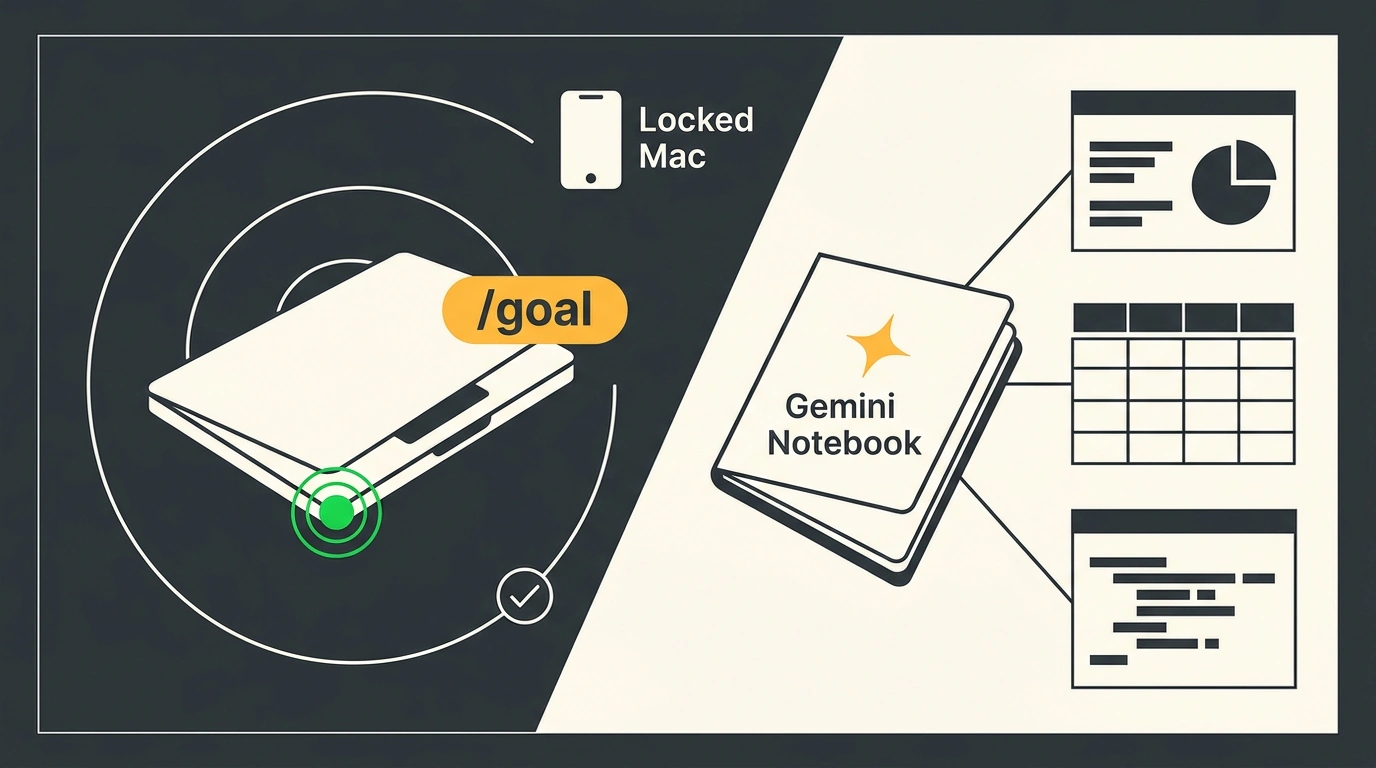
In November 2026, OpenAI and Google attacked that grind from two sides. OpenAI Codex learned to take on a large task, run it in the background for hours, and launch apps on a locked Mac from your phone. Meanwhile, Google Gemini Notebook grew from a smart PDF reader into an agentic notebook—a workspace that searches the web for sources, runs code on spreadsheets, and builds finished files.
OpenAI Codex: Goals Mode, AppShots, and Locked Mac Control
The headline release is Goals Mode, now generally available alongside the /goal command. The workflow is simple: you describe the final outcome and a clear definition of done, hit start, and close your laptop. Codex breaks the job into loops, plans steps, writes code, runs tests, and fixes bugs until it finishes. A session can run for hours or stretch across a couple of days. For example, teams hand it a single-page HTML landing page with copy, images, and meta tags, or web research for an SEO strategy, then come back to a finished file.
A second update targets the most tedious part of working with a coding agent: moving context. On macOS, AppShots lets you press a hotkey so Codex grabs the entire active window. It pulls in the screen image, extracted text, and UI element structure—no more copying logs or taking manual screenshots.
Two more features round out remote work. Locked Mac control lets you launch and control apps on your computer from your phone, even when the screen is off or locked. Advanced Annotation makes reviewing results easier by letting you point directly to what needs fixing. The same November update also brought GPT-6.2 models (Astra and Sol) under the hood and merged ChatGPT and Codex token limits.
It sounds great on paper, yet everyday catches remain. A shared token limit means one simple thing: if you leave a heavy goal running in Goals Mode all night without tight boundaries, you can wake up to an empty quota for regular ChatGPT too. A second annoyance is the Codex desktop app itself. It lives in isolation from other agents like Claude Code or Hermes, and old goals or finished files easily get buried across past chats and Finder folders. To avoid digging through directories by hand, experienced users keep strict folder structures or wrap local Codex CLI sessions inside shared dashboards.
Google Gemini Notebook: From Document Reader to Code-Running File Builder
Google took a different route and evolved familiar NotebookLM into Gemini Notebook at notebook.google.com. The service is now tied much more closely to the Gemini app, AI Mode in Search, and Google Docs. The biggest shift sits under the hood: every notebook now comes with a secure cloud computer where the agent writes and runs code directly on your uploaded files.
Previously, the notebook acted like a neat reference shelf: drop in a dozen PDFs, ask questions, get a summary. Now the workflows go much further. Deep Research—autonomous multi-step web search with citations for every fact—tracks down fresh sources on its own and compiles, say, five competitors into a comparison table with their offers and weak spots.
With spreadsheets and numbers, the difference is even sharper. Upload a raw export of traffic, leads, and channels, and the agent runs code in a cloud sandbox, fixes broken dates, removes duplicates and blanks, keeps a log of edits, draws charts, and exports a clean Excel report. You feel the gap with a normal chat right away. Outputs come back as ready-to-use files: documents, PowerPoint decks, Excel and CSV sheets, PDFs with charts, plus audio and video overviews, quizzes, and flashcards.
| Feature | OpenAI Codex (Goals Mode) | Google Gemini Notebook |
|---|---|---|
| Where tasks run | Local environment, macOS, and CLI | Secure cloud computer inside the notebook |
| Core strength | Long coding runs, building sites, window capture | Finding sources, cleaning sheets with code, exporting files |
| Quality requirement | Clear definition of done | Clean source material and a ban on guessing |
| Main limits | AppShots and remote features on macOS; shared quota with ChatGPT | Depends on region and plan (priority for Google AI Ultra and Workspace) |
Both tools live or die by input quality. In Gemini Notebook, "garbage in, garbage out" hits immediately: feed it outdated notes and a vague prompt, and the agent will simply wrap that same mess into a polished slide deck.
Add two direct lines to your notebook instructions: 'do not invent missing numbers, reviews, or offers' and 'flag anything you could not find in the sources separately'. In competitor research and spreadsheet cleanup, these work better than complex prompts because the agent admits data gaps honestly instead of filling in fake stats.
Before rebuilding your workflows around Gemini Notebook, check your account tier. Google is rolling out agentic features unevenly: Google AI Ultra subscribers and corporate Google Workspace accounts get the full cloud-code and file-generation suite first, and availability still varies by region.