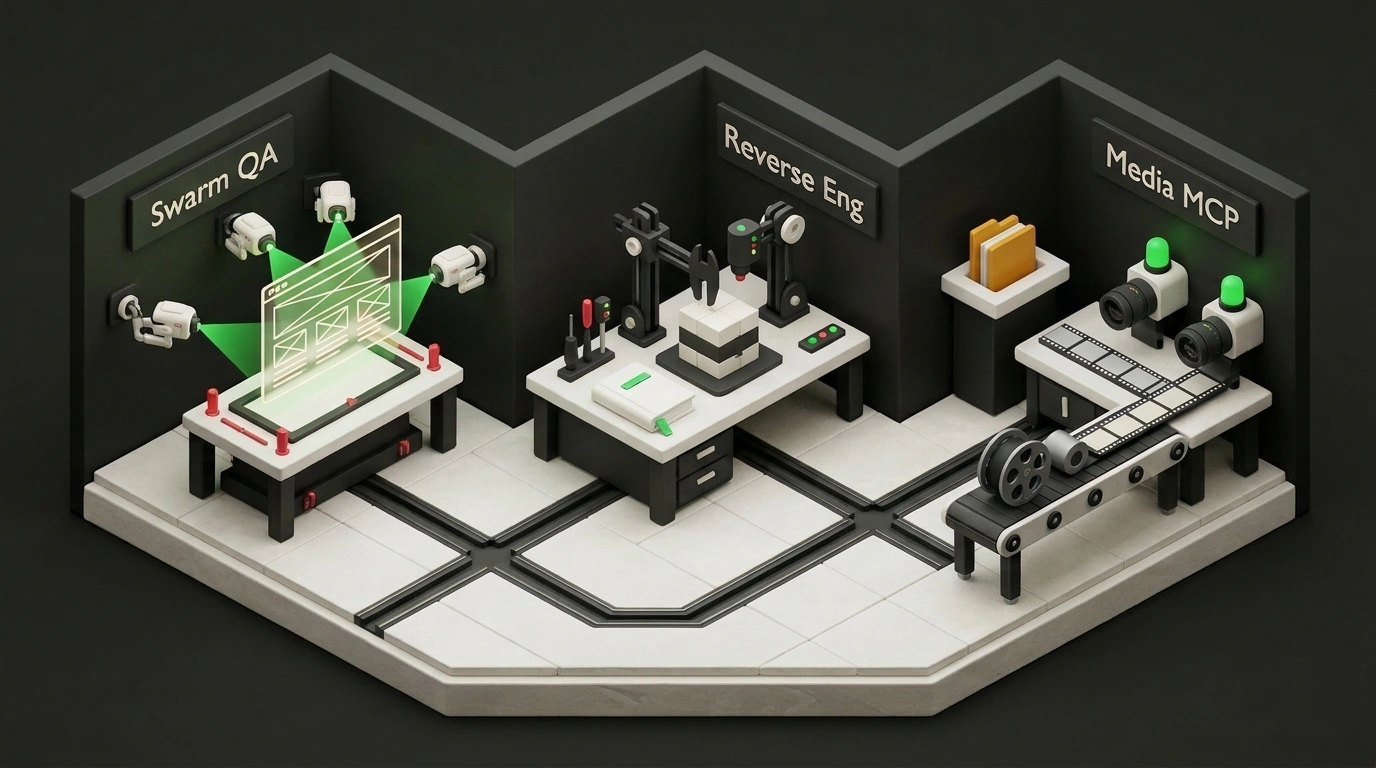
Working with AI usually gets stuck in one of two ruts: either you copy logs, code, and edits between five browser tabs by hand, or you dump everything into one giant prompt and watch the model lose the plot. There's a simpler way—split roles across multiple agents and plug in specialized tools via MCP (Model Context Protocol, an open "universal socket" standard connecting AI directly to external apps). Here are three setups that work.
Swarms and agent ladders in Claude Code: where parallelism wins and where it backfires
Picture an apartment renovation. Six inspectors with flashlights will spot every crack and crooked outlet in five minutes. Put those same six people in one hallway with jackhammers, though, and they'll fight over the ladder. Agents obey the exact same physics.
A five-page demo site for Brightside Dental clinic shows four clear patterns in Claude Code. The first is a Bug Bash Swarm: six agents scan links, SEO, accessibility, forms, copy, and page speed in parallel, dumping findings into a shared log that deduplicates repeats. In 46 seconds, the swarm caught 41 unique issues and filtered out 8 duplicates, including a broken booking button, 14 MB images, and a script freezing the page.
The second pattern is Goal Mode (goal.md), where instead of a step-by-step plan you give a metric target: Lighthouse Performance and Accessibility at 95 or higher (starting from 61 and 73 with a 40 MB page weight). When the agent tried a human-suggested step (moving slow.js to the bottom), the score dropped to 53. It ditched that idea, hunted down the blocking loop, and pushed the site to 99/100 in 11 checks (~4.5 minutes).
The third pattern is fan-out search with effort scaling across model tiers: an Opus lead spins up five Haiku workers to compare five review platforms (Google Business Profile, Trustpilot, Birdeye, Podium, NiceJob). In two minutes they scanned 34 pages and ranked Birdeye first (21/25). For building, a Build–Review–Verify pipeline takes over: on book.html, Opus wrote the code, Codex caught email and mobile-button bugs across three review rounds, and five checkers ran browser scenarios via Playwright (automated user clicks)—all 5 tests turned green in 4.5 minutes.
An August Anthropic study saw those same boundaries: auditing open-source code, independent agents found 21 vulnerabilities (6.5M tokens), while a 45-agent swarm with a shared forum found 266 vulnerabilities for 27M tokens (4x more tokens). Yet when multiple agents edit code together, resource conflicts start fast. The rule is simple: a swarm finds, one builder fixes.
DeepSeek Harness and REA MCP: a modular agent that reverse-engineers software with an evidence file
The second setup tackles reverse engineering—taking apart a compiled program or website from the inside without source code. Its base is the open-source DeepSeek Harness host (dsh, MIT, 288k stars) built on the Cordis architecture, where everything is a plugin: model, tools, logger, and agent loop. Typically it runs DeepSeek V4.1 Flash with a 1M-token context window and vision (falling back to OpenRouter when quotas run out).
On top sits REA (Reverse Engineer Anything, MIT, 482k stars)—a local MCP server and CLI for analyzing native binaries via Hopper, Ghidra, IDA, or Kuna, plus JS/Electron, .NET, websites, and archives. You need Node.js 24, and setup takes three commands:
# DeepSeek Harness web UI (default 127.0.0.1:3080)
npx @deepseek-ai/dsh web

# Register REA MCP and its skill in DeepSeek Harness (requires Node 24)
npx rea-agents setup --client dsh

# Verify the stack started cleanly
npx rea-agents doctor
Once connected, the agent inspects local files directly with no manual dump copying. Install the package strictly from morluto/rea, rea.tools, or npm under rea-agents—the project warns against fake clones. DeepSeek Harness itself is still in developer preview, so updates can still break compatibility.
"What stops the agent from making up half its findings?" Great question. A strict prompt rule keeps guesses out: write only code-backed facts into evidence.md, plus a separate list of unverified claims. While analyzing the open-source app AionUi (38,000 chunks, 548 source files), two heavy bundles hit memory limits, so they raised the memory cap and narrowed the search to the app's own code without node_modules. And stay legal: only reverse-engineer your own software or open projects you're permitted to study.
Higgsfield MCP + GPT-6.2 Astra: generating video and images straight from chat without API keys
The third setup cuts out tab-hopping when assembling videos. The official Higgsfield MCP at https://mcp.higgsfield.ai/mcp unlocks 35+ video, image, and audio models (Seedance 2.5, Kling 3.0, Seedream) right inside chat with no API keys—just an OAuth sign-in. The connector works in ChatGPT, Claude (as a Custom Connector), Claude Code, Cursor, Codex, OpenClaw, and Hermes Agent.
Official banner for connecting Higgsfield MCP to ChatGPT and Claude to generate video from chat (Source: higgsfield.ai/mcp)
GPT-6 Astra—or the November 17, 2026 GPT-6.2 Astra update—acts as the "brain": it writes the brief, picks a generator for each shot, and manages long chains. On a 60-second short film, the agent ran ~113 steps through Seedance 2.5 (clips up to 30s with audio and up to 50 references so character faces stay consistent). If the connector stays quiet after setup, start a fresh chat, name Higgsfield in your prompt, and check the connector toggle for that thread.
Generations via Higgsfield MCP and CLI always spend your regular account credits; unlimited plans only apply on the higgsfield.ai website. Test scenes with short, low-resolution clips before running a final render.
All finished clips and frames land in your assets.higgsfield.ai library tagged with MCP, so files never get lost in chat history and are ready to edit right away.