When marketing teams deploy AI agents, most attention goes to prompts, tone, and model choice. Then an ordinary Monday happens: mid-sprint on a content plan, a Claude account gets banned or hits its daily limit. You open ChatGPT next door—and stare at a blank screen. Every edit, Reels idea, YouTube draft, and workflow rule stayed locked inside the closed tab.
Solo, that wastes half a day. Across a team, it hurts much worse. Imagine ten managers, each running personal AI helpers for ads, copy, and analytics on their laptop. One person quits, and leadership discovers all prompts, drafts, and notes live locally on a departed laptop—nearly impossible to recover intact. Worse, spinning up a second, third, or fourth agent on another platform means explaining every rule from scratch.
Why Markdown and a Link Graph Beat Plain Document Folders
The fix is surprisingly simple: move memory outside the chat into one shared vault read by both humans and AI. Obsidian fits that job naturally.
There is no locked database or heavy proprietary format inside. Every note is a plain-text Markdown file (.md). AI models parse Markdown cleanly with zero markup bloat, while humans get neat pages easy to open on a phone, work laptop, or remote VDS server running autonomous agents.
A fair first question: why install Obsidian instead of dropping .md files into plain disk folders? At a couple hundred notes, folders work fine. Once your archive of content plans, research, news, and scripts tops a couple thousand files, digging through nested directories turns into a swamp.
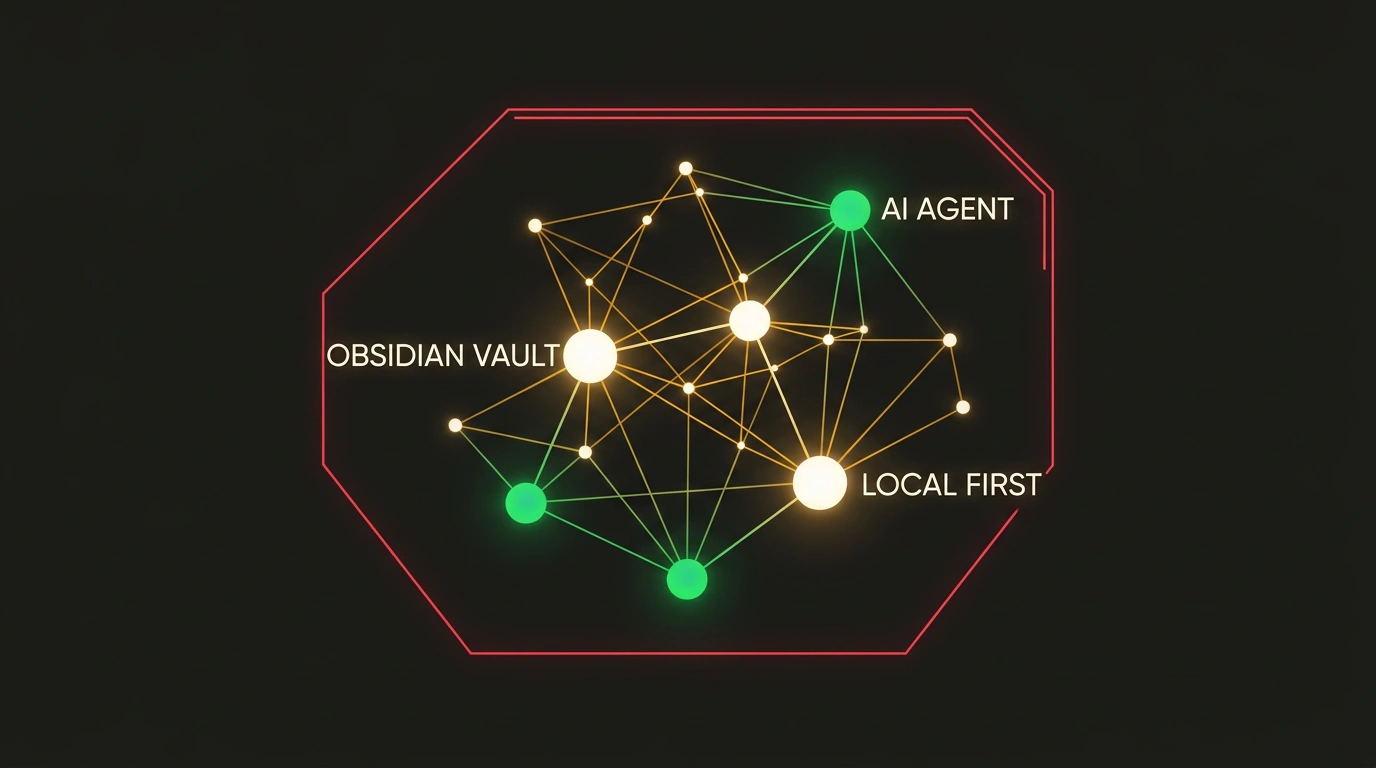
Obsidian solves this with a link graph—essentially lightweight graph RAG. Notes connect via internal wiki-links, forming a live knowledge map. When Claude goes down, you open ChatGPT and ask it to check last week's Reels folder or recent YouTube uploads. The agent follows the links, pulls exact context, and picks up right where you left off.
You can store the agents' own blueprints in the same vault. Built a great workflow and rulebook for agent #1? Save it as a note. When onboarding agent #2 or #3 on a different platform, point it to that file and tell it to replicate the setup.
Obsidian does not replace a CRM. Deal pipelines, payment statuses, and customer records stay in your CRM. A shared vault gives your team and AI agents one fast map of copy, scripts, research, and SOPs.
What Official Connectors and the 7 Skills Actually Deliver
Obsidian released an official open-source package, obsidianmd/obsidian-skills, originally launched by CEO Steph Ango (kepano) and moved into Obsidian's official GitHub organization. Calling it a "connector" can mislead—it sounds like a cloud MCP server syncing everything at one click.
In reality, it works differently. MCP (Model Context Protocol) connects remotely to external APIs. Obsidian's package follows the Agent Skills standard: local instruction files (SKILL.md), syntax rules, and workflows teaching any AI agent how to work natively with Obsidian files, tables, canvases, and CLI tools without closed APIs.
Setup takes a minute in almost any major agent. In ChatGPT, Codex, Claude, and Cursor, search Obsidian in built-in plugin directories. For terminal tools or wrappers like Antigravity, Hermes, GitHub Copilot, or OpenCode, install in one command:
# Install in Claude Code via built-in marketplace
claude plugin marketplace add obsidianmd/obsidian-skills
claude plugin install obsidian@obsidian-skills

# Install in Antigravity and Hermes
agy plugin install https://github.com/obsidianmd/obsidian-skills
hermes plugins install obsidian

# Universal option for Copilot, OpenCode, and other agents
npx skills add https://github.com/obsidianmd/obsidian-skills
If an agent lacks auto-install, copy the folders from plugins/obsidian/skills/ straight into its local skills directory such as .claude/skills/ or ~/.copilot/skills/. One install grants seven ready-made skills covering daily vault operations.
The core skill is obsidian-markdown. It teaches agents Obsidian Flavored Markdown (OFM): wiki-links like [[Note Title]], embeds, callouts, and note properties (YAML frontmatter). Previously, teams had to write frontmatter by hand and beg models not to scan the entire vault and burn tokens. Now the agent fills metadata headers automatically:
---
channel: reels
status: published
date: 2026-11-24
topic: ai-agents
owner: maria
tags: [content, script, reels]
---
With that clean header, any other agent filters scripts by channel, date, and status without reading dozens of long files—saving tokens, speeding replies, and keeping the vault tidy.
The other six skills cover specialized team tasks. obsidian-bases handles .base database views over notes, letting agents build summaries, filter, sort, and run formulas. json-canvas lets AI programmatically create and edit infinite visual .canvas boards under the open JSON Canvas 1.0 spec—useful for funnel maps and mind maps.
For automation, the package adds obsidian-cli and obsidian-headless. The CLI gives agents direct control over a running desktop Obsidian app for search and note management; obsidian-headless runs Sync and Publish without a GUI, ideal for autonomous agents on a VDS server. Rounding out the seven are defuddle (extracting web pages into clean Markdown free of ad clutter) and knap (templates and consistent formatting for new notes).
Even with obsidian-markdown installed, don't leave metadata schemas to chance. Feed the agent a few sample team notes right after setup and lock in which fields humans need for quick scanning and which fields agents need for search and linking.
The Sync Catch: Connecting Devices and Teammates
Here is where teams stumble right after installing: the skills package teaches agents how to write, organize, and search files, yet does not sync files itself. A manager's laptop, a phone app, and a server folder stay isolated islands until you pick a file-sync transport.
Shared vault access settings interface in Obsidian Sync (Source: obsidian.md)
Marketing teams typically choose among three working options, each trading money for setup time:
| Sync Option | Cost & Limits | Main Advantage | Limitations |
|---|---|---|---|
| Obsidian Sync Standard | $4/mo per user billed annually ($5/mo monthly); 1 vault, 1 GB, 5 MB max file, 1-mo history | End-to-end AES-256 encryption, Shared Vaults, unlimited devices, works out of the box | Per-seat subscription; foreign cloud servers |
| Obsidian Sync Plus | $8/mo per user billed annually; 10 vaults, 10 GB (up to 100 GB), 200 MB max file, 12-mo history | Room for heavy attachments and 1-year version history | Higher budget for large teams |
| GitHub repository | Free | Full Git version history; zero per-seat fees | Requires one-time auto-sync setup and basic commit discipline |
| Local cloud / Yandex Disk | Cloud plan pricing or self-hosted server | Data stays inside local perimeter, off foreign servers | Folder sync and conflict handling must be configured manually |
Official Obsidian Sync includes a 40% discount for students, educators, and nonprofits, plus a 7-day no-questions refund. If you want a setup running tonight without managing Git branches or sync scripts, paying the price of two coffees per seat for Shared Vaults is the easiest path.
If your department has ten-plus staff, tight budgets, or security rules barring external clouds, GitHub or a local cloud like Yandex Disk works just as well. Because everything is plain Markdown, your "second brain" and all seven official skills behave identically regardless of how files move.