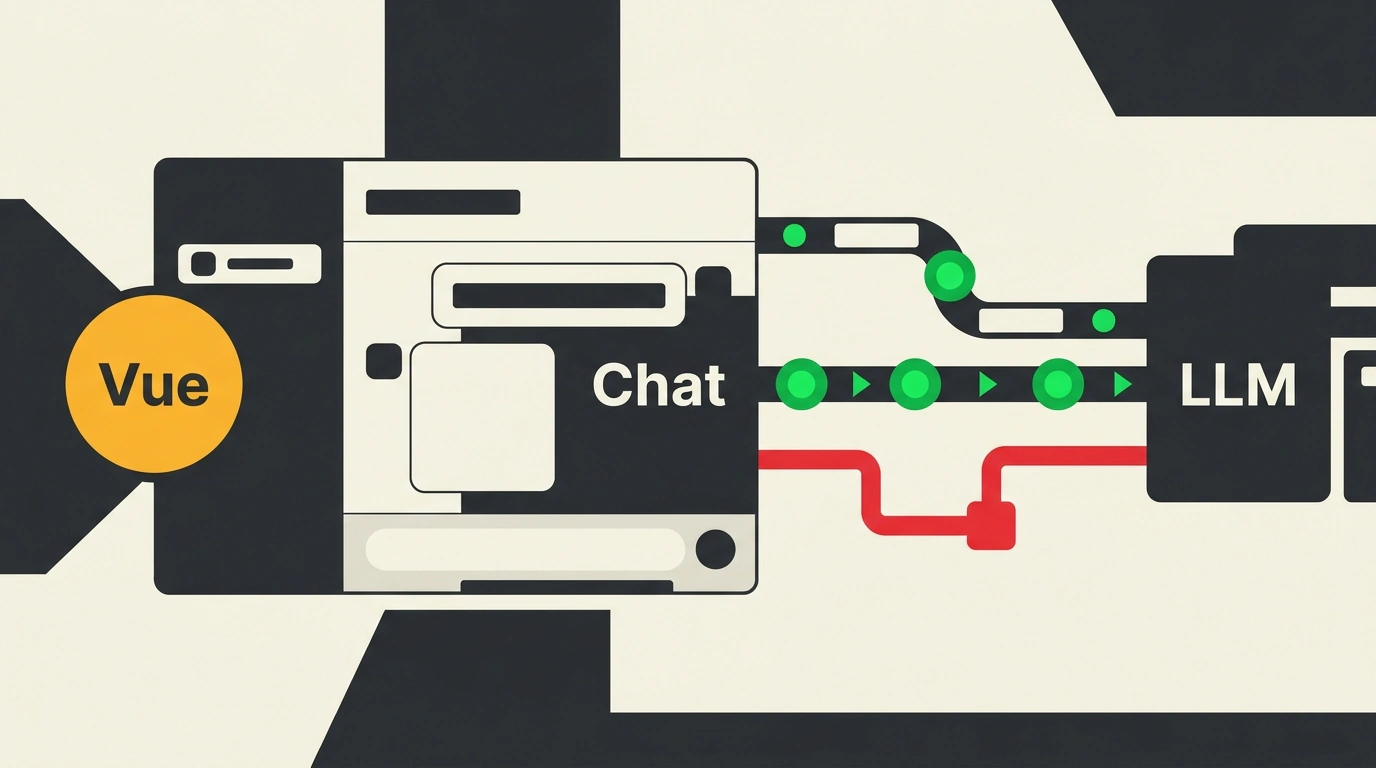
The internal admin panel of the BIGPLAY esports platform runs an analytics AI chat on Vue 2.7. A manager asks "how many matches were played yesterday by discipline," and the backend writes SQL, queries the database, and streams back text, a table, and chart data. Everything arrives over SSE (Server-Sent Events)—a one-way HTTP stream of text events from server to browser.
On the frontend, that usually means maintaining a custom SSE parser and a hundred lines of glue code for request cancellation, statuses, chunk merging, and error handling. It's tempting to throw that boilerplate away and drop in useChat from the open-source library vue-llm (MIT, TypeScript, zero runtime dependencies, supporting vue ^2.7.0 and ^3.3.0). There's just one catch: another developer owns the backend, and you can't change its protocol.
Why Client-Side AI Hooks Stall on an External Backend
Most AI hooks assume an easy setup: chat history lives in the browser, and the server acts as a thin proxy to OpenAI or Anthropic. On real Laravel, Django, Rails, or custom Node.js apps, it's the other way around. A server database stores history by session ID, the frontend sends only the newest message, and the backend runs tools itself while streaming custom events:
event: start       data: {"message_id": 1842}
event: text_delta  data: {"text": "Вчера сыграли "}
event: tool_use    data: {"name": "execute_sql", ...}
event: tool_result data: {"rows": [...], "elapsed_ms": 140}
event: final       data: {"summary": "...", "sql": "...", "chart": {...}}
event: done
vue-llm already had createSSEProvider with a mapEvent function to translate server events into internal chunks. Text and tool calls mapped cleanly, yet five everyday needs hit a wall: whole-response data, server IDs, regeneration, switching sessions, and dropping charts mid-stream.
vue-llm: AI SDK for Vue and Nuxt with useChat streaming (Source: vue-llm.js.org)
Those gaps were closed in v1.6.0, v1.7.0, and v1.8.0 on November 23, 2026, followed on November 24 by v1.11.0 with UI components for Vue 2.7. The library is still young (6 GitHub stars, one main maintainer, six minor releases in two days), so in production it's smart to pin your version and check the changelog before upgrading.
Server IDs and Response Metadata in mapEvent
At the end of a stream, the server sends final with a summary, SQL, and chart config. That data belongs to the whole message, not a text fragment. In v1.6.0 (PR #28), vue-llm added a message-metadata chunk for it.
The second pain point is IDs. A client hook generates its own IDs, whereas exporting to Excel, linking to an answer, or deleting a message requires the real ID from the backend database. In v1.7.0 (PR #29), a message-start chunk was added to swap in the server ID right away. If the backend sends it in an HTTP header instead, mapEvent now receives response as its third argument:
// Translate SSE stream events into vue-llm chunks
function mapEvent(event: string, d: any, response: Response) {
  switch (event) {
    case 'start':
      // Grab the ID from the event payload or HTTP header
      const id = d.message_id ?? response.headers.get('X-Message-Id')
      return { type: 'message-start', id: String(id) }
    case 'text_delta':
      return { type: 'text-delta', text: d.text }
    case 'final':
      // Store summary, SQL, and chart config in message.metadata
      return { type: 'message-metadata', metadata: d }
  }
}
Once mapped, useChat stores the final object in message.metadata, passes it to onFinish, and keeps it with the message history. Your template just renders the chart from metadata:
<!-- Chart below the answer reads its config from message.metadata -->
<ChartFromAi
  v-if="message.metadata?.chart"
  :chart="message.metadata.chart"
/>
This works well for a pinned panel under the response, such as a "Download SQL" button. With the server ID in message.id, exports and deletes hit the exact database row without lookup tables.
Duplicate-Free Regeneration and Session Race Protection
The third upgrade fixes a quiet regeneration bug. If the client simply deletes the last reply in the UI and re-sends the prompt, the server has no clue: the old reply stays in the database, the new one sits next to it, and on the next turn the model sees both versions in its context.
In v1.7.0, every request in createSSEProvider includes req.trigger ('submit', 'regenerate', or 'continue') and req.messageId—the server ID of the replaced reply from message-start:
const provider = createSSEProvider({
  url: () => `/api/chat/sessions/${sessionId.value}/messages`,
  body: req => ({
    // Send only the latest message; the backend stores history
    message: req.messages.at(-1)?.content,
    // On regeneration, pass the old reply's server ID
    regenerate:
      req.trigger === 'regenerate' ? req.messageId : undefined,
  }),
  mapEvent,
})
The backend sees regenerate and deletes the old reply before saving the new one. Of course, the server still needs to support that parameter in its request contract.
The fourth trap lives in the chat sidebar. Previously, id in useChat was a static string, so switching conversations meant recreating the component. Now id accepts a reactive ref: change sessionId, and the current stream aborts while the new session's history loads through storage.load.
const sessionId = ref('s1')

const chat = useChat({
  provider,
  model: 'default',
  // Changing the ref aborts the stream and loads the new session
  id: sessionId,
  storage: {
    load: async id => (await api.getMessages(id)).map(toUIMessage),
    // Server handles saving and deleting messages itself
    save: () => {},
    remove: () => {},
  },
})
That setup makes race conditions easy to hit: a user clicks a heavy session A and immediately switches to B. Session B loads right away, then the slow request for A arrives and overwrites the screen with the old chat. v1.7.0 adds built-in protection: the hook applies only the latest load and discards stale promises.
Progress and Charts Inline in the Stream via data Parts
Metadata attaches to the whole reply, yet sometimes you want blocks right inside the flow: an intro paragraph, an SQL progress badge, a chart, and a takeaway. In v1.8.0 (PR #30), vue-llm added data parts for this. The server sends them at any point in the stream, and a chunk with the same name and id updates the existing block in place without creating extra rows:
// Render a progress badge right inside the response stream
{
  type: 'data',
  name: 'progress',
  id: 'sql',
  data: { step: 'выполняю запрос' },
}
// Same name and id updates the block in place
{
  type: 'data',
  name: 'progress',
  id: 'sql',
  data: { step: 'готово', rows: 12 },
}
// Chart appears at this exact spot in the message
{
  type: 'data',
  name: 'chart',
  data: { kind: 'bar', values: [31, 18, 9] },
}
Rendering goes through <MessageParts>, where you pass a map of Vue components keyed by part name:
<!-- Component maps each data part name to its widget -->
<MessageParts
  :message="message"
  :data-components="{ chart: ChartPart, progress: ProgressPart }"
/>
data parts never enter the model's context—they're a pure UI layer driven by the backend. Here is how the three mechanisms compare:
| Mechanism | Initiated By | Where It Renders | Sent to LLM |
|---|---|---|---|
message-metadata | Backend (in final) | Attached to the whole reply | No |
data parts | Backend during stream | At arrival point in stream | No |
| Generative UI (tools) | Model (tool call) | At the tool call site | Yes |
In the end, a hundred lines of manual SSE plumbing shrink to a 20-line mapEvent and your own message widgets. Cancellation, statuses, errors, and a Vue DevTools tab (vue-llm/devtools) come built in, while retries on network errors (408, 409, 429, 5xx with backoff, jitter, and Retry-After) plug in via wrapProvider(provider, [retryMiddleware(...)]).
retryMiddlewareonly retries the start of a request. If an active stream drops during a long SQL query, it won't reconnect—build timeouts and a manual retry button into your UI.- Vue 2.7 components live in a separate export. In
v1.11.0(November 24, 2026),MessagePartsandStreamMarkdownwere ported to Vue 2.7 viavue-llm/components/vue2, so legacy admin panels can adopt streaming rendering without upgrading to Vue 3.
On November 24, the author also shipped useMCP for connecting MCP servers (v1.9.0) and toUIMessages for Nuxt UI compatibility (v1.10.0). Examples and an interactive Playground are available in the Russian vue-llm docs.
