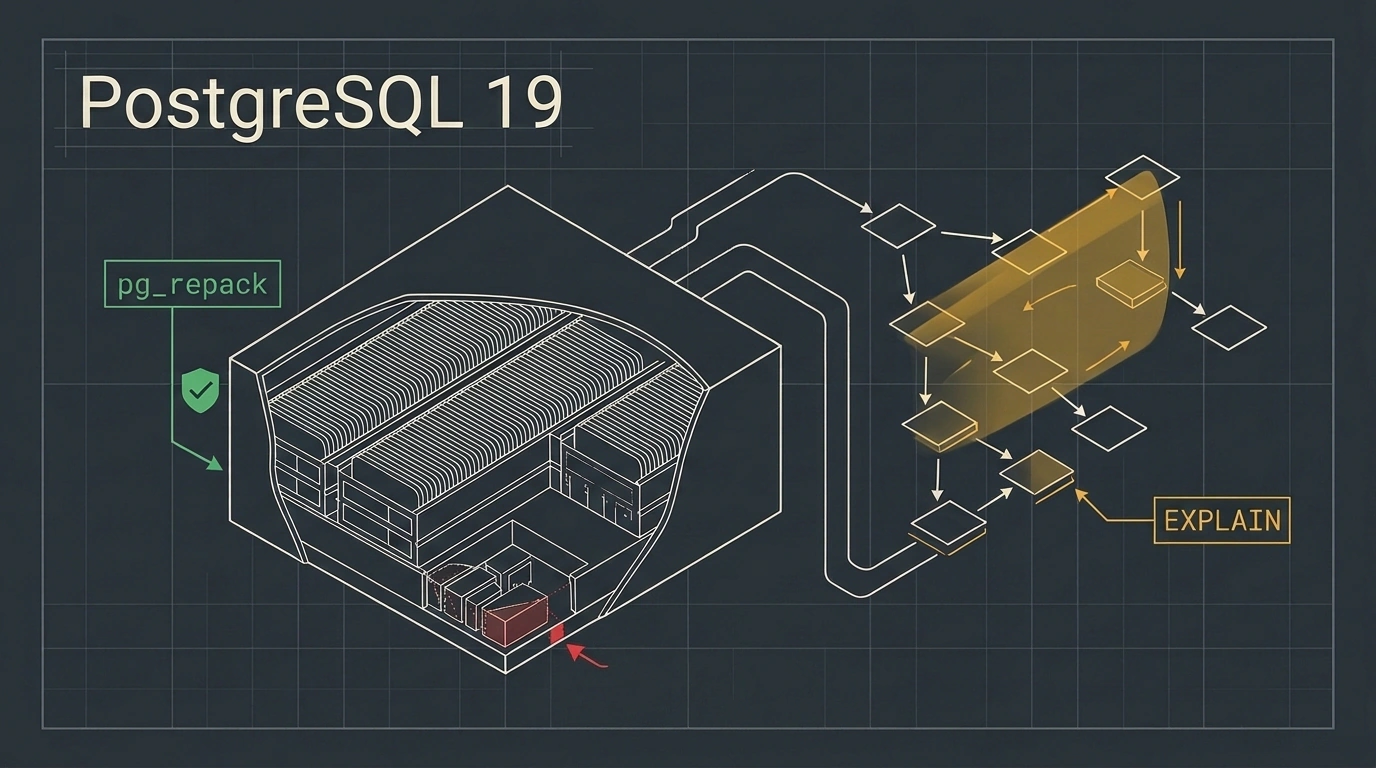
For ten years straight, major PostgreSQL releases shipped like clockwork between mid-September and mid-October. In 2026, that schedule broke. PostgreSQL 19 didn't arrive until November 19—more than a month late—and dropped five big features during beta along the way.
If your Docker setup uses postgres:latest, check your config right away: the tag already moved to version 19, and a container pointing at a v18 volume will crash on boot until you pin postgres:18. For teams preparing an upgrade, though, the release brings two long-awaited tools: built-in online table compaction and an official way to guide the planner's join order without touching application code.
Why PostgreSQL 19 Was Delayed and What Survived the Rollbacks
A typical major release cycle runs 14–15 months: five CommitFests, three betas, a release candidate, and a fall launch. In 2026, a flood of bug reports disrupted that rhythm. Starting in February, AI models made scanning a 30-year-old C codebase dramatically cheaper. A model can flag a suspicious spot in seconds, while human maintainers still have to verify reproducibility and prove each patch is safe.
Development and stabilization cycle of a major PostgreSQL release (Source: Databricks)
From April 8 to September 25, commits to master jumped from 1,037 to 1,443, and backports to stable branches rose 61%: 1,169 in REL_19_STABLE vs. 724 in REL_18_STABLE. In 2023–2025, quarterly updates averaged 1–4 CVEs and 50–75 bug fixes; in August 2026, a single release packed around 140 fixes.
Rise in CVEs Found in PostgreSQL Quarterly Updates in 2026
To avoid delaying the release even further, several unfinished features were pushed to PostgreSQL 20: SQL/PGQ graph queries, temporal UPDATE and DELETE (FOR PORTION OF), partition merge/split, online checksum toggling, and GROUP BY ALL.
The core lineup held firm, though. Version 19 ships WAIT FOR LSN (read-your-writes from a replica without sleep or polling), SEQUENCE sync in logical replication, INSERT ... ON CONFLICT DO SELECT, parallel index autovacuum (autovacuum_max_parallel_workers), built-in REPACK (CONCURRENTLY), and the pg_plan_advice / pg_stash_advice modules.
REPACK (CONCURRENTLY): Compacting Tables in Live Production
Heavy UPDATE and DELETE workloads leave empty holes in table files—bloat. Regular VACUUM frees space for new rows inside the file, yet never returns disk space to the OS if gaps sit in the middle. Previously, you had to choose between a blocking VACUUM FULL and external extensions like pg_repack or pg_squeeze, which are often unavailable on managed clouds.
PostgreSQL 19 introduces REPACK, merging VACUUM FULL and CLUSTER. Plain REPACK orders; rewrites the table under ACCESS EXCLUSIVE, while adding CONCURRENTLY switches compaction to online mode.
The feature had a rough ride. It started in January 2024 when Pavel Stehule asked on pgsql-hackers why there was no VACUUM FULL CONCURRENTLY. They dropped that name to avoid confusion, and in fall 2026 the command was nearly reverted. Committer Álvaro Herrera rescued it for the release, cleaning up old WAL logical decoding bugs uncovered by Mikhail Nikolaev's stress tests.
Unlike trigger-based pg_repack, built-in REPACK (CONCURRENTLY) builds on pg_squeeze ideas and decodes WAL directly—even with wal_level = replica.
| Tool | Lock | Delta Tracking | Who Pays Write Cost | Extras |
|---|---|---|---|---|
VACUUM FULL | ACCESS EXCLUSIVE | None, writes stall | All clients wait | None |
pg_repack | Light, brief lock | Row-level triggers | Writing sessions | Tablespace, indexes only |
REPACK (CONCURRENTLY) | SHARE UPDATE EXCLUSIVE | Background WAL worker | Background process | Built-in, system view |
While running, it holds SHARE UPDATE EXCLUSIVE: reads and writes continue normally, and only DDL, VACUUM, and a second REPACK are blocked. A background worker reads WAL and spills deltas to a separate disk area so the main WAL can recycle without bloating. At the end, a brief ACCESS EXCLUSIVE lock catches up the tail and swaps files atomically.
-- Compact a table online and update planner stats right after
REPACK (CONCURRENTLY, ANALYZE, VERBOSE) orders;

-- Compact and cluster rows along an index (like CLUSTER)
REPACK (CONCURRENTLY) orders USING INDEX orders_created_at_idx;

-- Monitor progress from another session
SELECT pid, relid::regclass, phase,
       heap_blks_total, heap_blks_scanned
FROM pg_stat_progress_repack;
Everything runs from psql with no extra tools, and progress shows up in pg_stat_progress_repack. Still, v1 has strict boundaries.
The biggest risk is no MVCC safety: after commit, long-running parallel transactions started before REPACK will see the table as empty. Snapshot updates and complex lock upgrades were deferred to PostgreSQL 20. The command also doesn't work on partitioned or UNLOGGED tables, materialized views, system catalogs, tables without a PRIMARY KEY (or indexed REPLICA IDENTITY), or inside BEGIN ... COMMIT.
You need enough free disk space for at least a full copy of the table plus its indexes (and up to another table's worth for sorting with USING INDEX), as well as a slot under max_repack_replication_slots. If more than ~104 million rows are updated or deleted during the run, the command fails. REPACK also holds a long-lived XID and doesn't prevent wraparound—you still need VACUUM for that. And for moving to another tablespace or rebuilding indexes alone, pg_repack remains the tool to use.
pg_stash_advice: Official Planner Hints and a 405 ms to 10 ms Test
The second headline addition, written by Robert Haas, is a pair of official contrib modules. The first, pg_plan_advice, adds a mini-language of hints (JOIN_ORDER(...), HASH_JOIN(...), SEQ_SCAN(...), NO_GATHER(...)) plus an EXPLAIN (PLAN_ADVICE) option. You get a ready-made string from EXPLAIN and verify whether it applied using /* matched */ markers. Rather than bypassing the optimizer, it prunes unwanted search branches so only valid plans emerge. Parentheses enforce strict order, while curly braces allow freedom inside a group: JOIN_ORDER(a {b c} d).
The second module, pg_stash_advice, binds advice to a query_id—the 64-bit hash of a normalized query tree without literals. The dictionary lives in dynamic shared memory and persists to pg_stash_advice.tsv every 30 seconds (pg_stash_advice.persist = on). During planning, Postgres picks up the advice by query_id with zero SQL changes in your app.
In Laurenz Albe's benchmark on PostgreSQL 19, locking the JOIN order via pg_stash_advice sped up a slow query from 405 ms to ~10 ms:
-- 1. In postgresql.conf (requires server restart):
-- shared_preload_libraries = 'pg_plan_advice, pg_stash_advice'
-- compute_query_id = auto

-- 2. Enable the extension and create a stash
CREATE EXTENSION pg_stash_advice;
SELECT pg_create_advice_stash('prod_fixes');

-- 3. Get query_id (VERBOSE) and a sample advice string
EXPLAIN (VERBOSE, COSTS OFF, PLAN_ADVICE)
SELECT * FROM join_fact f
JOIN join_dim d ON f.dim_id = d.id;

-- 4. Attach only the JOIN order to that query_id
SELECT pg_set_stashed_advice(
  'prod_fixes',
  1234567890123456789,
  'JOIN_ORDER(d f)'
);

-- 5. Activate the stash for a database, role, or session
ALTER DATABASE app_db
  SET pg_stash_advice.stash_name = 'prod_fixes';
Don't paste the entire string from EXPLAIN (PLAN_ADVICE) into pg_set_stashed_advice—extract just the problematic piece like JOIN_ORDER(d f) and leave the rest to the planner.
pg_stash_advice vs. pg_hint_plan and When to Stop
The third-party pg_hint_plan extension already shipped REL19_1_9_0 for PostgreSQL 19 with path generation strategies (PGS) integration. It supports Oracle-style /*+ ... */ comment hints and a hint table, though it requires a separate build. pg_stash_advice ships in official contrib and keeps your SQL clean.
Still, overusing pinned plans is risky. The planner's ability to adapt as data grows is a strength, and a frozen JOIN_ORDER can slow a query down over time. Parsing plan advice also adds planning overhead even when the plan doesn't change, and cached prepared statements won't rebuild after you edit a stash. There's a v1 security quirk too: only a superuser (or a role with EXECUTE) can edit a stash, yet any user can run SET pg_stash_advice.stash_name = '...' and inspect advice via EXPLAIN.
What to Check Before Pinning a Plan in pg_stash_advice
- Refresh stats with
ANALYZEand compare row estimates inEXPLAIN ANALYZE - Add extended statistics (
CREATE STATISTICS) when columns are correlated - Check composite indexes and type casts in
WHEREclauses - Verify the query cannot simply be rewritten more cleanly
If none of those help and the optimizer stubbornly picks a terrible join order, a targeted JOIN_ORDER(...) in pg_stash_advice works well as a safety net without touching app code or third-party packages.