From the outside, it looks ordinary: a user waits for an AI reply, drags a sidebar border, or opens a contract in an admin panel. Under the hood, the browser renders streaming tokens without layout jumps, recalculates columns in milliseconds, and runs parsers in background threads. Writing all that from scratch wastes weeks on edge-case bugs. Here are five React tools and releases that handle those jobs out of the box.
Generative Loaders: 46 accessible 'thinking' indicators for AI interfaces
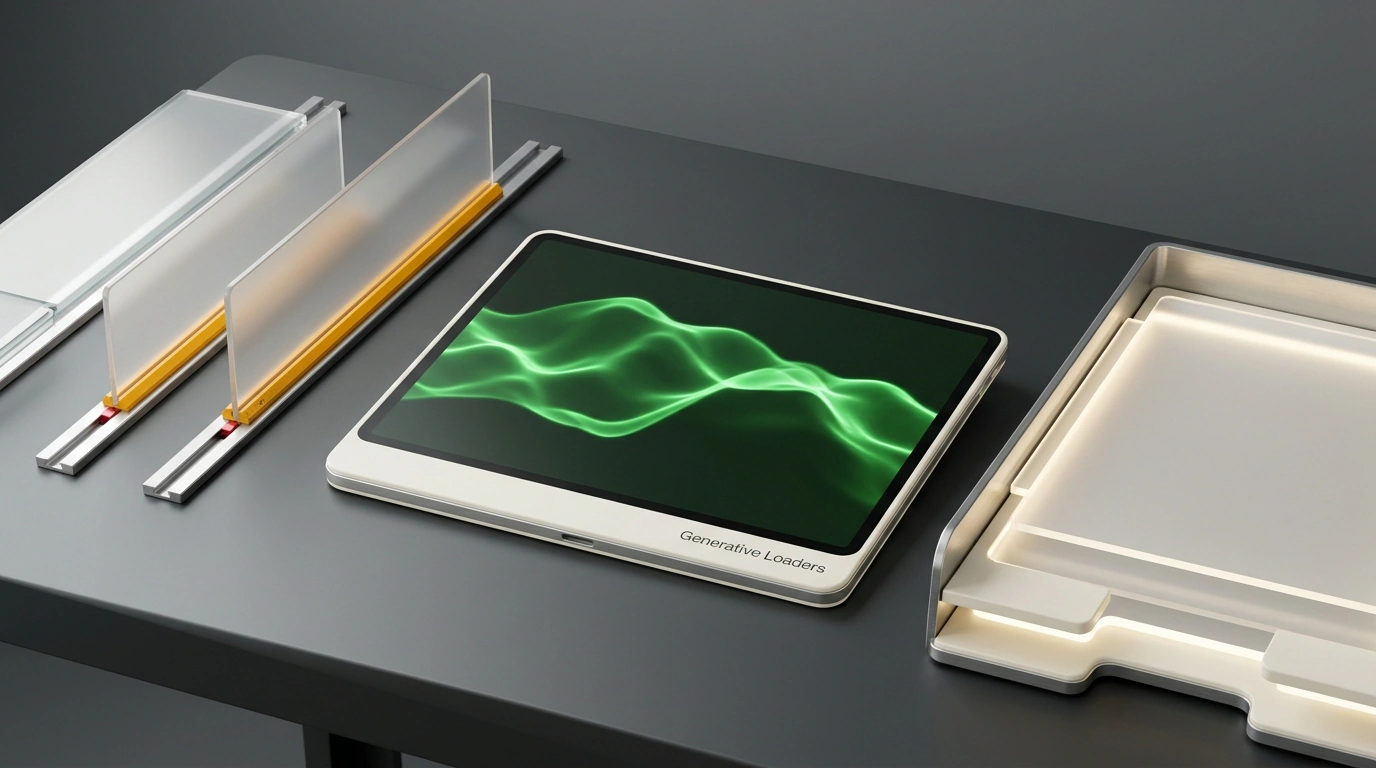
A generic spinner in an AI chat gets old fast: the model is already streaming chunks, yet the text either flickers or waits until the end. Generative Loaders (MIT, GitHub, 218k+ installs) provides 46 accessible loaders for React 18+.
The package splits them into three components: TextLoader (16 text-streaming effects like decode, typewriter, and terminal), InlineLoader (18 button indicators), and ImageLoader (12 placeholders for image generation).
How do you keep already-shown words from flickering? Pass the entire accumulated string into TextLoader—it preserves the existing prefix and animates only the new tail.
import { InlineLoader, TextLoader } from "generative-loaders";
import "generative-loaders/styles.css";

export function AiAnswer({ text, busy }: { text: string; busy: boolean }) {
  return (
    <div>
      {/* Status indicator while the token stream is open */}
      {busy && <InlineLoader />}
      {/* Only the newly appended tail of the string animates */}
      <TextLoader text={text} variant="decode" />
    </div>
  );
}
Setup takes npm install generative-loaders and one generative-loaders/styles.css import at your app root—no manual timers or hacks.
Sashay: React split panes that turn into tabs on mobile
Desktop master-detail layouts often break on phones. Sashay 1.3.1 (MIT, GitHub) solves this with zero runtime dependencies.
Dividers snap to width fractions with denominators up to 6, factor in fling inertia over the last 90 ms, and collapse extra panes into a narrow spine. On mobile, panes automatically become tabs, and the layout encodes into a short URL parameter like ?layout=69.0.
Will dozens of columns slow down rendering? No: dragging stays under 2 ms per frame even with a thousand stacked panes. Keyboard users can move dividers with arrow keys, and dividers expose aria-valuenow.
import { Sashay, Pane } from "@vcarl/sashay/react";

export function Workspace({ save }: { save: (code: string) => void }) {
  // onLayoutChange emits a short layout code for the URL
  return (
    <Sashay onLayoutChange={save}>
      <Pane id="list" title="List" focus={1 / 3}>List</Pane>
      <Pane id="detail" title="Details" focus={1 / 2}>Details</Pane>
    </Sashay>
  );
}
One caveat: the React wrapper @vcarl/sashay is ESM-only and requires React 19+. For React 18, use the package's vanilla core.
File Viewer: browser preview for Office, PDF, CAD, and archives in React, Vue, and Svelte
Internal tools constantly need in-browser previews for attachments: Word, Excel, PowerPoint, OFD documents (a Chinese PDF equivalent for government systems), DWG/DXF drawings, STEP/IFC 3D models, archives, emails, and DICOM scans. File Viewer v3.3.7 (Apache-2.0, site) handles 275 file extensions through 47 preview pipelines.
No conversion server is needed. Parsing runs in the browser, and Web Workers, WASM, and fonts can be self-hosted for air-gapped intranets. Heavy engines lazy-load per file type, with one unified API for React 16.8–19, Vue 2/3, Svelte, jQuery, and Web Components.
import FileViewer from "@file-viewer/react";
import standardRenderers from "@file-viewer/preset-standard";

export function DocPreview({ url }: { url: string }) {
  return (
    <div style={{ height: "80vh" }}>
      {/* Load the standard renderer preset and theme */}
      <FileViewer
        url={url}
        options={{ preset: standardRenderers, theme: "light" }}
      />
    </div>
  );
}
Assets are copied via file-viewer-copy-assets or copyAssets: true in Vite. Note that 50 of the 275 formats are still experimental, and Mobile Safari requires at least 18.4.
react-pdf 11.1: moving to the latest PDF.js and better text selection
When you only need PDFs, react-pdf remains the go-to choice. react-pdf 11.1 (MIT) upgrades the PDF.js engine to 6.5.438—speeding up rendering and improving text selection, forms, image decoding, and accessibility.
Document, Page, and Thumbnail gain loading, error, and no-data CSS modifiers so states style cleanly without extra wrappers. Unrotated annotations on rotated pages are fixed, and Vite/Next.js guides were updated for copying WASM, fonts, and cMaps (character maps for non-Latin fonts).
import { Document, Page, pdfjs } from "react-pdf";

// Worker version must match PDF.js 6.5.438
pdfjs.GlobalWorkerOptions.workerSrc = new URL(
  "pdfjs-dist/build/pdf.worker.min.mjs",
  import.meta.url,
).toString();

export function PdfBox({ file }: { file: string }) {
  return (
    <Document file={file}><Page pageNumber={1} /></Document>
  );
}
After upgrading to 11.1, verify your PDF.js worker path in the bundle; otherwise, the browser will halt on a version-mismatch error before rendering any page.
Material UI 9.6: highlights from the new component library release
Material UI 9.6 (MIT) adds the experimental theme enhancer unstable_enhanceDensity for centralized spacing and sizing density control. It also expands keyboard focus ring customization (focus-visible, shown during Tab navigation) with focusVisible.insetOverrides and theme.applyFocusVisible, and brings focus rings to text inputs.
import { createTheme, unstable_enhanceDensity } from "@mui/material/styles";
import { uzUZ } from "@mui/material/locale";

// Base theme using the new Uzbek locale from 9.6
const base = createTheme({ palette: { primary: { main: "#1976d2" } } }, uzUZ);

// Enable centralized density configuration
export const appTheme = unstable_enhanceDensity(base, {
  touchTarget: "coarse",
});
Alongside the uz-UZ locale, this release fixes "Maximum update depth exceeded" errors in Popper under React 19 and InputBase with startAdornment, speeds up TypeScript in Autocomplete with slotProps, and fixes SwipeableDrawer swipes in Shadow DOM and named container queries in @mui/system. Keep in mind that unstable_enhanceDensity is experimental and may change before stabilizing.