On October 16, Ozon announced the end of "discount points" starting December 1, 2026, and seller chats immediately filled with accounting questions about closing November and checking the Finance tab. Yet a far quieter clause slipped into the "Product Price Setting" section of that same updated offer. Starting December 1, you authorize Ozon by default to set the buyer-facing storefront price automatically via an algorithm.
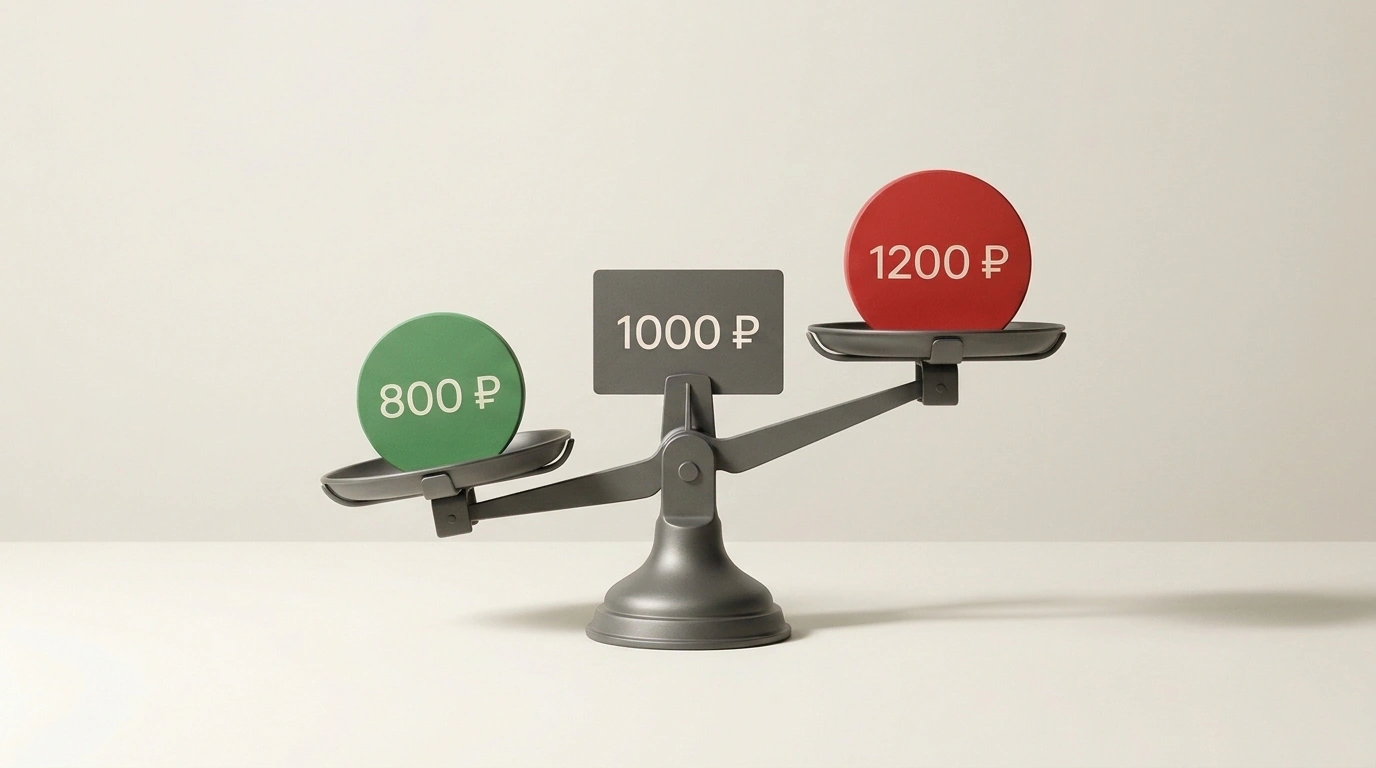
At first glance, it sounds like familiar co-investment, where the marketplace funds a buyer discount out of its own pocket. The difference is that the algorithm can now push your price in both directions: lower or higher than your maximum price. Set 1,000 RUB in your listing, and a shopper might see 800 RUB or 1,200 RUB. Ozon hasn't disclosed the formula deciding when to discount and when to mark up.
What Changed With 'Minimum Price' and Why It Looks Like a Ceiling
Previously, your dashboard had a familiar "minimum price" setting. The new offer renames it "price limit for promos and strategies." Its purpose hasn't changed: it acts as a protective floor so automated promos and pricing rules don't drag your item too low.
Here's the catch. The word "limit" makes it sound like a two-sided guardrail. In reality, it only protects the bottom edge and offers zero protection against algorithmic markups. On top of that, Ozon's interface periodically requires you to review and renew this threshold (sellers report a 30-day validity window), so check your settings manually before December promos begin.
The 'Your Payout Won't Change' Promise and Its Hidden Cost
Ozon states plainly that seller income won't suffer and extra buyer discounts will continue. Looking strictly at the math of a single completed order, that holds true: your maximum price at the time of purchase remains the base for commission.
From there, the math splits two ways. If the algorithm sells below your price, Ozon's commission drops by the discount amount, down to a 1% floor of the base fee (if commission isn't enough to cover it, the remainder is billed against other services or settled separately). However, if the algorithm raises the storefront price above yours, Ozon keeps 100% of that extra markup as commission.
Look at how that plays out on a 1,000 RUB item with a 20% base commission:
| Storefront Price (Algorithm) | Ozon Commission | Seller Payout |
|---|---|---|
| 900 RUB (discount) | 100 RUB | 800 RUB |
| 1,000 RUB (unchanged) | 200 RUB | 800 RUB |
| 1,100 RUB (markup) | 300 RUB | 800 RUB |
On paper, your per-unit payout stays steady. The trap sits in conversion. When your listing suddenly displays 1,200 RUB instead of 1,000 RUB, shoppers click away to a rival. Your CTR, add-to-cart rate, price index, and turnover drop. You earn the same per unit, but you lose monthly volume and slide down search results.
Month-end accounting adds another headache. November 2026 still closes under the old rules, where nominal fees were reduced at month-end via discount points (1 point = 1 RUB). From December onward, fees calculate directly per order in the Finance section. Comparing nominal commission rates across those two months won't work—compare actual net revenue per SKU instead.
Who Should Keep the Algorithm and Who Should Opt Out Early
This authorization turns on by default, though you can disable it by filing a support request in Ozon Seller (and turn it back on later if you choose). Processing takes up to 3 business days. If you wait until the last minute, your listings will run under algorithmic pricing during the opening days of December.
Keeping it on only makes sense for high-demand everyday goods where platform-funded discounts drive volume and you track conversion and sales velocity daily. If you sell a brand with a strict RRP (recommended retail price) or compete in a tight niche where an extra 10–20% on the tag kills orders instantly, opt out ahead of time.
What to check and do before December 1
- Open the updated offer in your Ozon Seller dashboard and review the 'Product Price Setting' section.
- Check your pricing settings and renew your 'price limit for promos and strategies' so your price floor doesn't expire before December.
- If you don't want algorithmic pricing, submit a support ticket to disable it at least 3 business days before December 1.
- Save screenshots of the offer terms, your ticket number, and closing documents for November and December to reconcile actual revenue per SKU.