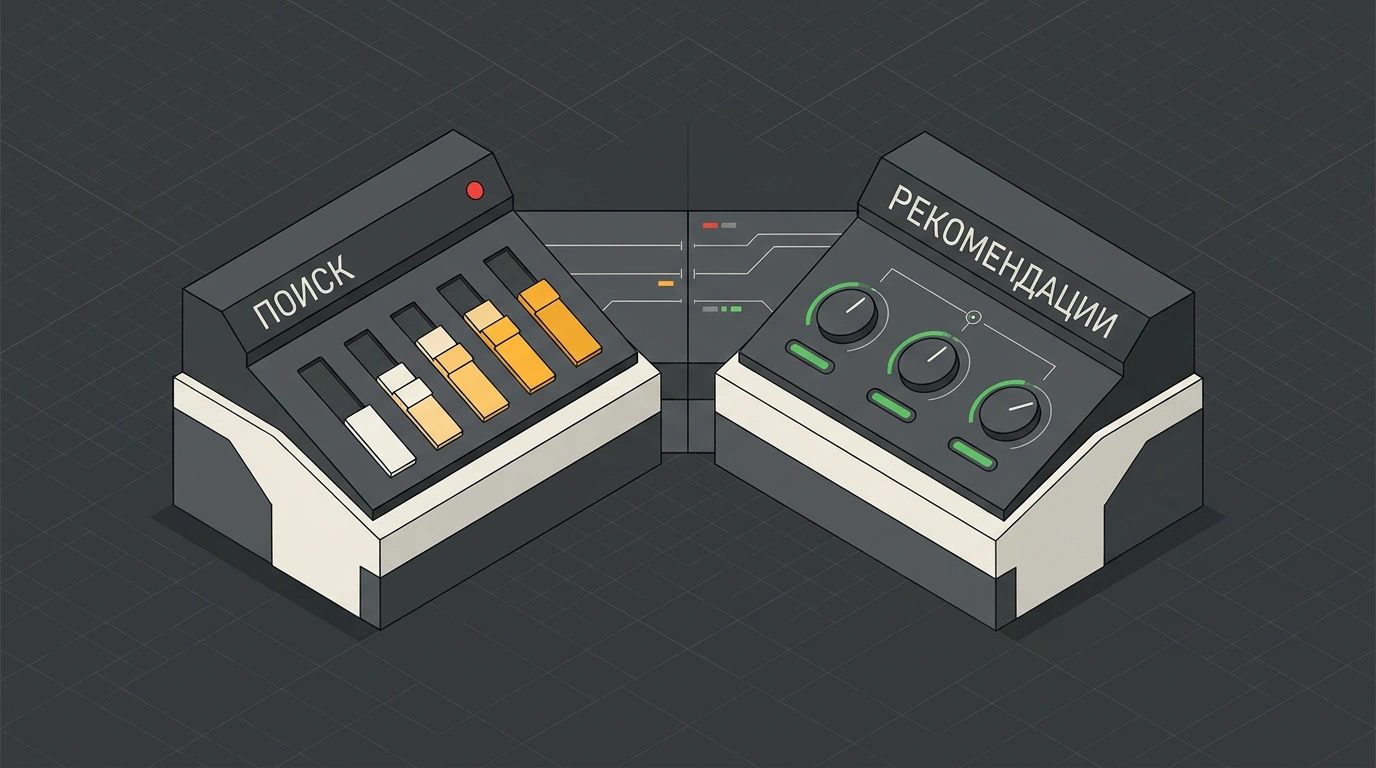
Wildberries sellers running manual ads used to face an awkward choice. You either split every SKU into two separate campaigns (one for Search, one for Recommendations) and juggle two budgets, or you used a Unified campaign with one shared bid where the platform decided where to burn cash and wouldn't let you turn off a weak placement.
MPSTATS WB Bidder removed that trade-off for manual CPM and CPC campaigns. In CPM you pay per thousand impressions; in CPC you pay per target click (opening the listing, adding to cart or favorites, or quick-viewing from search). An autobidder adjusts bids via API based on your rules. Now you can activate both placements inside one manual campaign and assign separate bids and strategies to each.
The only exception is the Unified campaign. At both the API and dashboard level, Wildberries pushes a single shared bid (cpm) across all placements there and doesn't allow splitting Search from Recommendations.
Five Strategies for Search vs. Three for Recommendations
Both zones live inside one campaign, yet their auctions work differently. In Search (query results and catalog pages), listings compete for fixed rank slots. In Recommendations (homepage shelves, competitor listings, and cart), there is no fixed grid—the algorithm builds a personalized feed for every shopper.
That's why Search offers five autobidder strategies while Recommendations offer three. Previously, recommendation shelves only supported "Hold Bid." MPSTATS just added "Time-Based Bid" and "Campaign Monitoring." Position-based "Best Position" and "Optimal Bid" stay exclusive to Search, since fighting for third place in a personalized feed doesn't exist.
| Strategy | Search | Recommendations | How the Autobidder Works |
|---|---|---|---|
| Best Position | Yes | No | Pushes the listing upward within a target rank range (higher spend, good for launch) |
| Optimal Bid | Yes | No | Keeps the item in a chosen rank band without chasing #1, balancing reach and ad-to-sales ratio |
| Time-Based Bid | Yes | Yes | Sets fixed bids during chosen hours and pauses outside them |
| Hold Bid | Yes | Yes | Locks your chosen bid so auction spikes don't move it |
| Campaign Monitoring | Yes | Yes | Leaves bids untouched and only logs stats and history |
This lets you build a flexible setup per SKU without duplicate campaigns. In a manual CPC campaign, you can run "Optimal Bid" on Search while setting "Hold Bid" with a tight cap—or "Campaign Monitoring" to gather data—on Recommendations.
The Main Trap: Ad Display Schedules
The update's hidden catch sits in hourly scheduling. Behavior depends on whether you enable a schedule on one zone or both.
If a schedule is active on only one zone, it controls only that zone. Suppose you run a manual CPC campaign with both placements on. You set Search to run from 7:00 a.m. to 8:00 p.m., skipping overnight hours or a weak 9:00–10:00 a.m. slot. Outside those hours, Search pauses while Recommendations keep running at their own bid. Peak hours use both; quiet hours rest the pricier channel.
However, if you turn on schedules for both zones at once, strict syncing kicks in. Set Recommendations to 2:00–3:00 p.m., and Search silently overwrites itself to that exact same hour.
When scheduling is enabled on both zones, active hours become identical—only bids remain separate. If you need different time windows for Search and Recommendations, keep the schedule on just one zone or split them into separate campaigns.
How to Check Which Bid Wildberries Actually Applied
Overall performance for Search and Recommendations still appears in standard campaign stats. To verify what the algorithm actually did, open "Campaign History" (the "All Events" and "Bids" tabs) or check your campaign list.
There you'll see two numbers side by side for each zone: the bid the Bidder sent and the bid Wildberries actually applied. That's especially useful in Recommendations, where Wildberries sometimes applies an internal downward multiplier so the real bid differs from your autobidder setting. The log shows the exact price each zone is running at.