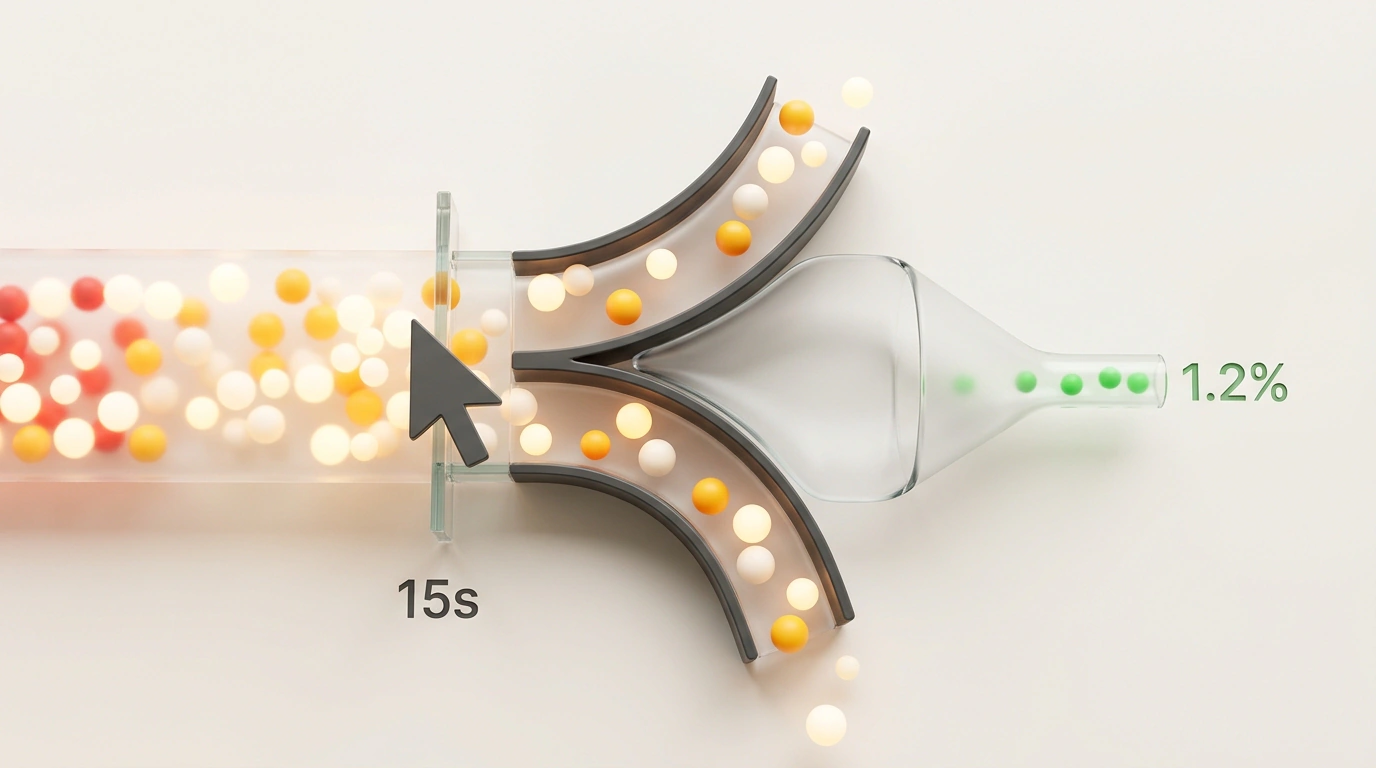
Leaving Wildberries or Ozon for your own website sounds tempting after every fee hike. You set the rules, own the customer base, and skip paid intake. Yet fresh numbers from analytics service one2click cool that excitement fast: across 298,574 visits to 23 online stores, only 1.2% of visitors completed a target action. The other 98.8% walked away empty-handed.
Even that 1.2% doesn't mean paid orders. Analysts counted any lead: submitting a form, tapping a phone number, or opening a messenger chat. Even fewer people actually pay and accept delivery. Mobile conversion hit 1.3%, while desktop sat at exactly 1%.
On a marketplace, the storefront is already polished: "Add to Cart" sits in the expected spot, photos swipe smoothly, and cards are saved. On your own site, you build every step yourself, and paid traffic often burns out before visitors even read the product description.
The First 15 Seconds and the Mobile Scroll Ceiling
When conversion hovers around 1%, it's easy to blame your ad manager. Yet behavior data from those same visits shows traffic breaking inside the storefront itself.
Where Online Store Traffic Drops Off (one2click Data)
Nearly every visitor never reaches your catalog or related items. In analytics, that's your landing-page bounce rate: someone opens the page, glances at the top block, and closes the tab. Half of all sessions end within seconds.
On mobile, the ceiling sits even lower. Looking at scroll depth (how far down a page users scroll), two-thirds of mobile visitors stall in the top third of the screen. Everything below—specs, reviews, shipping, and the order form—might as well not exist. If a giant decorative banner hogs the first screen instead of the product photo, offer, price, and buy button, nobody will scroll to find them.
'Dead Clicks' on Desktop: Why Your Buy Button Stays Silent
On desktop, a quieter issue shows up: dead clicks. In UX analytics, these are clicks that trigger zero response—no link opens, no photo zooms, nothing enters the cart, and the page (DOM) doesn't change. According to one2click, nearly one in five desktop visitors hits this wall.
When someone clicks three to five times in vain, dead clicks turn into rage clicks. Seconds later, they close your tab and head straight back to a familiar marketplace.
UX platform Mouseflow points to four common causes in online stores:
- an element looks like a button or clickable photo, but it's actually a static image;
- a JavaScript error or script conflict breaks the order button;
- the "Buy" button stays
disableduntil size or color is picked, without telling the user why; - heavy scripts load late, swallowing the visitor's first click.
You can spot these leaks without guessing by reviewing session replays and click heatmaps.
What to Audit Before Scaling Ad Traffic
If you're launching a D2C store alongside marketplaces, check these four points from the study before buying ads.
Online store audit before scaling traffic
- Top third on mobile: product photo, offer, price, and a working action button appear without scrolling.
- First 15 seconds: pages load fast with no pop-ups or banners blocking the product card.
- Zero dead clicks on desktop: use session replays and heatmaps to check photos, spec badges, and size/color prompts near 'Add to Cart'.
- Honest funnel math: separate initial leads (forms, calls, chats) from actual paid orders in your unit economics.
Run session recording for two weeks on live traffic, filter out empty clicks, and fix broken elements before raising your ad bids.