You open Ozon search and spot a lively niche: the top listing is packed with fresh reviews, and buyer questions pour in daily. You open an external analytics tool to check the competitor's revenue before buying stock—and see zeros or a flat line, as if nothing is selling. This happens all the time because the seller hid their inventory or hit Ozon's display cap.
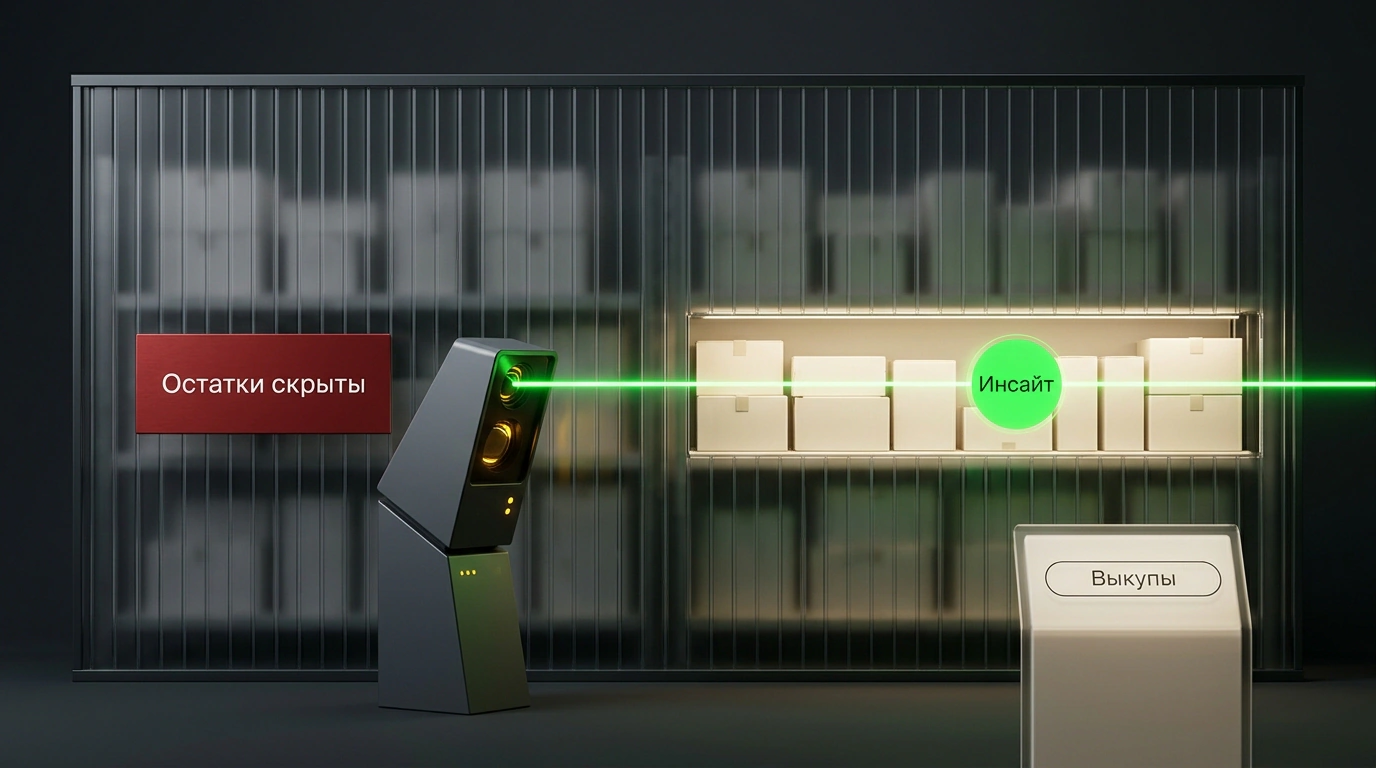
MPSTATS has now brought its 'Insight' technology to Ozon, after running it in Wildberries external analytics since September 2025. Instead of watching warehouse stock levels, the service uses actual buyout data to recalculate orders where inventory is hidden.
Why stock-scraping goes blind on Ozon
Classic external analytics—tools that estimate rival sales without access to their seller portal—relied on a simple trick for years. A scraper checks visible warehouse stock: 50 units yesterday, 43 today, so 7 orders happened. As long as stock is public, the math works.
On Ozon, that method has two cracks. First is hidden inventory. The platform caps how large batches display, and some sellers across different delivery models hide exact counts in settings. To a scraper, stock freezes or vanishes. A top competitor turns into a 'ghost' with dashes in the report, turning niche sizing into guesswork.
The second flaw runs deeper: falling stock only counts orders, not real money. A shopper orders a jacket in three sizes, tries them on at the pickup point, and two go right back. Stock tracking logs three sales, while the cash register sees one—plus double return shipping. In categories with low buyout rates, stock-based math wildly overstates market size.
How 'Insight' recalculates sales from buyouts
Insight tackles the problem from the other end. Instead of tracking inventory, the service's algorithms and AI process actual buyouts—paid orders minus cancellations and returns—valued at what shoppers actually paid. From that base, the system recalculates 'Orders' for cards with hidden stock.
Three things change for Ozon sellers. MPSTATS reports now build from buyouts rather than stock movements. The technology covers all Ozon fulfillment models: FBO (Ozon storage and delivery), FBS (your storage, Ozon delivery), and realFBS (your own or third-party storage and delivery). Market leaders with hidden inventory now reappear in category and niche stats.
To keep you from mistaking recent unprocessed days for a demand crash, the UI adds simple markers. The calendar has a '30 days with Insight badge' preset—the latest full thirty days the model has finished calculating. Meanwhile, tables show colored stars: green means full period coverage, yellow warns of partial data, and red means no buyout data is ready for those dates yet.
Where the model hits its limit and what to check before buying stock
Switching to buyouts fixes scraping's biggest blind spot, yet external analytics still isn't an accounting ledger. The MPSTATS knowledge base lists the method's limits openly, and you should know them before paying a supplier.
Average buyout calculation error sits around 10%. That's fine for sizing a category, though in narrow niches or high-return apparel, error on a single listing can run higher. Data updates every 10–14 days rather than in real time—good for spotting monthly or quarterly trends, useless for measuring yesterday's promo.
Two more details matter. Insight combines buyouts across all warehouses (FBO + FBS), so you can't split how much a leader sells from Ozon warehouses versus their own. Also, MPSTATS doesn't disclose its primary buyout data source, and its public docs still describe the Wildberries version (dating back to September 1, 2025)—the exact historical depth for Ozon hasn't been specified yet.
What to double-check before ordering inventory
- Turn on the '30 days with Insight badge' preset and check star colors so you don't mistake unprocessed dates for falling demand.
- Leave room for a 10% error margin and never build a financial model tight against one rival's numbers.
- Run the product through your own unit economics: Ozon commission, FBO or FBS logistics with returns, buyout rate, and ad ACOS.
- Test demand with a small trial batch before locking working capital into a large purchase.