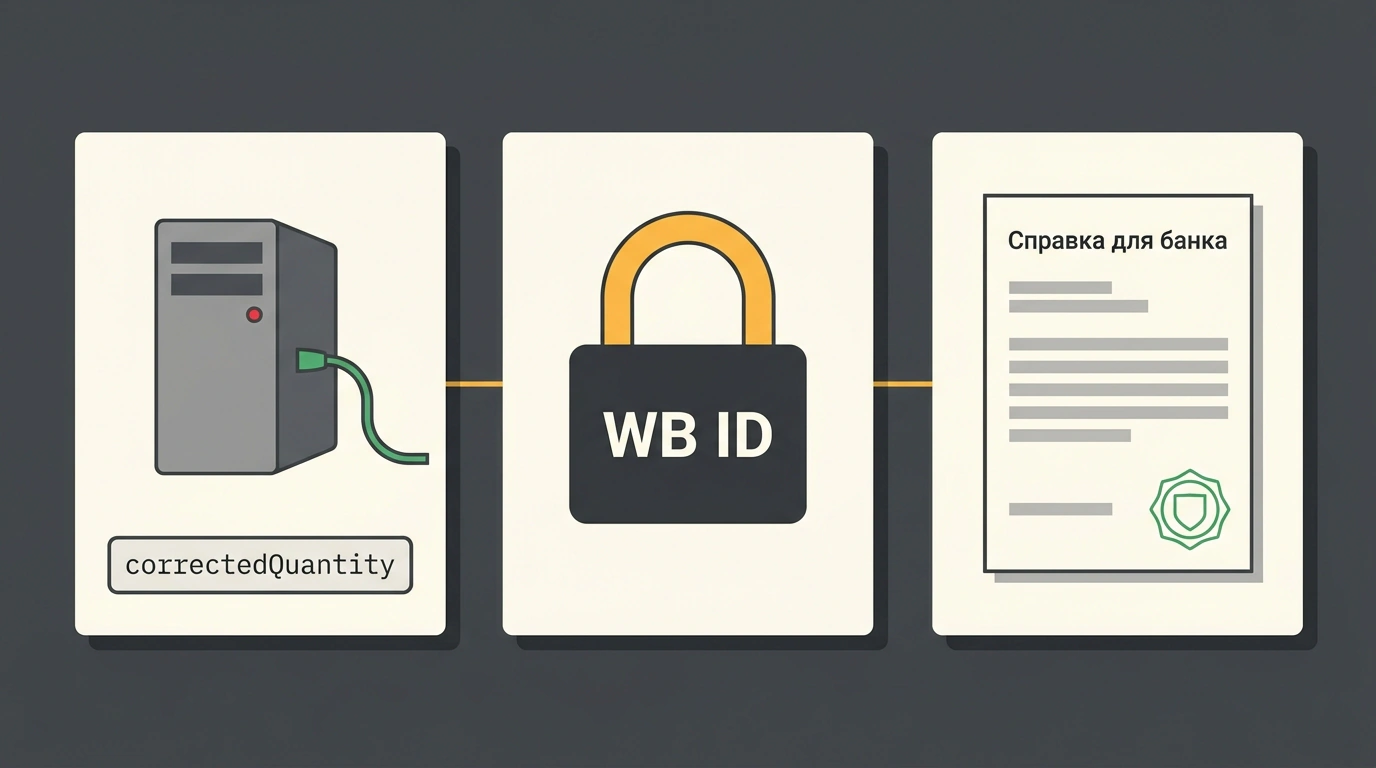
Fifteen minutes spent on three quick checks in Wildberries and Ozon portals will save you from zeroed-out stock in 1C, false panic over a 'hacked' profile, and an expired bank certificate link. Act promptly: on November 25, both marketplaces shipped targeted updates to APIs, access settings, and compensation documents.
WB API added the correctedQuantity field from intake discrepancy acts
When a Wildberries warehouse receives fewer or more units than you declared in a shipment, the platform issues an intake discrepancy act recording the gap between plan and actuals. Previously, you had to pull numbers from that act manually in the portal. As of November 25, WB added the correctedQuantity field directly to shipment details and item lists in the API.
Reconciling warehouse discrepancies in 1C or spreadsheets just got easier. Yet there is a catch that can easily break your inventory tracking.
In WB's FBW supplies documentation, standard fields are already familiar: declared count (quantity), accepted (acceptedQuantity), unidentifiable (depersonalizedQuantity), ready for sale (readyForSaleQuantity), and the discrepancy endpoint GET /api/supplies/v1/discrepancies/{supplyId}. The new correctedQuantity field isn't indexed in the public knowledge base yet, so verify its exact data type and endpoints in your own live JSON responses.
The new field only appears when intake counts differ. If a shipment arrives clean with no discrepancies, correctedQuantity simply won't be in the response.
If your parser in 1C, Google Sheets, or Excel automatically inserts 0 when a field is absent, every clean shipment without discrepancies will log zero received units in your report.
Test your integration on two real shipments:
- Pick one shipment with a discrepancy act and match the act's number against
correctedQuantityin your API export. - Open a normal shipment without discrepancies and confirm the missing field doesn't overwrite accepted stock with zero.
A five-minute test prevents sudden stock holes and broken restock calculations.
Wildberries temporarily hid some personal data in the portal for WB ID
You open the 'Users' tab in WB settings one morning and find managers' names blank. You check 'My Details' and your own phone number is gone too. Any seller's first thought is obvious: someone stole the account or wiped permissions.
Take a breath—nobody hacked you.
On November 25, Wildberries temporarily restricted the display of some personal data in portal settings. The platform is rolling out WB ID (a unified login service for secure account and portal access) while rebuilding the settings section itself.
Right now, account owners temporarily can't see other employees' first and last names on the 'Users' tab, and phone numbers are hidden in 'My Details' (users can't see their own number there). However, the main account owner still sees phone numbers and roles for all added staff on the 'Users' tab. Only the owner can manage the team under 'Profile → Settings → Users' (adding managers, editing roles, and revoking access), just as before.
The restriction is temporary: full display will return once the section update finishes. WB hasn't named an exact completion date for the WB ID migration, so check your internal spreadsheet now to confirm which phone number belongs to which manager before changing any roles.
Ozon sent digitally signed certificates for bank relief
Sellers whose goods were damaged during drone attacks on Ozon facilities qualify for bank support programs, including preferential loans and payment deferrals. So you don't have to prove losses to a bank with screenshots, Ozon prepared official certificates detailing damaged goods.
The documents are already sitting in the 'Notifications' section of your portal and carry an electronic signature (ES)—the digital equivalent of a company stamp and signature that gives the file legal weight at banks and other institutions.
Don't put off downloading them. The link inside the notification stays active for exactly three months before expiring. Even if you don't need debt restructuring today, save the file to your drive and send a copy to your accountant—it will help in bank talks later. Exact loan relief terms depend on the specific bank or program operator.
Keep the bank certificate separate from state tax relief, detailed on Ozon's seller support page. For tax and insurance contribution deferrals, you don't need to file anything—Ozon sends registries of affected sellers directly to Russia's FTS.
| Parameter | Bank relief | State tax deferral |
|---|---|---|
| Who submits docs | Seller presents ES certificate to bank | Ozon sends registries to FTS by the 5th monthly |
| Damage threshold | Per specific bank rules | Over 5% of annual income (excludes firms registered after Dec 1, 2025) |
| Scope & duration | Preferential loans and deferrals per bank terms | 12-month deferral on VAT, profit tax, USN, NPD, sole-trader NDFL, contributions, and advances for Aug 2026–Jul 2027 |
| Repayment & audits | Per bank schedule | Equal installments over 1 year post-deferral; field audit moratorium through end of 2026 |
When calculating the tax threshold, combined losses count if you sold on both Ozon and Wildberries (RVB). While the FTS side runs automatically, download your ES certificate from Ozon notifications right now while the link is live.