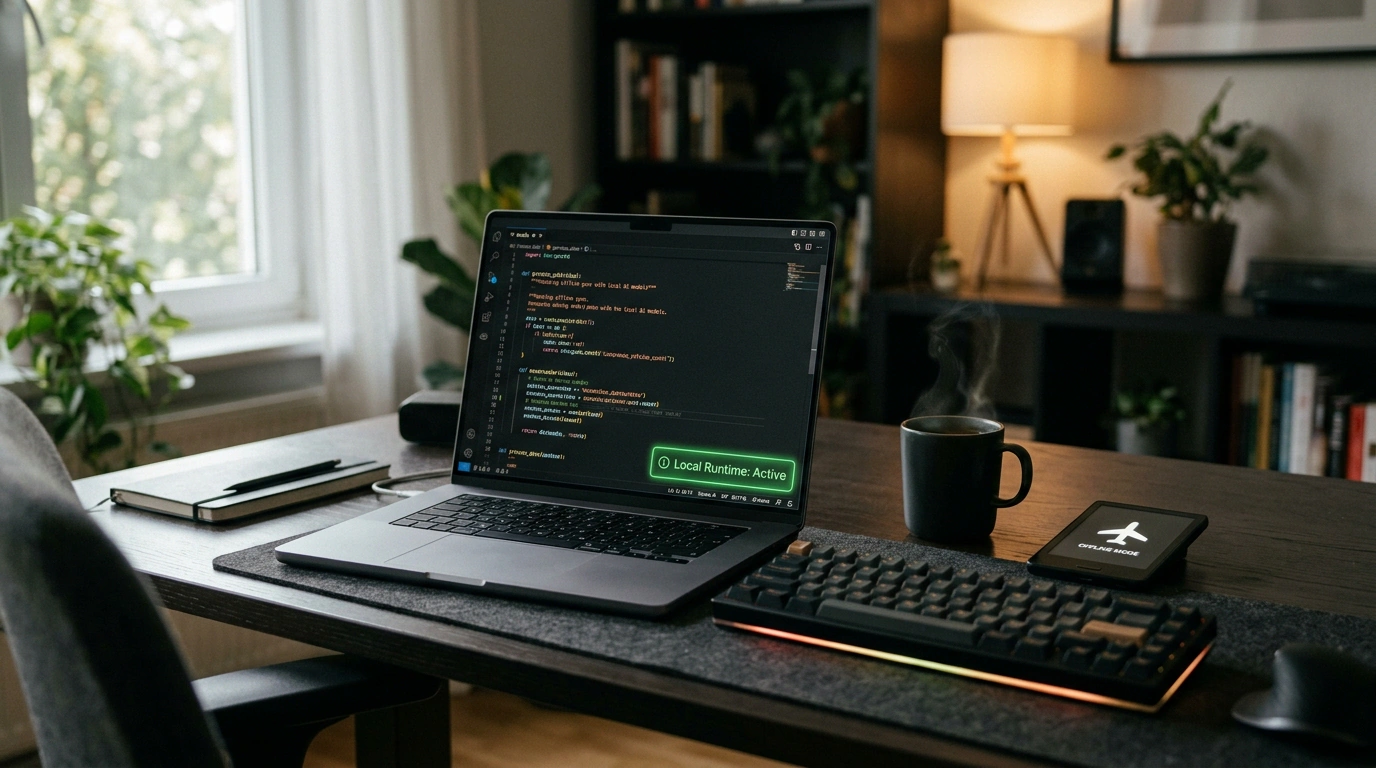
How many times have you thought, 'I'd love to use smart code completion, but corporate security strictly forbids sending project files to outside servers'? It's a classic dilemma. Either you work in cloud comfort with Copilot or Claude and risk exposing secret tokens and trade secrets, or you stick to a bare editor with no AI help just to keep the security team happy.
In early October 2026, Microsoft made a move developers had waited years for: it opened up local offline execution for its specialized MAI-Code-1.1-Flash coding model right on a developer's workstation. Reviewer Julian Goldie tested the release in a real setup and showed how the new hybrid routing lets you code offline with zero risk of leaking private data.
Let's walk through the model's architecture, system requirements, and step-by-step VS Code setup.
Mixture-of-Experts Architecture: Why Flash Runs Fast
Under the hood, MAI-Code-1.1-Flash uses a Mixture-of-Experts (MoE) design. Its total parameter count is an impressive 137 billion, yet only 6.8 billion parameters activate for each individual token.
Why does that matter for local runs?
- Broad knowledge: the model retains deep fluency across hundreds of programming languages, frameworks, and syntax quirks—on par with much heavier networks.
- Low compute cost: during inference, your GPU only calculates the active experts, delivering 45 to 60 tokens per second even on consumer graphics cards.
- Huge context window: support for 256,000 tokens lets you load entire modules and supporting docs into local memory.
The biggest practical feature is the Hybrid Router (HydraFusion). VS Code judges task complexity automatically. Fast single-line completions and local refactors run on your NPU or GPU. If you ask for a global architectural audit of the whole project, the request routes seamlessly to the cloud cluster. Better yet, local calls don't burn your paid GitHub Copilot quota and work great in Airplane Mode.
System Requirements and Prep
Before configuring anything, take an honest look at your hardware:
- Minimum to run (
q3_k_mquantization): an NVIDIA GPU with 24 GB VRAM (such as an RTX 3090, 4090, or 5090), or an Apple Silicon Mac with at least 64 GB of unified memory. - Software stack: VS Code version 1.95 or newer and a running local inference server (Ollama or vLLM).
Step-by-Step VS Code Setup
First, enable hybrid routing in your editor's settings.json file:
{
  "github.copilot.advanced": {
    "modelRouting": "auto",
    "localModel": {
      "enabled": true,
      "modelIdentifier": "mai-code-1.1-flash",
      "quantization": "q3_k_m",
      "maxMemoryAllocationGB": 32,
      "fallbackToCloudOnTimeout": true,
      "timeoutSeconds": 4
    }
  },
  "github.copilot.editor.enableAutoCompletions": true
}
The fallbackToCloudOnTimeout flag protects you from stalls: if your local GPU is busy rendering and doesn't reply within 4 seconds, the cloud backend picks up the request automatically.
Next, here's how to launch the optimized model image in your terminal with Ollama and verify it via the local REST API:
# Pull and start the quantized model image in Ollama
ollama run mai-code:1.1-flash-q3_k_m

# Test the local generation endpoint with curl
curl -s http://localhost:11434/api/generate -d '{
  "model": "mai-code:1.1-flash-q3_k_m",
  "prompt": "def calculate_crc32(payload: bytes) -> int:\n    \"\"\"Computes the CRC32 checksum\"\"\"\n",
  "stream": false
}' | jq -r '.response'
Once you see the green Local Runtime: Active badge in your VS Code status bar, your autocompletions never leave your PC's RAM.
For comfortable daily work, pick q3_k_m or q4_k_m. On standard Python and TypeScript coding benchmarks, accuracy loss compared to original FP16 weights stays within 2–3%, while the model fits neatly into 24–32 GB of memory.
Constant background token generation while typing fast puts steady load on your graphics chip. Make sure your laptop or workstation cooling can handle the heat, and configure throttling in your driver utility if needed.
Bottom Line: Cloud Freedom and Code Security
The MAI-Code-1.1-Flash release opens a long-awaited chapter where a capable AI assistant isn't locked inside closed cloud data centers. You get zero network lag, independence from internet outages, and 100% source code privacy. For enterprise engineering teams, that's the strongest argument yet to finally greenlight smart coding assistants in daily workflows.