You sign up for a paid Google AI Pro plan, open Google Antigravity to try the new Gemini 4 Argon—and it's nowhere in the model list. It's not a UI bug or a closed beta. The app simply signed in with a different Google account or picked up a trial plan, where Argon stays hidden. And once you fix access and launch your first big build, a second surprise hits: a long run can time out and save nothing at all.
Even so, pairing Gemini 4 Argon with the preview /swarm command genuinely changes the pace of working with a coding agent. Instead of waiting on one linear chat, you spin up a swarm of parallel workers and assign different models to match task complexity. Let's look at how both features work, which terminal commands matter, and where the system still trips.
Why Google Built Gemini 4 Argon and the 6-Million-Line Chromium Case
Standard coding models happily edit a single module, then lose the thread across dozens of files and a 30-minute session. Within the Gemini 4 family, Gemini 4 Argon is tuned for long horizons: refactoring legacy repos, migrations, analyzing large codebases, and cybersecurity tasks. Sitting next to the larger Gemini 4 Carbon, it balances deep reasoning, response speed, and tokens spent per step.
Argon packs a 1-million-token context window (~4 million characters)—big enough to hold an entire project folder—along with switchable thinking levels (low, medium, high). You crank it to high for heavy code restructuring and drop down for drafts to save quota. It also includes a built-in self-check loop: the agent runs code, reads errors, and fixes them before showing you the result.
Over 100,000 Alphabet employees use an internal version of Antigravity every month. According to Google, Argon boosted the share of agent-written code by 35% and cut rollbacks after pushing changes by nearly 30%.
The biggest internal case happened on the Chrome team. Engineers extracted a legacy browser-features directory of roughly 6 million lines from Chromium's 40-million-line codebase and decoupled it from the rendering core. Doing that across hundreds of files by hand would have taken months; with Argon in Antigravity, they wrapped it up in weeks. Google also cites migrating tens of thousands of lines from Fortran to Rust and optimizing the YouTube comments frontend.
Public user tests tell a more grounded story. When Argon was asked to build a promo site for a wristwatch that explodes into parts on scroll without an existing 3D model, the first 29-minute run produced a blurry "milky ghost." After seven quick follow-up edits over another 10 minutes, though, the scene turned into a clean product mockup. A huge context window helps you iterate a project into shape, even if a masterpiece rarely lands on the first try.
How the /swarm Agent Swarm Works Inside Antigravity
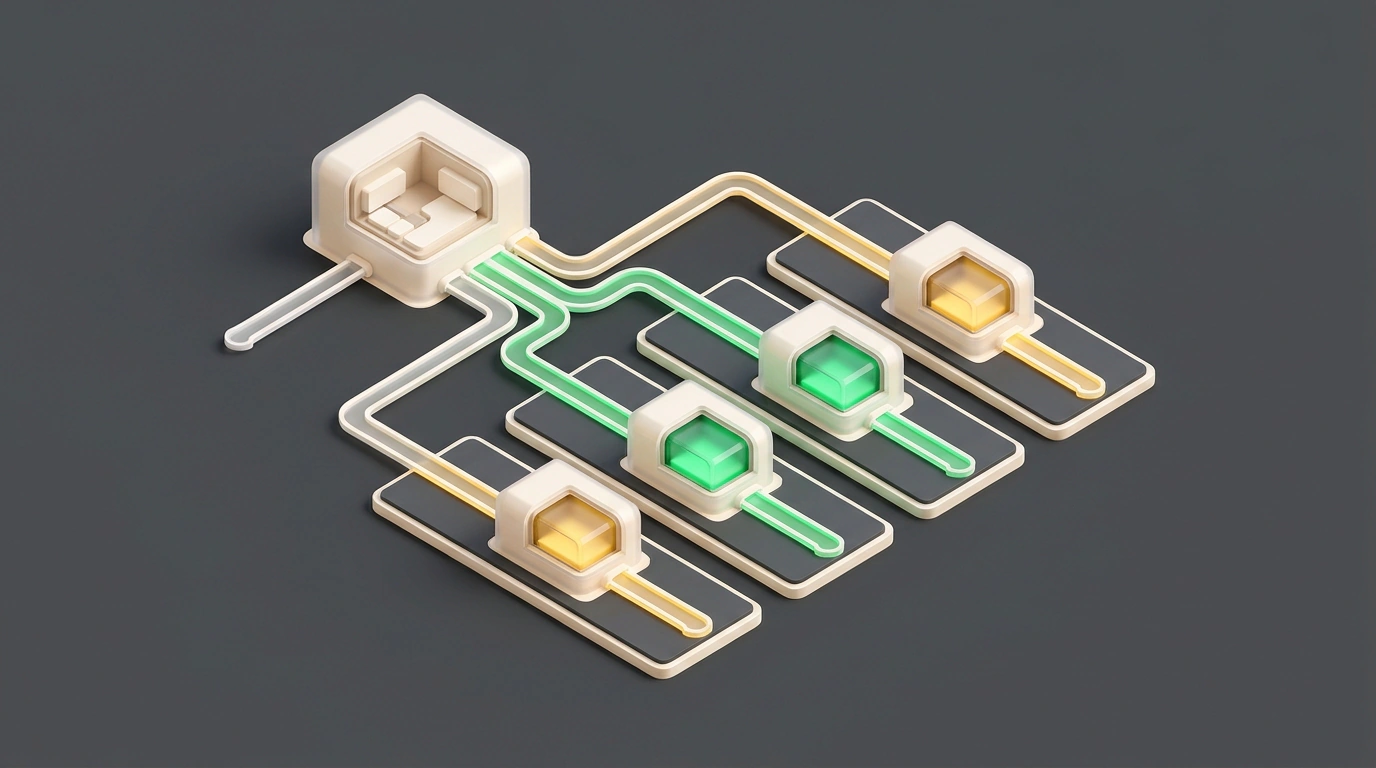
Even a fast model in a single chat hits a linear queue. The preview /swarm command switches Antigravity into multi-threaded mode: your current chat becomes the coordinator, splits the job into independent pieces, and launches parallel workers.
To keep simultaneous edits and builds from colliding, each worker gets an isolated working copy of the repository via git worktree and builds its own branch apart from the rest.
Google Antigravity workbench for managing local AI agents in parallel (Source: Google Antigravity official site)
Agents communicate on a shared append-only message board while keeping a unified view of the project. Whenever a worker waits for a mention or a subtask, it sleeps at zero token cost (zero-cost idle) and wakes up instantly when pinged. A separate role—adversarial verifiers—runs tests, inspects diffs, and challenges bugs before the final merge.
You can also match models to roles. Put a heavy model on high for tricky code and planning, and assign a fast model to short drafts. Humans stay in control: the app shows a Swarm UI sidebar with the board feed, member list, and task graph. You can step in to steer any worker manually, and pushes or publishing still require your approval.
There's no reason to spin up a swarm for every minor fix, though. Antigravity's docs draw a clear line between modes:
| Command | When to Use It | How It Works |
|---|---|---|
/swarm | Task splits cleanly into independent files, packages, or tracks | Coordinator spins up workers in isolated git worktree copies |
/boost | One tough bug inside a tightly coupled module | Deep focus on a single problem without splitting into a swarm |
/teamwork | Multi-day projects with sequential stages | Staged team workflow over a longer horizon |
On a single tangled bug, a swarm just burns quota for nothing. It pays off when you can genuinely split work into parallel lanes.
Setup, Commands, and Avoiding Access Snags
Before starting, check two things: make sure you have the Google Antigravity App or CLI installed, and verify you're signed into the Google account with an active Google AI Pro or Ultra plan (Argon stays hidden on trial plans). In the desktop app, pick the model and thinking level (low, medium, high) from the dropdown below the input box.
Terminal interface of Google Antigravity CLI for launching agents and subtasks (Source: Google Antigravity official site)
In the terminal Antigravity CLI, the core commands take three lines:
# Open the model picker (select Gemini 4 Argon and thinking level)
/model

# Start the coordinator and split independent subtasks across workers
/swarm Split authentication, CSV export, and API tests into separate modules

# Open the live terminal swarm board (shortcut: Alt + S)
/swarm board
Once you run /swarm, the coordinator assigns roles and sets up isolated repo copies, while /swarm board (or Alt + S) opens a live board showing messages and worker status. The agent asks permission before running local commands, so review them carefully and work on a repo copy. For long sessions, tell Argon upfront to save intermediate files to disk, and finish with a self-check: "Review the result like a strict user and fix the top five flaws."
Pre-flight checklist for Argon and /swarm
- Antigravity is signed into the Google account with an active Google AI Pro or Ultra subscription (not trial).
- The
/swarmtask splits into independent modules; otherwise use/boost. - Long-build prompts instruct the agent to save intermediate files to disk.
- Heavy models on
highare reserved for complex code, with fast models handling drafts.
Where Argon and the Swarm Trip: Limits, Timeouts, and Literal Reading
Behind the Chromium numbers lie practical limits that show up on your very first evening.
First, benchmarks. On the long-horizon Deep SWE coding test, Gemini 4 Argon took first place ahead of GPT-6 Astra and Claude Opus 5.5. On several other tests—especially terminal benchmarks—Argon trails competitors. And there's a catch: Google published all of these numbers, along with Alphabet's internal metrics, and independent large-scale verification is still sparse.
Second, quotas. On Google AI Pro, Argon has a separate weekly limit on top of your Gemini 3.8 Flash quota. Preview /swarm mode burns through it much faster than a regular chat because every active worker draws from the quota independently.
Third, timeouts that lose work. In early testing, two long Argon runs timed out and saved nothing, and a 3D racing-game test aborted with two minor errors. Avoid launching multiple giant builds at once, and lock in intermediate checkpoints early.
Finally, the model can follow prompts a little too literally. When building a slide deck for a bakery, the client flagged one hated word—Argon put that exact word on a slide with the caption "do not use this word." And during a 19-minute redesign of an old plumber's website, the command "keep all words" caused the AI to faithfully carry over an ancient note about Internet Explorer 6. A million-token window and verifier workers wipe out plenty of drudgery, but they don't replace a human read-through before sending work to a client or merging to main.