The click counter in your dashboard is spinning like crazy, your balance is melting every hour, and yet your chat and phone are completely silent. Two seemingly incompatible things are happening at once: while someone's scripts are trying to drain your wallet and knock your listings out of search, the platform's protection system is already recalculating empty visits to refund the money charged.
When you promote expensive goods or services on Avito, someone else's foul play can feel like a tax on holding a top spot. What hooked me was the mechanics behind it: how does the platform protect a seller's budget from click fraud, and under what rules does it refund money for fake views?
Why Competitors Click-Fraud Listings and Why Your Advance Melts Away
On the pay-per-view tariff, you pay for a target action — a unique transition from search or recommendations into a listing (or opening a phone number or chat from the search feed, with no double charge if they also open the listing). Money is deducted every hour from a prepaid deposit — your advance.
That rule is exactly what rivals count on. If they sic bots or micro-task workers on your listings (that is click fraud — artificially inflating clicks to drain a budget), your deposit starts to empty. And if your advance drops below the category's minimum threshold, Avito's algorithm automatically hides your listings from search — and buyers go to competitors.
In high-ticket niches like construction, heavy machinery, or custom cabinetry, a single visit costs 150–300 rubles. Avito specialist Александр Горбачёв shared a telling example: a furniture seller racked up 1,575 views in a month at an average price of 251.41 rubles, and billing charged a hefty sum for part of that suspicious traffic.
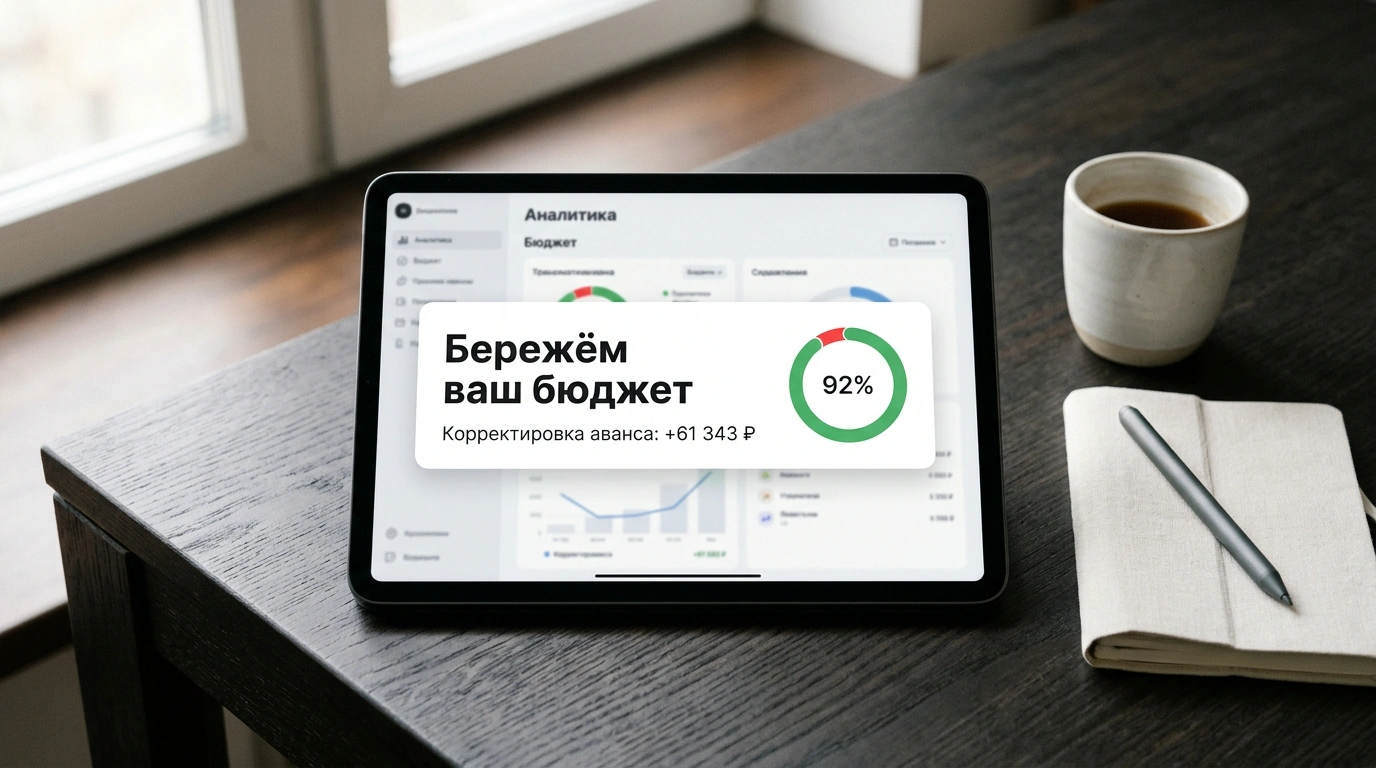
It looked like the money had burned up for nothing. Yet the seller received a "Protecting your budget" notification in the dashboard: the algorithm detected 244 fake clicks (15.49% of traffic) and refunded the full 61,343 rubles back to the advance. The store kept its budget, and the refunded amount went toward paying for visits from real customers.
How Antifraud Under the Hood Tells a Real Buyer Apart from a Bot
How does the system tell a bot apart from a silent browser who simply didn't like a wardrobe? That job belongs to antifraud — automated filtering of invalid traffic, which we covered in our breakdown of Avito security algorithms. According to the Бизнес на Авито portal, the protection works in two layers.
The first line of defense meets traffic at the door using a 24-hour deduplication window: if a competitor opens your listing from a smartphone 5, 20, or 50 times in a day, the system merges the visits and charges strictly for the first view, making the rest free. Right here, scrapers, proxies, data-center networks, and bots without a device fingerprint are filtered out, while feed previews without a click are not billed at all.
The second line is a delayed behavioral audit. During an attack via a bot farm with spoofed addresses or micro-task platforms, the initial click is billed. Next, machine-learning models inspect time spent on the listing, photo scrolling, text reading, and geolocation. If a group of visits closes the tab in 0.5–1.5 seconds, never scrolls the gallery, and produces a nighttime traffic spike with zero contacts, the algorithm flags the cluster as fake (with manual visits lasting 20–30 seconds, gathering statistics takes longer).
How Daily Advance Refunds Work and Where to Monitor Your Money in Avito Pro
Filtered fraud is not compensated at the end of the month: the system returns money to your advance daily in small portions as logs are verified, and those funds immediately pay for new target clicks in the furniture store.
The only risk is the gap between hourly deductions and the daily recalculation. If you keep your advance topped up only for a couple of days, a nighttime attack will temporarily drop your balance below the threshold and hide your listings until the refund arrives. You should not unpublish listings manually: that wipes out their search statistics, and as we noted in our article on hidden budget losses on Avito, a drop in activity hurts sales more than attacks do. It is smarter to lower your daily limit and rely on three rules in Avito Pro:
- Cross-check clicks against contacts in "Analytics". In the "Target actions" tab, compare views with calls and chats: a traffic spike 3–5 times above normal with zero inquiries exposes an attack and serves as evidence for support.
- Check refunds in "Transaction history". In the "Plan" or "Wallet" section, look for "Advance adjustment" lines next to deductions — that is how daily fraud compensations appear.
- Turn on "Auto-top-up". Link a wallet or card to a minimum balance threshold so a surge of bots cannot knock your listings out of search before the refund lands.
Combining automated filtering with financial controls keeps your positions in search and saves your budget for real buyers.