You open your ad dashboard export in the morning, see twenty fresh phone numbers, and happily hand the list to sales. Half an hour later, your rep sets the phone down with a sigh: half didn't pick up, three snapped "I didn't order anything," and the rest thought they were downloading a free price catalog and have zero interest in booking a measurement visit.
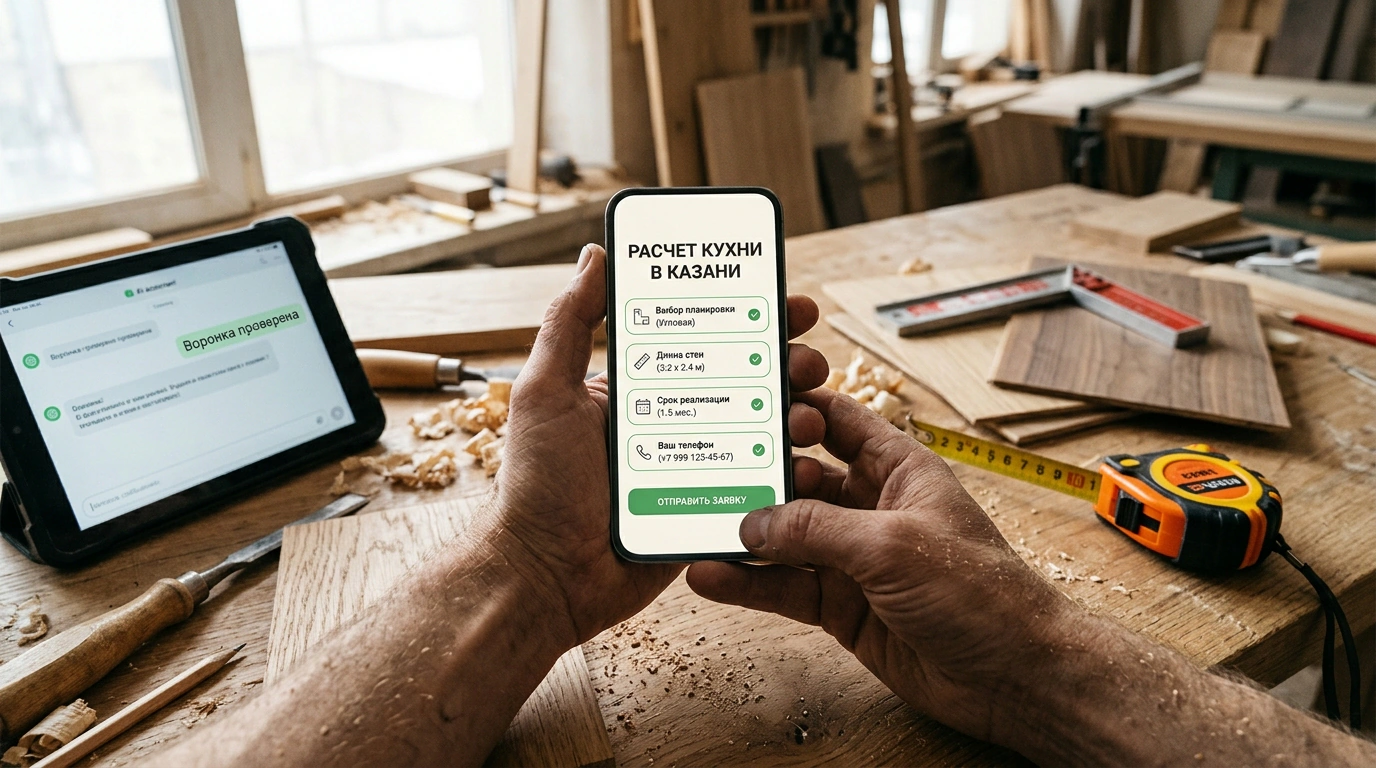
Built-in VKontakte lead forms are a lifesaver when your main site is still in progress or your mobile landing page crawls. The form pops up right inside the feed and auto-fills the user's name and phone number from their profile. Left on default settings, though, that autofill turns your ad budget into a random-tap machine. I dug into a case study by analysts at Decoded—a custom kitchen workshop in Kazan collecting quote requests without a website—to see how four form filters block junk clicks, how to audit the funnel with ChatGPT or Claude, and how to get a lead on the phone within 5–10 minutes.
When an In-App VKontakte Form Beats a Separate Website
Before opening the VK Ads form builder, check whether a short form can actually handle the job. A common mistake is cramming quote requests, on-site measurements, price list downloads, job applications, and repairs into one catch-all form. Context gets lost in that soup, and your rep has to start every call from scratch.
Pick the in-network format based on the action a buyer is ready to take right after seeing the ad—and how fast your team can respond:
- Lead forms ("Lead Forms & Surveys") work best when a specialist needs a phone number and a couple of project details to prep and call back with something concrete.
- Community messages fit better when someone wants to check sample availability or book a visit slot right now and a manager is actively staffing the chat.
- A full website is non-negotiable when buyers need to browse a large catalog, compare specs and shipping, and check out in a cart.
Look at how the Kazan workshop tested that fork. The owner prompted Claude: "We need custom kitchen quote requests; we don't have a website yet." The model asked three clarifying questions: where the measurer travels, what needs to be known before the first call, and who calls the customer. The owner checked with the shop floor: they serve Kazan and a 30 km radius, give a rough price range over the phone based on wall lengths, and calculate the final quote after an on-site measurement. That meant the form must not promise an exact final price in two minutes without a call.
You can run the same pre-launch check on your own business with this prompt:
"We offer service and operate in geography. After a form submission, our next real step is actual next step, handled by role and response time. What does a prospect need to understand before submitting, and what will we clarify on the call? If a lead form isn't enough, explain what information is missing."
A customer's path has five links: see the ad, open the form, submit contact info, confirm the request on the call, and book the estimate or measurement. If even one link promises something different from what the next link delivers, conversion falls apart.
Four Form-Structure Filters to Beat Mindless Autofill
You might wonder: why do people submit a form and then act surprised when you call? Blame VKontakte's autofill—it drops the profile's name and phone number straight into the fields. Without a manual-choice question, someone scrolling on the bus can submit a form with two accidental taps, or a family tablet sends an old relative's number.
To filter out tire-kickers and prep your rep for the call, the workshop built its form around four filters:
- A headline with the job and geography. Put the service and coverage area right in the header: "Preliminary Kitchen Quote in Kazan & 30 km Radius." Anyone living across the republic or shopping for a ready-made stool from a warehouse stops right there before submitting.
- An honest first-screen description. Choose the detailed-text layout in the builder and spell out the process without fake discounts: "Leave your contact info. A manager will confirm dimensions and preferences and prepare a preliminary estimate. We finalize the exact quote after an on-site measurement." When you don't promise a freebie where the work is paid, only people okay with your real terms make it to submit.
- One mandatory manual-choice question. Keep contact fields to name and phone—no need to ask for apartment numbers, birthdates, or email without a reason. Add one qualifying question: "Where are you in your kitchen search?" with options like "I have dimensions, need an estimate," "Need a measurement first," and "Still exploring options." One VK Ads quirk caught my eye here: the "required" toggle makes all questions in the form mandatory—there's no per-field switch. Manual selection breaks the autofill reflex, and a rep who sees "Still exploring options" won't push an evening measurement visit on second one, instead giving calm price ranges.
- A confirmation screen with callback hours. Set expectations right after submission: "Request received. A manager will call during business hours, 9:00 AM–7:00 PM, to confirm your project." Don't claim a measurement is already booked if the time still needs to be agreed, and pick a button label from VK Ads' available options that matches your promise.
Following the rule "only ask a question if the answer changes your next action," this adapts to any niche: an auto shop can ask for car make and model to check bay fit, a beauty salon can ask which treatment to pull up the right stylist's calendar, and a stretch-ceiling installer can ask whether the client wants a quote or a measurement.
Trimming Drafts and Auditing Leads with ChatGPT and Claude
Draft forms tend to bloat fast. The workshop owner brought ChatGPT a draft asking for cabinet front colors, carcass materials, hardware, wall dimensions, and street address. To cut the fluff, feed the draft to the model tied to pre-call decisions:
"Here is our offer and draft form: text. For each field, explain what decision we will make from the answer before the first call. Remove questions that don't drive a decision, suggest a shorter version, and write the post-submit screen. Do not invent discounts, prices, timelines, or services not listed in the input."
That final guardrail against inventions keeps the AI from making up promises (we saw how similar constraints save ad copy in our piece on practical prompts for commercial listings). The model keeps only contact info and buying stage, pushing the rest to the call: talking through wall lengths over the phone takes two minutes and beats typing numbers on a smartphone.
When impressions are rolling in but bookings lag, you can inspect the ad side manually or through the LidFly connector for VK Ads: in read-only mode, the agent checks campaign goals and budgets, ad-set targeting, moderation rejections, and exports click and form stats by date.
Before uploading a CRM lead export into ChatGPT, Claude, or Codex, anonymize all personal data under Russia's Federal Law No. 152-FZ: strip names, phones, emails, and addresses, including inside rep notes. Then run this scoring prompt:
"Analyze these anonymized records: data. Group them strictly by known statuses: unprocessed, no answer, request unconfirmed, wrong service or area, awaiting next step, declined with reason, insufficient data. Cite the source record for every finding. Do not label leads as bots or guess customer intent."
The workshop owner wanted to add five more required fields, blaming ad traffic. Yet Claude's audit of the anonymized CRM log told a different story: three Friday leads sat untouched until Monday, some users expected a PDF catalog without a call, and most rejections came from outer districts of the republic. For a clean test, the owner changed a single variable—putting "Serving Kazan & 30 km radius" in both the ad copy and the form header—while keeping callback speed constant.
Automated Lead Delivery, the First Call, and 8 CRM Statuses
Per official VK Ads documentation, building and wiring up lead delivery takes six steps:
- Under "Lead Forms & Surveys," fill in your logo, cover image, company name, headline, and description with terms.
- Select contact fields and add your manual-choice question.
- Set up the thank-you screen and legal entity/sole proprietor details, including the mandatory Privacy Policy link under Federal Law No. 152-FZ.
- Configure delivery: verify your email and connect the form to your sales team's Telegram chat and CRM via Community Callback API or webhook tools (Albato, WebJack). Sending deal statuses back from your CRM helps VK's algorithms train on actual buyers (see how lead forms fit into a broader traffic mix in what can replace an overheated Yandex Direct).
- Save the form, preview it on mobile, and send a test lead using the dashboard button. Confirm the alert reaches the rep and tag that record as a test.
- Attach the form to a campaign with the "Lead Forms & Surveys" objective and check moderation.
Once a lead lands in chat within 5–10 minutes, you can still lose a warm prospect five seconds into the call with one generic opener. People fill out in-feed forms between news posts, so saying "You left a request on our website" only confuses them. Open by putting them right back in context:
"Hello, this is Name workshop. You requested a preliminary kitchen estimate on VKontakte. Is now a good time to confirm your dimensions and project details?"
And so you don't lump a forgotten commute tap or a missed ring under "bots," separate eight statuses in your CRM: awaiting contact; contacted, request confirmed; fits service and area; next step scheduled; declined with reason; could not reach; did not confirm request; duplicate or test. Track payments separately in your accounting.
Take ten minutes today with zero prep: open your live lead form or draft on your phone and read the ad text, first form screen, and thank-you screen back to back. If there's any gap in what they promise—or a field that doesn't change your rep's opening line—cut the extra question and align all three screens around one outcome.
