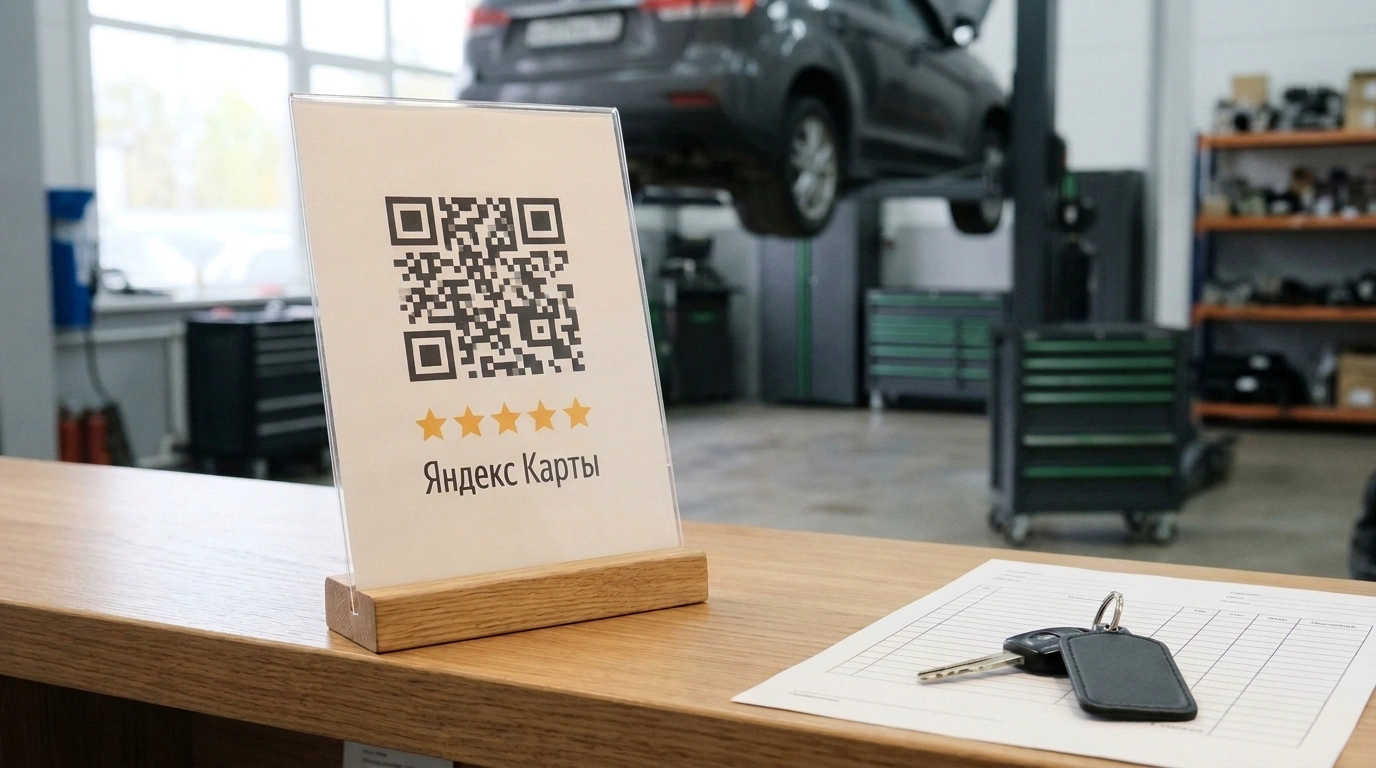
This guide gives you a step-by-step answer to a very practical question: how to build a steady stream of honest positive reviews on Yandex Maps, catch complaints before they hit your public profile, and lift your rating without risking a ban for fake reviews. We'll walk through the entire chain—from grabbing a direct link and QR code in your Yandex Business dashboard to setting up a negative-feedback filter and anti-fraud hygiene.
As a running example, let's look at a real case study of an independent auto repair shop from a Gruzdev Analyze report. For two years, the mechanics did solid work, yet their profile was stuck at 4.1 stars with 34 reviews: happy drivers drove off without saying a word, and only rare disputes made it onto the map. After printing a QR code on the vehicle handover form and sending a follow-up SMS four hours after each car left the bay, the shop raised its rating to 4.8 in 60 days and grew its verified review count to 112—without a single moderation block.
Why 85 Million Maps Users Trust Ratings—and Why Happy Customers Forget to Review
Service businesses face a brutal asymmetry in motivation. When a customer gets their coffee on time, a clean haircut, or a smooth car maintenance check, they treat it as the baseline they paid for. Without a prompt, only 1–2% of satisfied guests leave a natural review. At the slightest hiccup, though, frustration demands an outlet: angry customers write negative reviews 25–30% of the time.
If you leave this to chance (in marketing, systematic work with feedback is called ORM—Online Reputation Management), your map listing slowly turns into a complaint board. Meanwhile, the audience on geo-services is massive: according to official figures cited by eLama Blog, 85 million people search for goods and services on Yandex Maps every month. A survey by Markway and Anketolog shows that 99% of buyers read reviews before ordering. In home services, repair, and beauty, Avito data shows 58% of customers rely on ratings (and up to 65% of women), while in auto repair, Gruzdev Analyze found that 46% of car owners pick an independent shop based on map reviews.
Yandex Maps doesn't calculate your rating as a simple average of all stars. It uses a dynamic weighted model:
- Reviewer trust score. Maximum weight goes to users with the "Trusted Author" badge and an active history across Yandex services (Mail, Taxi, Market, Maps).
- Geo-footprint (LBS and GPS). The algorithm checks whether the author's smartphone was physically at your address on the day of the visit. Without a real-world presence, the score carries less weight or gets shadow-banned.
- Pairwise comparison. The Maps app periodically asks users to compare two places they visited in the same category, adjusting the final score and ranking alongside distance to the location, profile completeness, and ads. I covered how to fill out a profile to hit "Index 100" in my breakdown of promoting a geo-profile on Yandex Maps.
That leads to rule number one: to grow your rating, collect reviews from real visitors right after the job is done.
Where to Grab a Direct Link and Set Up a Scannable QR Code Without Extra Redirects
Even your happiest customer won't manually search for your branch in a browser and dig through tabs. If getting to the review form takes more than a minute, you lose the feedback.
To cut that path down to a single tap, grab the free assets in your Yandex Business dashboard (once you've verified ownership of the business):
- Log in to Yandex Business and select the branch you need.
- In the left menu, open About the company (where you'll find Reviews, Messages, Company Rating, and Promo Materials).
- In Promo Materials, download a print-ready QR code layout (for business cards, stickers, or table tents) or copy the rating badge code for your website.
- For messengers, open your company card in a browser, switch to the Reviews tab, and copy the URL strictly up to the question mark—you'll get a clean link like
https://yandex.ru/maps/org/elama/1225028824/reviews/.
Businesses make two classic mistakes here. First, never point a single QR code to an aggregator page listing Yandex Maps, 2GIS, and Google all together: extra choice kills conversion, so make a dedicated direct code for Yandex Maps. Second, backstop camera glitches by printing a short manual URL right next to the QR code, test-scan the layout before sending it to print, and remind staff that under Yandex Help publishing rules, guests must be signed in to Yandex ID to post a review.
Seven Working Touchpoints: From the Receipt and Pickup Counter to a Follow-Up WhatsApp Message
A QR code only works when it catches the customer's eye at the exact moment they feel good about the result. In local businesses, seven touchpoints perform best—four offline and three online:
- Table tent at the checkout counter or table — catches attention while the client waits for change, a receipt, or the bill.
- Sticker on the register, door, or mirror — works well in fitting rooms, waiting areas, and near the exit.
- Business card or flyer handed over by the specialist — given at handover with a personal ask from the person who did the work.
- QR code on the receipt, packaging, or work order — goes home with the customer (the auto shop in the Gruzdev Analyze report put the code right on the vehicle handover form).
- Follow-up message in WhatsApp, Telegram, or SMS — sent 2–4 hours after the visit or the next day while impressions are still fresh.
- Block in a triggered email — included with the digital receipt, warranty, or diagnostic report.
- Rating widget and "Leave a review" button on your website and socials — placed in the header, footer, and pinned community post.
Don't roll out all seven at once: start with two or three and measure the lift after a month. Keep the ask itself to two or three short sentences.
Review Request Templates (Adapted from eLama)
For a table tent or handover form: "Help us get better! Enjoyed your visit? Leave us a review on Yandex Maps: point your camera at the QR code—it takes less than a minute. Your feedback helps other guests choose with confidence and helps us improve."
For a post-visit messenger follow-up: "Hi Ekaterina, thank you for choosing us! We'd love to know how everything went. If you have a minute, please leave an honest review about your visit on Yandex Maps: link. Have a great day!"
Pre-Moderation and Handling Negativity: Catching Complaints Before They Go Public
If an automated bot blasts a direct Yandex Maps link to every customer in your CRM, the very first unhappy guest will use it to slap a public one-star review on your profile.
To intercept complaints before they go live, use two filters:
- Two-step messenger survey. First, ask: "Rate your visit from 1 to 5." If they reply 4 or 5, the bot sends the direct Yandex Maps link. If they pick 1, 2, or 3, an internal care form opens: "We're really sorry! Tell us what went wrong so a manager can personally sort this out." You resolve the issue in-house without taking a hit to your public score.
- Paid "Messages" option in Yandex Business. Under "About the company" → "Messages," you can enable a private chat button on your Maps card that routes complaints into a direct dialogue instead of a public review.
When negative reviews do make it onto your profile, reply publicly, tactfully, and without copy-paste excuses: own the slip-up and offer a concrete fix. Prospective clients judge your reliability by how you respond, and recurring complaints point straight to bottlenecks in your service.
Yandex Moderation Blacklist: Which Gifts and Asks Can Get Your Profile Blocked
According to Yandex Help guidelines, reviews go through a two-tier check taking anywhere from a few hours to three days: a neural network screens metadata first, and human moderators step in on flagged reports. Users can leave a star rating without text, but a written review without a 1–5 star score gets rejected.
To protect your ratings and local search positions (for more on ranking factors, see our piece on local SEO on Yandex Maps), steer clear of four violations:
- Discounts or gifts for a review. Offering free coffee, bonus points, or cashback for a rating counts as manipulation: the algorithm spots spikes of uniform praise, wipes them out, and demotes your listing.
- Reviews from a single IP or guest Wi-Fi. When dozens of clients submit feedback from an admin's tablet or your waiting-room router, anti-fraud sees one external IP and blocks the entire batch. Guests should scan the code on their own smartphones over mobile data.
- Self-written reviews and staff ratings. Feedback from employees or paid comments lacking a real LBS/GPS geo-footprint are filtered out automatically.
- Checkout pressure. Demanding to see a posted review before handing over an order triggers user complaints and rating removals.
Dropping gift incentives and sticking to clean mobile traffic is exactly how the auto shop in the Gruzdev Analyze study climbed from 4.1 to 4.8 stars and grew from 34 to 112 verified reviews in 60 days.
Let's boil the whole system down to three launch rules:
- Cut the path to one tap: put a direct QR code from "Promo Materials" and a clean URL (nothing after
?) on your handover form and checkout counter. - Filter the stream 4 hours after the visit: send only 4–5 ratings to Yandex Maps, and route 1–3 scores straight to a manager.
- Keep your digital hygiene clean: never trade perks for reviews, and make sure guests post over mobile data rather than your office Wi-Fi.