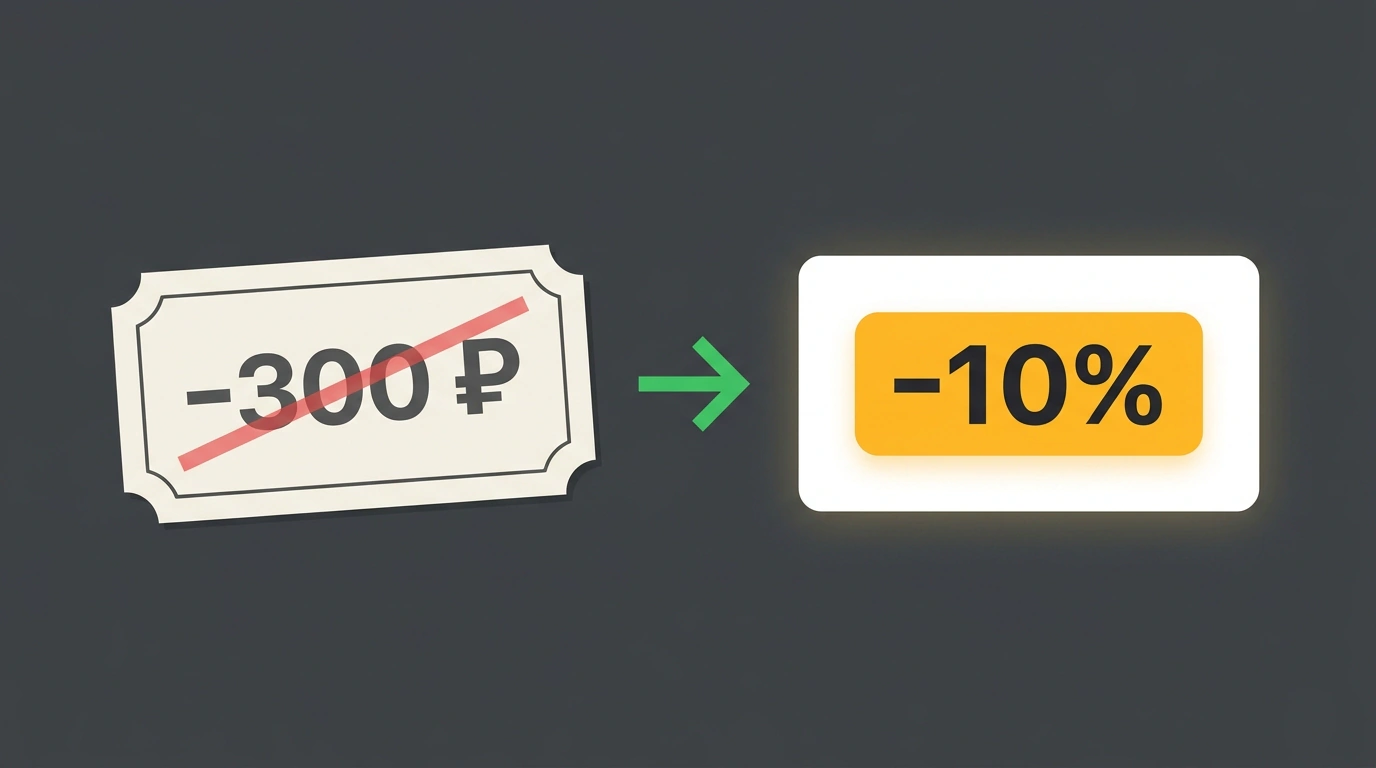
On November 19, 2026, Ozon removed fixed ruble discounts for new seller campaigns under "Prices & Promos" → "My Promos." Previously, you could set a clear offer like "300 or 500 RUB off" and know your maximum promo cost per order in advance. Now the platform only accepts percentages for new campaigns. Officially, the marketplace says the move makes discount displays consistent. In practice, it changes your promo math: if you convert old settings into percentages straight across, your margin on large orders will start to melt.
Which Three Tools Are Affected and What Happens to Old Promos
The new rules apply to three tools in the "My Promos" section: "Order Amount Discount," "Tiered Order Discount," and "Promo Code Discount." These are seller-funded promotions where you set the terms yourself and pay for the discount out of your own margin. Global platform-wide promos, where Ozon invites products at a set price threshold, are not affected.
A tiered discount works like a staircase: the bigger the basket, the larger the discount. One benefit applies at the first tier, and a second kicks in when the shopper adds enough items to reach the next level. From now on, every tier must be set as a percentage.
Ruble campaigns launched before November 19 won't be shut down early—they will finish their scheduled run. The catch comes at the end: the system won't let you extend or duplicate those campaigns with ruble terms. You'll have to rebuild them from scratch.
Where the Conversion Trap Hides
At first glance, it looks easy: divide your old ruble discount by the minimum basket threshold and multiply by 100. The formula is simple: Percentage = (100 × Previous Ruble Discount) / Order Threshold. That is exactly where the trap lies.
With a ruble discount, you had a hard cap on your cost. No matter how much extra a customer tossed into their cart above the threshold, you gave away the same fixed amount. A percentage discount has no ceiling—your discount grows right alongside the order value.
| Old (in rubles) | Equivalent | Basket total | Old discount | In percent | Overpayment |
|---|---|---|---|---|---|
| 300 RUB off 3,000 RUB | 10% off 3,000 RUB | 3,000 RUB | 300 RUB | 300 RUB | 0 RUB |
| 300 RUB off 3,000 RUB | 10% off 3,000 RUB | 6,000 RUB | 300 RUB | 600 RUB | +300 RUB |
| 500 RUB off 5,000 RUB | 10% off 5,000 RUB | 5,000 RUB | 500 RUB | 500 RUB | 0 RUB |
| 500 RUB off 5,000 RUB | 10% off 5,000 RUB | 10,000 RUB | 500 RUB | 1,000 RUB | +500 RUB |
As long as a shopper buys right around the minimum threshold, your unit economics match to the ruble. The moment they add a couple more items past that line, your promo cost doubles. On small-ticket flow this is easy to miss, but on wholesale or gift orders your margin will take a real hit.
Storefront psychology plays a role too. In budget and mid-price categories, shoppers find it easier to grasp real rubles at a glance than to calculate percentages in their head. After switching to the new format, watch your add-to-cart conversion for a couple of weeks, especially on high-ticket listings.
How to Reset Thresholds and Promo Codes Before Old Campaigns Expire
While your current ruble campaigns are still active, rebuild your promos without rushing. Export past orders for the promoted SKUs and check the actual distribution of basket sizes: how many orders close near the lower threshold, and how many climb higher. If shoppers in your niche often buy multiples, calculate the percentage based on the actual average promo order value, or raise the entry threshold.
In "Tiered Order Discount," double-check the gaps between steps so moving up to the top tier doesn't eat half your profit. Promo codes are even trickier: a percentage code can easily stack with other listing discounts and push your final price below break-even.
In its announcement, Ozon didn't list the minimum and maximum percentage step limits for each tool or the updated stacking rules with platform co-funding. Don't guess—click through the promo creation form in "My Promos" and verify the percentage steps and discount stacking manually.
What to check before relaunching your promotion
- Check end dates for active ruble campaigns in "My Promos" so you aren't rebuilding them at the last minute.
- Export order value distributions, calculate the discount percentage from your average order value, and check remaining margin on large baskets.
- Rebuild your "Tiered Order Discount" steps and verify profitability at the highest tier.
- Check allowed percentage increments and whether promo codes stack with other discounts and co-funding directly in the campaign creation form.