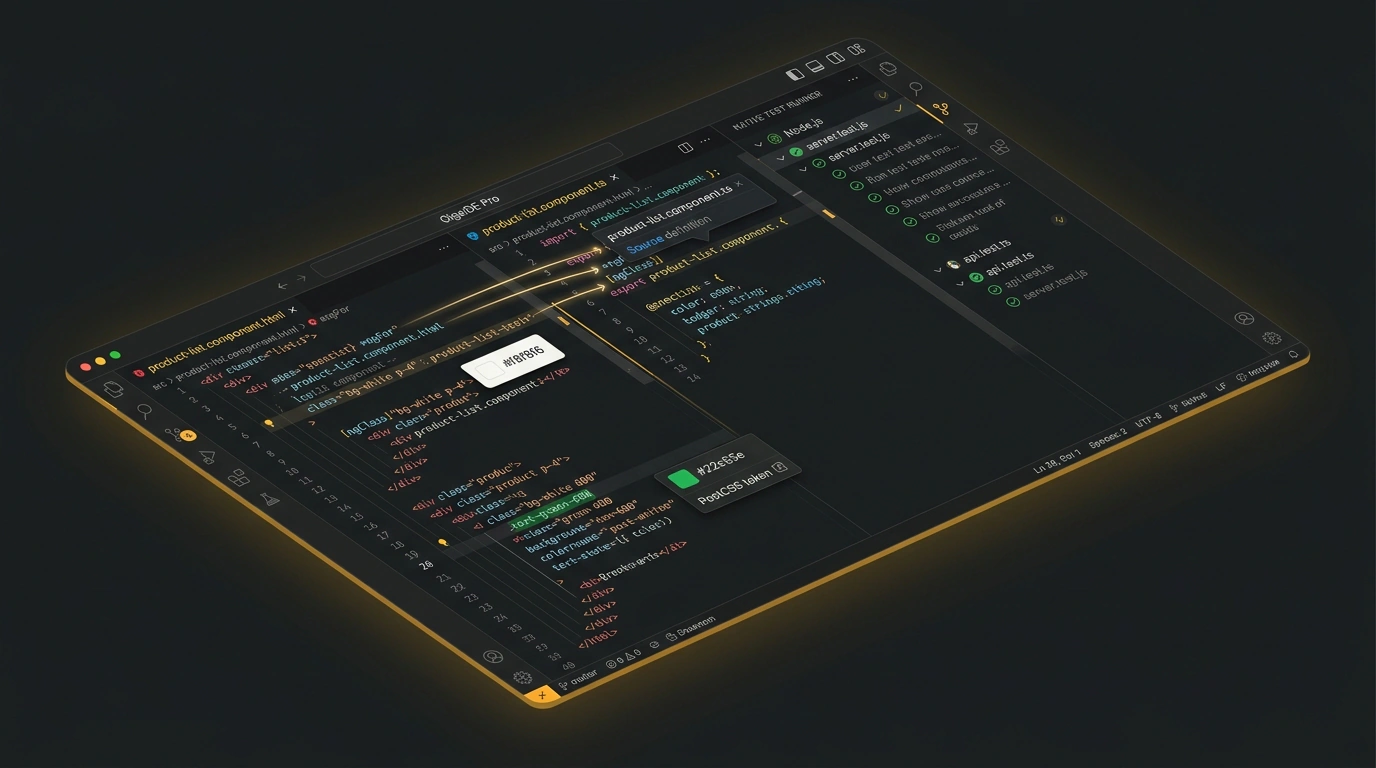
For frontend and backend engineers, an IDE is more than a text editor with syntax highlighting. Your productivity depends directly on how fast it responds and how deeply it understands your code. As Russian tech companies moved toward independent tooling, the biggest challenge was matching the comfort developers expected from JetBrains (WebStorm, IntelliJ IDEA) or VS Code. The September plugin release for Sber's GigaIDE Pro shows how quickly that gap is closing in web development.
Precise Angular Refactoring: Navigating Directives Without Friction
In large enterprise Angular apps, working with custom attribute directives inside HTML templates has long been a pain point. The September Angular plugin update adds seamless semantic navigation: you can now jump straight from a markup tag to a directive's TypeScript class in one click (Go to Declaration).
Just as useful is reverse lookup (Find Usages). Before changing a directive's logic, you can instantly see every template in the repo where it's used, preventing accidental regressions during UI refactoring.
Next-Gen Styling: Tailwind v4 and PostCSS Support
The second wave of updates targets styling and CSS preprocessing. For projects with complex style pipelines, the PostCSS plugin now lets you set PostCSS as the default dialect for CSS files. The editor adds context-aware autocomplete and safe renaming for custom properties, custom selectors, and @apply directives.
Meanwhile, the Tailwind CSS plugin has been updated for the upcoming Tailwind v4 specification. It adds support for @theme and @tailwind directives, improves class parsing inside JSX and HTML templates, and speeds up predictive autocomplete for dynamic utility combinations.
Transparent Linting: Visible Rule IDs and Instant Cache Reset
Configuring code quality rules in big monorepos often feels like detective work. In the updated ESLint module, hover tooltips and QuickFix menus now display the exact ruleId. You no longer have to search for error text online—you can add a targeted exception to .eslintrc or eslint.config.js in seconds.
In addition, EslintEditorTracker has been reworked to clear internal caches right away. Editing a config file now restarts the background Node.js linter process automatically, so you don't have to reload the whole IDE to apply one rule.
Running Tests from the Editor: Native Node.js Runner and Deno Permissions
The biggest backend improvements center on unit testing. The Node.js plugin now supports the built-in NodeJs Test Runner (node:test) alongside Jest. You can launch tests straight from the code using gutter icons, while TypeScript specs route cleanly through the TSX loader.
The Deno plugin also gained a full graphical Run Configuration dialog for test, run, and bench commands. A standout feature is interactive checkboxes for granular sandbox permissions (network access, disk reads, and writes) that sync directly with CLI flags. Full test debugging with breakpoints is included as well.
Beta Biome Integration and What Comes Next
Rounding out the release is an experimental plugin for the fast Rust-based linter Biome. It runs diagnostics in the background and supports automatic formatting and import sorting on file save.
Overall, the September GigaIDE Pro updates show the IDE moving beyond basic UI parity toward optimizing real engineering workflows. By taking over routine navigation, styling, and test execution, the platform lets developers stay focused on business logic.