Online product search as we have known it for the last twenty years is rapidly becoming history. Think back to how shoppers used to hunt for items: typing clipped two- or three-word phrases like "buy women's oversized puffer" and scrolling through dozens of identical blue links. Today, buyer behavior is shifting right in front of us. People now come to Google's generative search (AI Overviews and AI Mode) with detailed real-life scenarios: "Recommend a warm waterproof puffer rated down to minus 25 degrees for long walks with a stroller, that won't make me overheat when I step onto the subway."
If your store's product feed only contains dry standard fields—a title, brand, and a couple of generic lines—the search AI will simply walk right past your listing. The algorithm has nothing concrete to latch onto to confidently recommend your SKU for such a specific, context-heavy prompt.
To help e-commerce catalogs speak the same language as generative models, Google rolled out a major update to its Merchant Center specification, introducing a suite of optional "conversational attributes." I went through the new documentation and will show you how to configure your feed so your products start capturing organic traffic from AI-generated results.
The Search Paradigm Shift: From Dry Keywords to Real-Life Scenarios
In the era of generative search, the primary ranking factor is no longer exact-match keyword density—it is the depth of semantic context. Gemini-powered shopping agents evaluate product attributes much like an attentive specialist at a high-end boutique.
The AI needs answers to practical questions: does the fabric hold up in wet snow, how deep are the pockets, does the membrane breathe, and can you wash the jacket at home? We already saw the early signs of this shift when exploring AI in e-commerce: listing prompts and automated shopping via AI, where generative optimization began replacing outdated keyword stuffing.
The new Google Merchant Center expansion lets stores pass these exact usage scenarios in a structured format, sparing the crawler from having to guess.
Six Conversational Attributes: Anatomy of the New Specification
The updated Product Data Specification introduces six dedicated fields available via XML, CSV, or the Content API:
question_and_answer— the foundational block of structured Q&A pairs about the product;document_link— direct links to PDF assembly manuals, official size charts, and technical certificates whose text the AI parses directly;related_product— explicit mapping of IDs for compatible accessories and add-on items, helping the AI assemble multi-item carts;item_group_title— a clean base name for a product line stripped of variant specs, linking individual SKUs into a unified node in Google's Shopping Graph;variant_option— exact differentiating parameters for variations (trouser fit, coating type, storage capacity);popularity_rank— a numerical score reflecting demand and sell-through within your catalog.
This mechanism builds directly on the generative ranking logic we covered in GEO for marketplaces: how to optimize product listings for AI assistant answers, where semantic markup becomes the main driver of organic sales.
The Q&A Block in Practice: Limits, XML Markup, and Spam Filtering
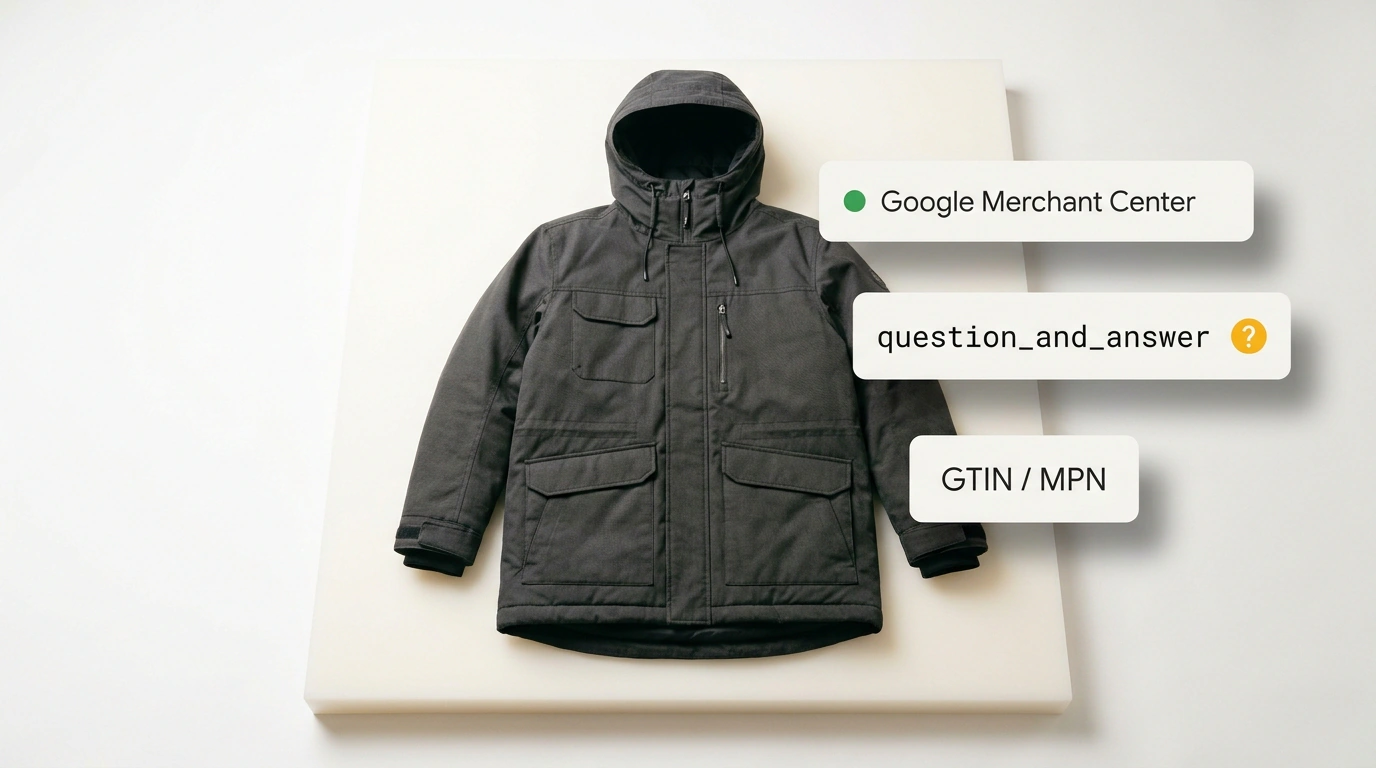
The centerpiece of the new bundle is question_and_answer. You can submit up to 30 Q&A pairs per product, with each field capped at 1,000 characters including spaces:
<g:question_and_answer>
  <g:question>Can this membrane jacket be washed in a standard washing machine?</g:question>
  <g:answer>Yes, machine washing is allowed at up to 30 degrees Celsius on a delicate cycle with no spin, using liquid detergent for membrane fabrics. Fabric softeners and bleach powders are prohibited.</g:answer>
</g:question_and_answer>
The biggest trap for marketers is trying to stuff promotional fluff into answers—lines like "Our puffer is the best on the market, buy now for maximum value!" Google's AI algorithms spot that spam instantly and downgrade domain trust. Answers must stick strictly to hard facts: insulation weight in gsm, temperature ratings, voltage, or exact physical dimensions in millimeters.
The smartest way to build a strong Q&A pool is to export your on-site search logs, pull the top 20 customer support tickets, and review return reasons on competing marketplace listings.
Boundaries of the Update: Why Required Fields Still Come First
Conversational attributes are a powerful semantic layer on top of your data, never a substitute for clean core catalog hygiene.
No Q&A block will save a listing if your feed breaks required commercial attributes: id, title, description, price, availability, link, and image_link. Google also strictly enforces global product identifiers: international barcode gtin, manufacturer part number mpn, and brand. If those are missing, moderation will reject the item no matter how polished your text descriptions are.
You can track the payoff from adding these fields in the new "AI performance insights" report inside Merchant Center, which breaks down impressions, clicks, and CTR trends specifically within generative experiences. Stores and sellers that structure their real-world product scenarios first will capture a strong stream of free, high-intent traffic from conversational Google search long before this setup becomes table stakes.