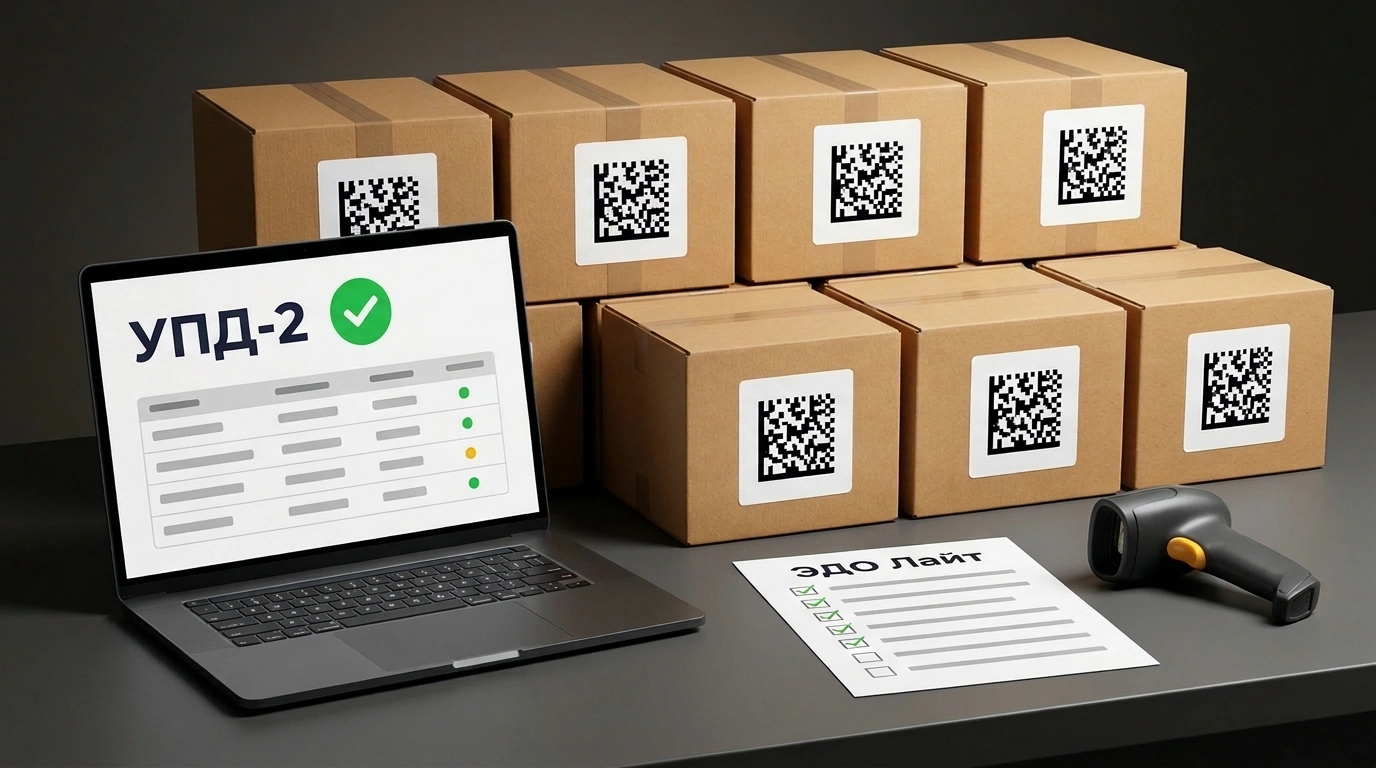
In the 'Podslushano OZON' community, seller Anya Zolotce asked a classic question that trips up half of all first-time marked FBO shipments. The setup is simple: 7 boxes, 70 items with Chestny ZNAK marking, shipped via cross-docking to 7 different Ozon warehouses. The listing has 'marking code required' enabled, and the shipment request is set to 'Upload UPD after delivery'.
The seller reasoned that after each warehouse receives the goods, she would approve the acceptance act, generate one UPD-2 with all the codes, and send it to Ozon via Chestny ZNAK's EDO Lite. Was she right? Half right—and the other half hides a trap that sends documents straight into rejection.
Why 'UPD After Delivery' Is the Smart Move
Let's translate the terms quickly. Cross-docking means dropping boxes at a nearby Ozon receiving point so the marketplace hauls them to regional warehouses for you. UPD-2 is an electronic universal transfer document with status '2': you are transferring goods on consignment rather than selling them to the platform, so ownership stays with you. EDO Lite is the free electronic document exchange tool built into Chestny ZNAK, requiring no paid third-party plan.
Uploading the UPD after receiving makes total sense for cross-docking. If you send codes up front and a Data Matrix label gets scratched in transit or a warehouse logs a shortage, the document stalls with an error. You end up issuing a corrective UKD or redoing the paperwork.
By waiting, you receive an acceptance act from the final warehouse first. Ozon gives you 7 calendar days to review, approve, or dispute discrepancies. Under Ozon's rules, maximum cross-docking receiving time is up to 90 calendar days after the planned delivery date (after that, you can claim compensation for lost goods). Also keep in mind: you can't get defective or extra items returned to the transit drop-off point, so scan every KIZ label before sealing the boxes.
One Combined UPD-2 or Seven Separate Ones?
Here is the main mistake. Since you dropped all 7 boxes at one location at the same time, it's tempting to close all 70 codes with a single combined UPD-2.
That won't work—Ozon's EDO system will reject it. Under the hood, cross-docking to 7 destination warehouses splits into 7 separate shipments, each with its own request number and acceptance act. They also arrive on different days: nearby warehouses receive faster, distant ones later. That means you repeat the 'receiving -> act -> UPD-2' cycle for each warehouse and send seven separate UPD-2 documents.
How to Send UPD-2 via EDO Lite
- Wait for the target warehouse to receive the box and verify the acceptance act (within 7 calendar days).
- In your Chestny ZNAK dashboard, open 'EDO Lite' -> 'Outgoing' and create a UPD with status 2 (transfer to agent).
- Fill in Ozon's details, consignee info, and the long request number for that specific shipment using the template in Ozon Seller (see Ozon Seller's UPD-2 guide).
- Add to the table only the exact KIZ codes packed in that box and listed in its acceptance act.
- Sign with your qualified electronic signature (UKEP) and send: once Ozon countersigns, the codes move to the marketplace's balance.
Check the exact deadline for sending UPD-2 after approving an act using the timer inside the shipment card in Ozon Seller, since Ozon updates these rules from time to time.
Four Small Details That Get UPD-2 Rejected
Trap one is the document date. The UPD-2 must be dated in the same month as the shipment and no later than the actual drop-off date. If you handed over the boxes on the 10th and the act arrived on the 18th, date the UPD-2 no later than the 10th, or it gets rejected.
Trap two is mixed-up codes. If you don't record which 10 KIZ codes went into which warehouse box during packing, sorting out 70 codes across seven UPD-2s blindly after receiving is nearly impossible. A simple 'box / warehouse / KIZ' spreadsheet before drop-off saves your sanity.
Trap three is outdated details or a short request number. For cross-docking, copy the long request number and consignee details strictly from the instructions inside that specific Ozon Seller shipment.
Trap four is mismatches with the act or KIZ status. Both item counts and codes on the UPD-2 must match what the warehouse actually accepted, and every KIZ in Chestny ZNAK must belong to your IP or OOO with the status 'In Circulation'.