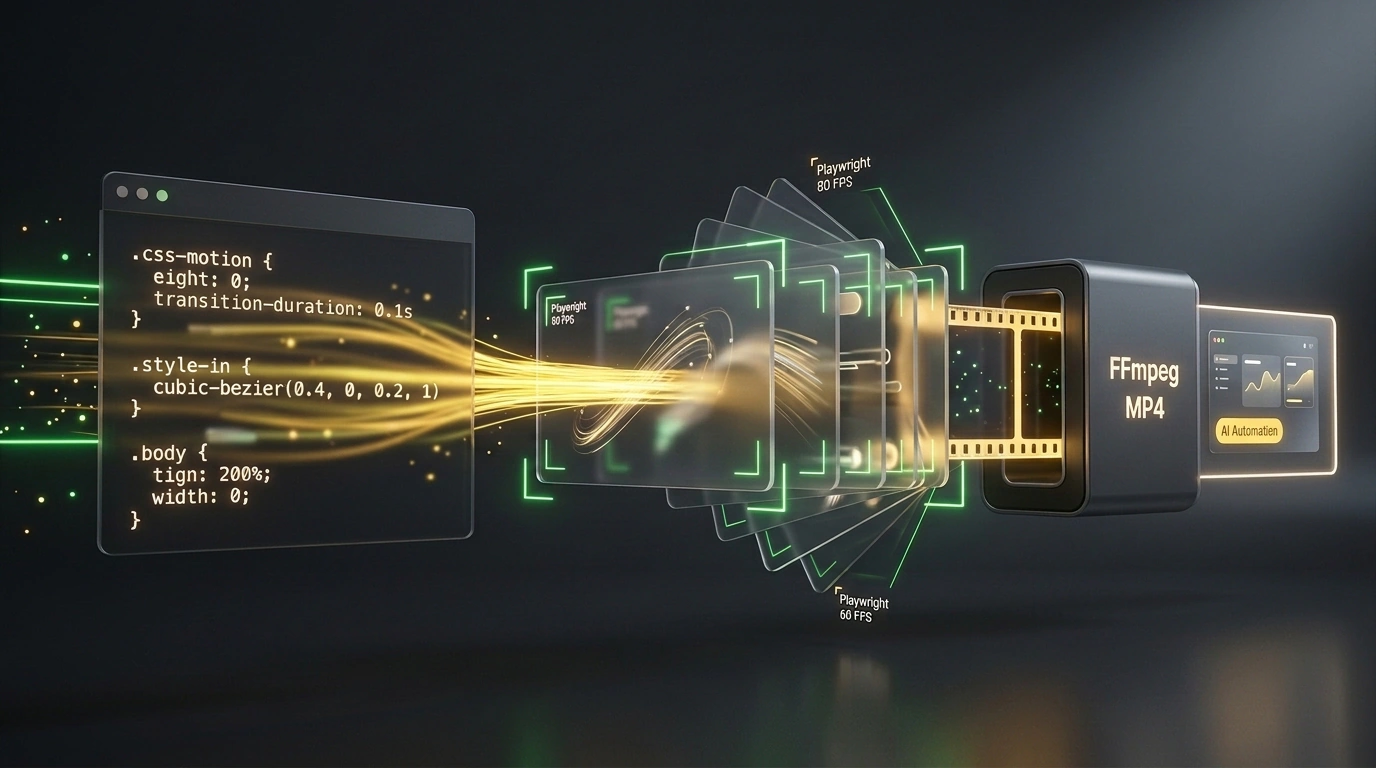
Creating dynamic motion graphics for presentations and UI teasers used to require heavy suites like Adobe After Effects. Even diffusion video models haven't solved this well: they introduce visual artifacts, distort text, and cannot hit millisecond-accurate timing.
The claude-motion-design skill from the open-source howseen-ai/claude-motion-design repository offers a different path: Code-Driven Motion Design. Instead of placing keyframes by hand, you describe the animation in web code using HTML, CSS animations, and the Canvas API.
Earlier, we explored how motion animation in ChatGPT and Codex replaces GUI editors with code. Paired with the Claude Code CLI agent and Claude Opus 5.5, this approach becomes an autonomous video production studio.
Rendering Without Video Editors: Playwright and FFmpeg
The claude-motion-design pipeline relies on a stack of open-source tools:
- Scene generation: The agent builds a web page with responsive layout, kinetic typography, and
cubic-beziereasing curves. - Frame-by-frame capture: Headless Playwright loads the page, steps through time at a target frame rate (such as 60 fps), and saves clean PNG snapshots for each frame.
- Final assembly: FFmpeg stitches the frames into an MP4 file and adds motion effects or audio tracks.
Claude Opus 5.5 tracks complex spatial and timing constraints well. It calculates pause durations, lines up UI card entrances with emphasis beats, and critiques its own work by inspecting test screenshots.
Skill Manifest and Scene Code
To integrate with Claude Code, you use a standard skill manifest that defines the scene composition rules:
# .claude/skills/claude-motion-design/skill.md
---
name: motion-design
description: Generates programmatic 60fps animations using HTML/CSS and compiles to MP4
tools:
  - execute_command
  - write_file
---

## Rules of Motion
1. Always specify easing curves explicitly: use `cubic-bezier(0.16, 1, 0.3, 1)` for snappy entrance.
2. Render dimensions must default to 1920x1080 at 60 fps.
3. Execute Playwright snapshot loop, followed by `ffmpeg -framerate 60 -i frame_%04d.png -c:v libx264 -pix_fmt yuv420p output.mp4`.
Following these rules, the agent generates declarative animation code for a product card:
<!-- scene.html: Programmatic product card animation -->
<!DOCTYPE html>
<html>
<head>
<style>
  body { margin: 0; background: #0a0a0f; display: flex; justify-content: center; align-items: center; height: 100vh; font-family: sans-serif; overflow: hidden; }
  .card {
    width: 540px; padding: 36px; background: rgba(255, 255, 255, 0.05);
    border: 1px solid rgba(255, 255, 255, 0.15); border-radius: 20px;
    animation: cardEntrance 1.2s cubic-bezier(0.16, 1, 0.3, 1) forwards 0.2s;
    transform: translateY(50px); opacity: 0;
  }
  .title { color: #fff; font-size: 32px; font-weight: 700; margin-bottom: 12px; }
  .badge { display: inline-block; padding: 4px 14px; background: #3b82f6; color: #fff; border-radius: 99px; font-size: 13px; }
  @keyframes cardEntrance { to { transform: translateY(0); opacity: 1; } }
</style>
</head>
<body>
  <div class="card">
    <span class="badge">AI Automation</span>
    <h1 class="title">Next-Gen Agent Systems</h1>
  </div>
</body>
</html>
After capturing the frames with Playwright, the agent runs FFmpeg to produce a video with razor-sharp text.
Practical Notes and Verdict
The main advantage of this setup is scalability. By swapping variables in a script—like a product name, discount percentage, or color theme—a developer can generate dozens of localized videos. Frame-by-frame rendering in Playwright uses a fair amount of RAM, but it removes the need for expensive licensed motion software.
Bottom line: claude-motion-design and Opus 5.5 show that programmatic video layout can handle routine product team motion graphics quickly and reproducibly.