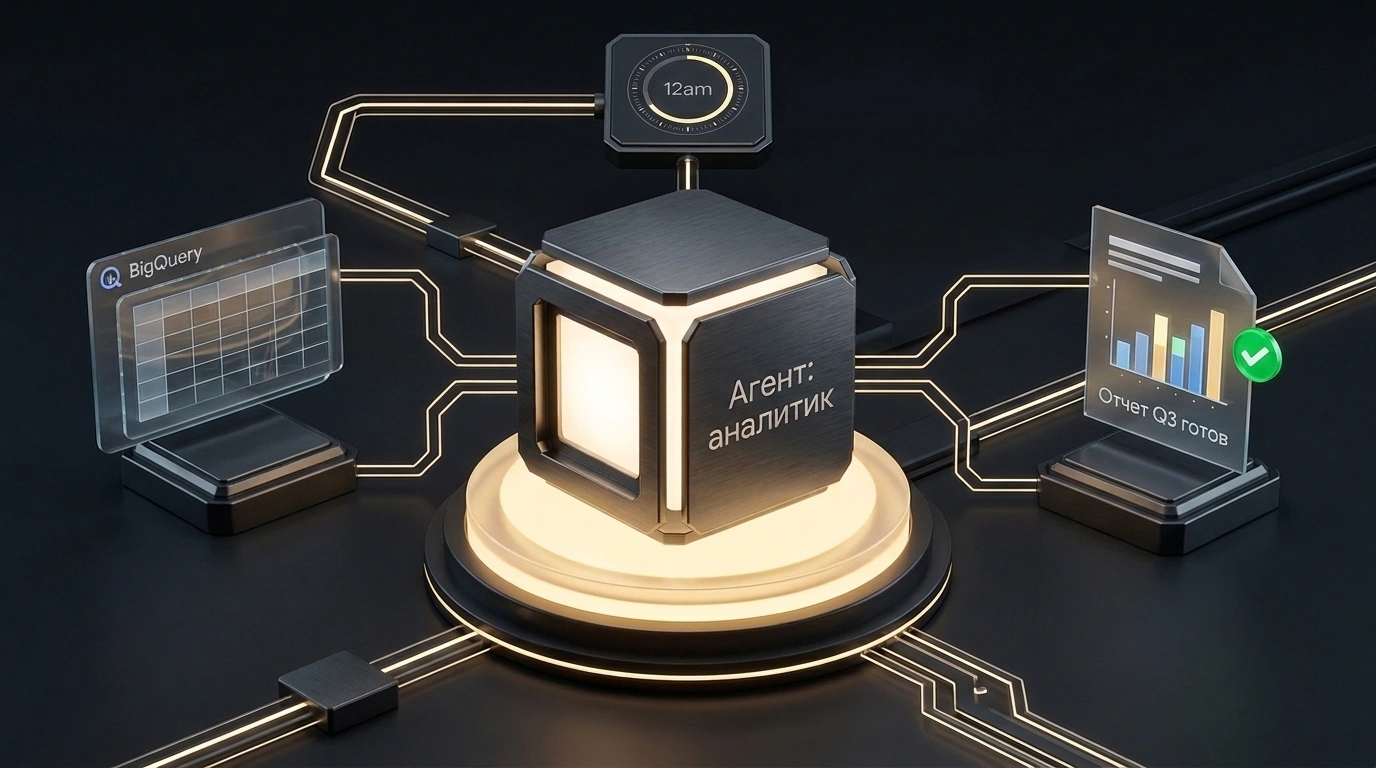
In most companies, AI chatbots are still used in a fragmented way. You open a tab, ask a question, copy the answer into an email or document, and close the page. Next time, the context is gone. Any workflow spanning multiple tools—pulling data from BigQuery, verifying Sheets, and building a Slides deck—still has to be stitched together by hand.
At Gemini at Work 2026, Google Cloud announced a shift away from passive chat interfaces toward Gemini Agent, a persistent enterprise agent platform.
Earlier, we saw workflows evolve in Google Gemini Skills: moving from static Gems to modular scenarios. This new platform goes further, turning the model into a full digital coworker with its own corporate account and persistent memory.
One Prompt Box Architecture and Subagent Coordination
At the center of the platform is the One Prompt Box. Instead of writing step-by-step instructions, you describe the desired business outcome—for example: "Pull quarterly sales metrics from the database, compare them against the forecast spreadsheet, and draft a board presentation."
The platform's orchestrator breaks that goal into a task graph:
- Coworker Agent Pool: The coordinator spawns specialized subagents—an SQL analyst, a data verifier, and a slide designer—running in parallel inside isolated Agent Sandboxes.
- Dynamic Model Routing: Simple log parsing goes to fast Gemini 1.5 Flash, trend analysis goes to heavy Gemini 1.5 Pro, and script generation runs on tuned Gemma weights.
- Corporate Memory: Agents draw on shared organizational context by indexing Google Drive docs, Gmail threads, and internal guidelines.
- Background Autonomy: You can kick off a task and close your laptop; execution continues in Google Cloud.
Configuring Agents with the Google GenAI SDK
Developers can configure enterprise agent behavior and approval policies through the updated SDK:
import google.genai as genai
from google.genai import types

client = genai.Client()

# Define a custom tool for querying the corporate data warehouse
query_bigquery_tool = types.Tool(
    function_declarations=[
        types.FunctionDeclaration(
            name="query_sales_data",
            description="Runs a parameterized SQL query against the sales mart",
            parameters=types.Schema(
                type="OBJECT",
                properties={"quarter": types.Schema(type="STRING")},
                required=["quarter"]
            )
        )
    ]
)

# Configure the coordinator with long-term memory
agent_config = types.GenerateContentConfig(
    system_instruction=(
        "You are a lead financial analyst. "
        "Use corporate memory to align with the company metric glossary."
    ),
    tools=[query_bigquery_tool],
    temperature=0.2
)
To prevent unauthorized actions, the platform supports Human-in-the-Loop checkpoints:
# Start a background agent loop with confirmation gates for critical actions
session = client.agents.create_session(
    model="gemini-1.5-pro",
    config=agent_config,
    approval_policy={
        "send_external_email": "require_human_confirmation",
        "modify_drive_permissions": "require_human_confirmation"
    }
)

response = session.execute_task(
    "Generate the Q3 revenue report and send a draft to the CFO."
)
print(f"Task status: {response.lifecycle_status}")
Debugging Challenges and Verdict
The biggest operational challenge in multi-agent pipelines is debugging distributed failures. When a type mismatch appears between the SQL agent and the report builder, engineers have to trace logs end-to-end in Google Cloud Logging.
Even so, giving enterprise agents their own Google Workspace accounts (such as analyst@agents.company.com) is a major step toward automating real office work. The platform handles orchestration, leaving humans to set goals and sign off on final decisions.