If you've ever tried to build a Retrieval-Augmented Generation (RAG) system for corporate documents, you know the quiet horror of watching it fail. A user asks a specific question about a financial report ('What was the operating margin in Q3?'), and a smart language model either gives up or invents a number out of thin air.
Why does this happen? The root cause lies in traditional vector search algorithms (Dense Retrieval). Yesterday we briefly mentioned Perplexity's multimodal pplx-embed-v2-late embeddings. Today, let's look closely at how this mechanism works and why it breaks the old approach to data extraction.
A classic encoder takes a complex PDF page—complete with footnotes, charts, nested tables, and balance sheets—and tries to cram all of it into a single flat vector (usually 768 or 1536 numbers). That compression inevitably destroys layout geometry. Table rows get mixed with headers, and small footnote figures vanish into background noise.
Perplexity AI took a different route and open-sourced the pplx-embed-v2-late model family, built on a Late-Interaction architecture.
How Late Interaction and MaxSim Work
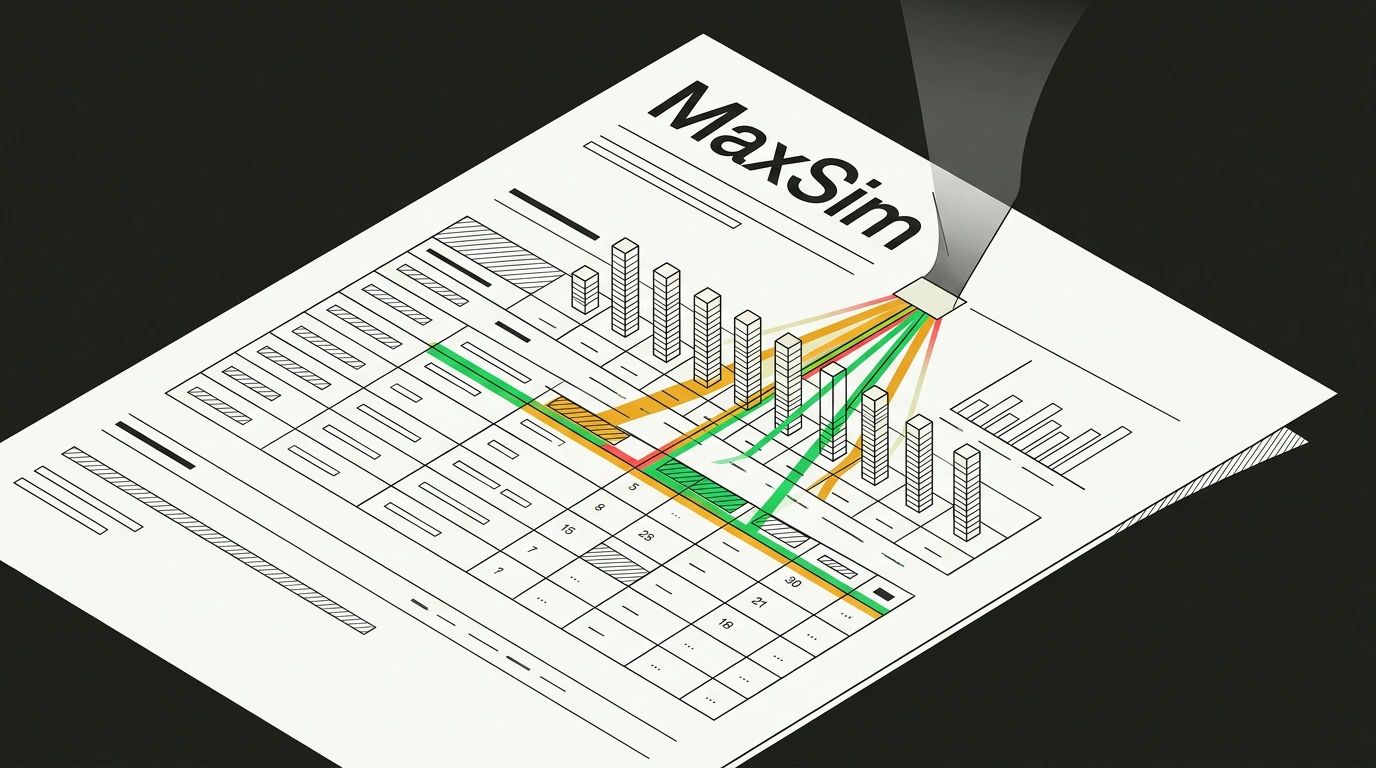
Instead of flattening a document into one vector, pplx-embed-v2-late keeps a compact 128-dimensional vector for every token on the page. If a page has 500 tokens, the model builds a matrix of 500 vectors.
When you send a search query, the magic happens during similarity scoring using the Maximum Similarity (MaxSim) operator:
- Every word in your query is compared against every token in the document;
- For each query word, the system finds the document token with the highest match;
- Those maximum scores are summed into the final relevance score.
If your query includes the word 'margin,' the algorithm finds the exact table cell vector containing 'margin,' even if the rest of the page discusses logistics or staffing changes. In independent tests on complex financial and legal tables, this architecture beats traditional dense embeddings that are five times larger.
Better yet, the model is natively multimodal. You can feed in a page not only as text, but also as a raw scan image (PNG or JPEG). The model aligns visual table tokens with your query text on its own, saving you from fragile OCR libraries.
Model Family and Asymmetric Indexing
The pplx-embed-v2-late lineup comes in two main versions:
- pplx-embed-v2-late-0.6b (~340M active parameters): an ultra-lightweight model you can run locally even on a modest GPU or CPU;
- pplx-embed-v2-late-9b (~7.4B active parameters): the flagship for indexing extremely complex documents.
Because both models project data into the same 128-dimensional space, you can use an asymmetric deployment trick. Pre-index your corporate archive with the heavy 9B model, and encode live user queries on the fly with the lightweight 0.6B version in under 15 milliseconds.
Running Locally in Python with Sentence Transformers
Thanks to support in sentence-transformers >= 6.0.0, local inference takes about ten lines of code:
import torch
from PIL import Image
from sentence_transformers import MultiVectorEncoder

# Load the lightweight 0.6B model onto a local GPU
device = "cuda" if torch.cuda.is_available() else "cpu"
model = MultiVectorEncoder(
    "perplexity-ai/pplx-embed-v2-late-0.6b",
    device=device,
    torch_dtype=torch.float16 if device == "cuda" else torch.float32,
)

# 1. Index a text snippet and a table image
document_text = (
    "Q3 2026 Report: Cloud segment revenue reached $4.2B, "
    "up 28% YoY. Operating margin grew to 31%."
)
document_image = Image.open("balance_sheet_q3.png").convert("RGB")

doc_embeddings = model.encode_document([document_text, document_image])

# 2. Encode the user query
query = "What is the cloud segment revenue for Q3 2026?"
query_embedding = model.encode_query([query])

# 3. Compute relevance via the MaxSim operator
similarity_scores = model.similarity(query_embedding, doc_embeddings)

print(f"Text relevance: {similarity_scores[0][0]:.4f}")
print(f"Table scan relevance: {similarity_scores[0][1]:.4f}")
Here is how you can stream-convert and index a multi-page PDF:
from pdf2image import convert_from_path

def index_pdf_document(pdf_path: str, model: MultiVectorEncoder):
    pages = convert_from_path(pdf_path, dpi=150)
    indexed_pages = []
    for idx, page in enumerate(pages):
        page_rgb = page.convert("RGB")
        embedding = model.encode_document([page_rgb])
        indexed_pages.append({"page_number": idx + 1, "embedding": embedding})
    return indexed_pages
If your document base has millions of pages, don't run brute-force MaxSim across the entire archive. That takes massive compute. Set up Two-Stage Retrieval instead: a fast first filter (BM25 or a single dense vector) pulls the top 100 candidates, and then pplx-embed-v2-late runs exact pixel-and-word scoring on those 100 results.
The Flip Side: Index Storage
Where's the catch? Disk space. Saving a matrix of 128-dimensional vectors for every token on a page inflates your vector index by 20 to 50 times compared to single-vector embeddings. For production, you'll need a modern vector database with multi-vector quantization support, such as Qdrant or Milvus. Still, if your goal is pulling exact numbers from balance sheets without hallucinations, that storage cost is well worth the reliability.