"When you edit an image in most AI tools, you're not actually editing it—the network is just repainting the whole canvas from scratch," noted the host of the Julian Goldie SEO channel while breaking down the latest release from ByteDance Seed. Ask an algorithm to swap a button on a jacket, and suddenly the jawline shifts, the lighting warms up, and background text turns to mush.
Why do conventional generators wreck a great frame by the third edit, and how does Seedream 5.5, unveiled on November 9, 2026, survive a hundred consecutive changes without the composition falling apart? I went through the developer demos and BytePlus documentation to see how layer locking and direct transparent PNG export actually work.
Why conventional generators ruin a frame by the third edit
A common illusion hangs over AI design: it feels like telling a model "recolor the jacket brown" works like a local brush that only touches the fabric. Under the hood of classic diffusion models, though, every step pushes the entire scene through latent space—an internal mathematical scratchpad of compressed coordinates. The result is AI edit drift: on the first tweak you barely notice the shift, by the fifth the color temperature drifts, and by the twentieth a stranger is staring back at you.
Look at what that does to building an ad layout. Suppose you generate a character for a banner, and the art director sends over 15 sequential edits: make the jacket brown, add a name badge, angle the sunlight, and tone down the smile. In a standard generator, facial features start warping by the fourth iteration and skin turns into a plastic mask. Eventually you give up on edits and regenerate from scratch.
Pixel-level locking in Seedream 5.5: 100 cycles without losing faces or fine print
With Seedream 5.5, ByteDance engineers tackled edit drift by preserving untouched regions pixel by pixel. The model places strict spatial anchors: anything outside your prompt is locked down to individual points, while repainting stays isolated inside the target object's local coordinates.
The image stops falling apart from step to step.
When you walk your banner character through all 15 edits—changing the jacket to brown, shifting the light, pinning on a badge, and adjusting the expression—the facial proportions, natural skin texture, and background stay intact. In ByteDance's stress tests, a portrait survived 100 consecutive rounds of retouching, including switching to a bun hairstyle, adding glasses, and swapping outfits. In e-commerce, that lets you shoot a catalog from a single base frame: in a BytePlus demo, one model tries on a brown jacket, a black dress, and an olive coat complete with product descriptions, while in interior scenes the algorithm swaps furniture without bending the room's perspective.
Small text gets its own stress test—an area where Ideogram Precise Edit and Qwen-Image 3.0 have also been competing. Seedream 5.5 was checked on a smartwatch screen updating time and heart rate, a game of Snake on a monitor, a newspaper spread about Shakespeare, and an infographic on the snowy owl.
Even tiny numbers and callouts stay sharp after a series of edits.
Transparent PNGs straight from the generator and where to try it
Once your character in the brown jacket with the name badge is approved, the usual drudgery begins—cutting out the background in Photoshop. Seedream 5.5 skips that step by generating RGBA images directly from a prompt or reference: the first three channels handle color, while the fourth alpha channel sets the transparency of every pixel.
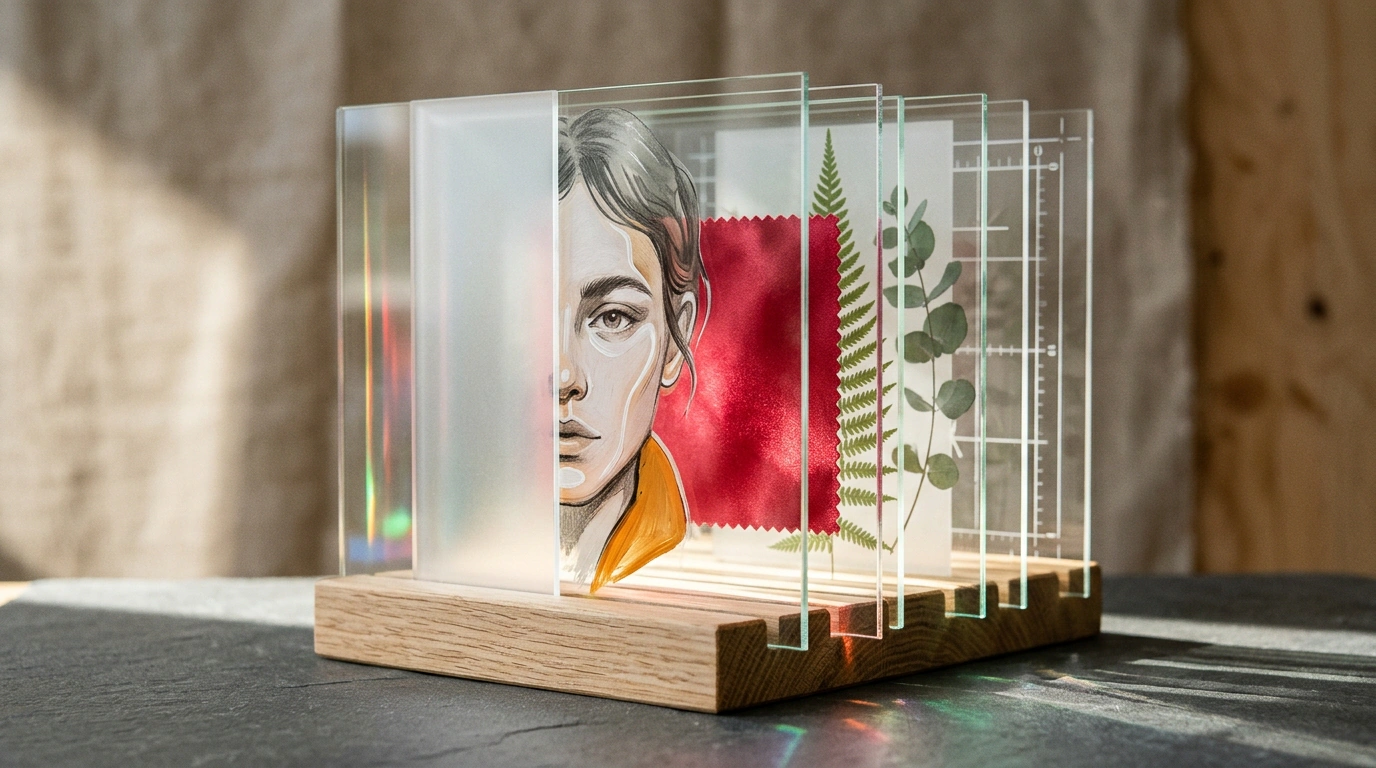
The model outputs a clean transparent PNG with semi-transparent transitions for glass, soft shadows, and fluffy feathers, and through BytePlus you can split a scene into a background plus up to 100 independent layers. In the API, you enable this mode with background: "transparent" and output_format: "png". You can test the release in Dreamina, CapCut, the BytePlus sandbox, and Dola, while in China it rolls out through Jimeng, Doubao, and Volcengine.
Still, don't uninstall your usual editors hoping for a "magic button." Seedream 5.5's lead over GPT Image 2.5 Sunburst currently rests only on ByteDance's own benchmarks, and independent community tests are still underway. On top of that, the rollout is happening in waves, some features require a subscription, and there's no release date yet for the Pro version—so treat it with a cool head and use it where it genuinely saves hours on product cards and transparent layers.