You've probably noticed how B2B buyers have changed: nobody wants to "hop on a quick call with a sales rep" just to get basic specs or a price list. Gartner analysts recently documented a tectonic shift: 67% of corporate buyers now say they'd prefer to complete purchases without talking to sales at all (up from 61% a year earlier), and 45% of decision-makers use generative AI to shortlist vendors.
But this new buyer autonomy has a flip side I'm seeing more and more often—a flood of "AI slop." Procurement officers and engineers use chatbots to generate cookie-cutter RFPs and blast them out to dozens of suppliers at once. Technical teams end up burning days on complex cost estimates for people who are just fishing for prices with zero intent to buy.
At the same time, 69% of buyers still turn to a live specialist before signing the check to validate the numbers. The job of an on-site AI consultant isn't to replace humans or subject visitors to an aggressive interrogation for their phone number—it's to run smart, low-friction technical triage.
The Anatomy of Qualification: 7 Essential Steps
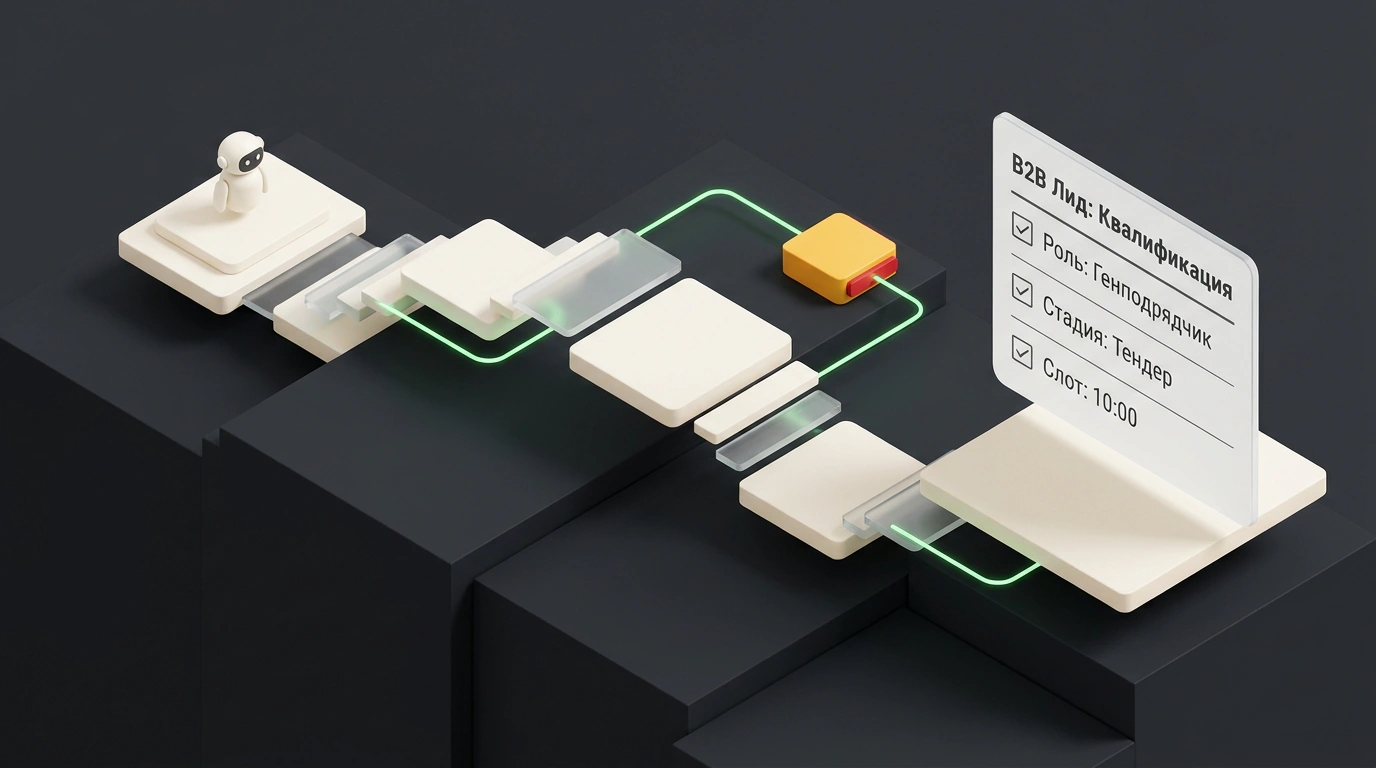
In complex B2B sales like industrial equipment or construction materials, smart qualification is built around seven data points. The bot uncovers them step by step, following one ironclad rule: answer the buyer's question first, then ask yours.
7 checkpoints for B2B lead qualification
- Buyer's role: architect, general contractor, technical client, dealer, or private buyer
- Facility type and project stage: design, compliance review, tender, or active construction
- Technical specs: load requirements, standards, and competitor equivalents specified
- Volume and logistics: required tonnage, delivery schedule, and exact destination region
- Decision-making process: buying committee makeup, tender rules, and deadlines
- Budget parameters: project tier, need for deferred payment or factoring
- Contact details: name, preferred messenger, and a convenient time slot for a call
Let's walk through how this plays out. On step one, the bot identifies the role: an architect needs joint details and certifications, while a general contractor wants a bill of quantities and lead times. On step two, project stage matters: an architect's inquiry at the concept phase is worth far more than a one-off purchase, because they spec your material into projects for years to come.
Step three uncovers hidden hurdles: is the design already approved, or is the client trying to swap out a rival brand? Volume and logistics on step four immediately filter out non-viable deals. And on step six, the bot never blurs out a blunt "What's your budget?"—it gauges budget through project tier and payment terms. Only on step seven does it ask for contact info tied to a specific, agreed-upon call time. For tips on prepping your pages for this flow, read our guide on adapting your website for AI assistants.
Rules for Smart Triage and Failure Protection
To keep the bot from feeling like an annoying gatekeeper, the conversation follows strict guardrails:
- One question at a time: no walls of text with five bullet points; one message equals one thought, plus a brief note on why that detail helps.
- Clear separation of duties: the LLM handles polite tone, synonyms, and data extraction, while deterministic code runs the lead routing—no improvisation allowed.
- Grounded in a verified knowledge base: the bot only cites vetted technical regulations and product datasheets.
Pay special attention to soft brush-offs. If a prospect passively drops "just email me the price list," the bot shouldn't blindly ask for an email address—that's a classic dead end we covered in our breakdown of B2B negotiations and hidden objections.
When to Hand Off to a Human: 6 Escalation Triggers
The bot steps aside immediately and routes the chat to a senior rep if:
- The inquiry comes from a strategic or key account on the CRM whitelist;
- The request requires custom engineering calculations;
- The lead is tied to an urgent tender with a deadline under 48 hours;
- The buyer is reporting a quality complaint on an active shipment;
- The user explicitly asks, "Connect me with an engineer";
- The knowledge base lacks an exact answer (hallucinating prices or load specs is off the table).
As a result, the sales rep gets a structured dossier in the CRM with full context and a transcript. To keep these conversations sharp, make a habit of running regular reviews of qualification calls and scripts.
