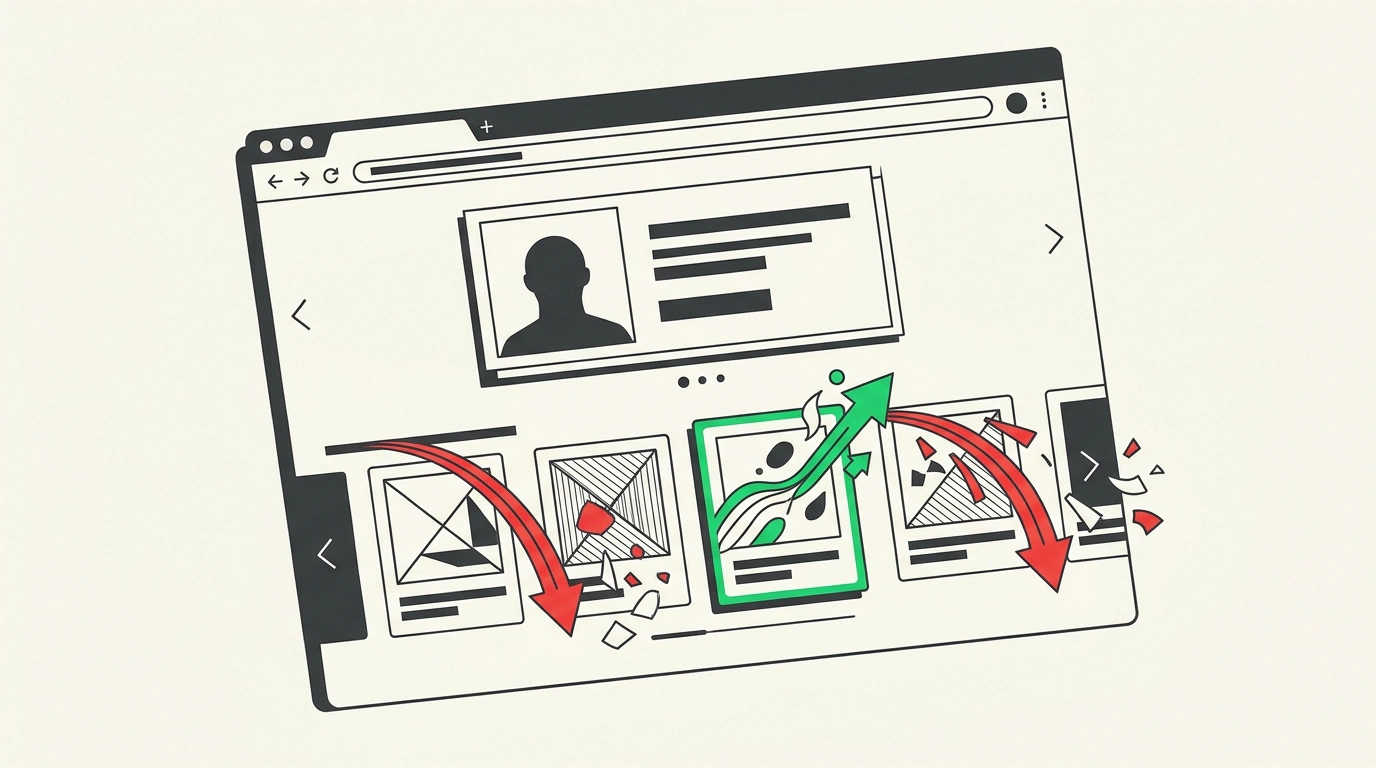
When a buyer opens a product card on a marketplace, the battle for their attention is only beginning. Scrolling just below the description, they see carousels: "Bought with this item," "Similar products," "You may also like." These are recommendation shelves—a powerful tool for intercepting hot buyer traffic directly from competitors. Yet few sellers dig deep into how the auctions for these shelves work on Wildberries and Ozon. In our previous overview of marketplace ad evolution, we already covered the rollout of the pay-per-click model. Today, let's compare the mechanics of the two giants and audit the typical budget-drain points.
Battle of Algorithms: CPC Flexibility on Wildberries vs. Ozon Bids
The core difference lies in payment models and bid control:
- Wildberries. When setting up promotion on recommendation shelves, WB gives the seller a choice between two models: pay-per-impression (CPM) and pay-per-click (CPC). This is a huge advantage for testing hypotheses. If you have a new product or are testing an unconventional main creative, enabling CPC protects against pointless budget burn: money is deducted only when a buyer actually clicks your card. On top of that, Wildberries' algorithm factors in card conversion: if shoppers click your product more often and more eagerly, the system gives you priority on the shelf even at a lower auction bid thanks to a higher eCPM.
- Ozon. On Ozon, recommendation blocks operate within the "Stencils" ("Трафареты") and "Push to Top" ("Вывод в топ") tools. Here, the seller is more tightly boxed in by platform rules: the payment model and base bid increments are set automatically by the algorithm. To secure visible spots on the recommendation shelf of a competitor with million-ruble turnover, you have to accept aggressive bids that quickly inflate DRR to 18–25% on high-competition items.
Three Black Holes of Ad Budget: Regular Campaign Audits
Yet even the smartest ad model turns into a cash-draining pump if you don't run a regular weekly audit in your dashboard. In seller practice, the lion's share of ad waste happens for three silly reasons:
- Advertising cards with broken size runs. A classic scene: in an apparel or footwear card, the most popular sizes (say, M and L for clothing or 38–39 for shoes) have sold out. Only extreme sizes XS and XXL remain in stock. Yet the auto-campaign on recommendation shelves keeps running at full blast. A buyer clicks over from a competitor's card, sees their size is missing, and immediately closes the tab. Clicks are charged, money vanishes, and order conversion is zero.
- Unexcluded junk traffic. With automatic match selection, marketplace algorithms often pull a card under adjacent but irrelevant products. For example, an iPhone 15 case runs on a shelf for Samsung accessories. Shoppers click out of curiosity or by mistake, devouring the campaign's daily budget in a couple of hours.
- Cannibalizing organic traffic. If your product card already sits at #1 or #2 in organic search for the main keyword, running aggressive ads in the same block is often pointless. You are simply paying the platform for a buyer who would have bought your product for free anyway.