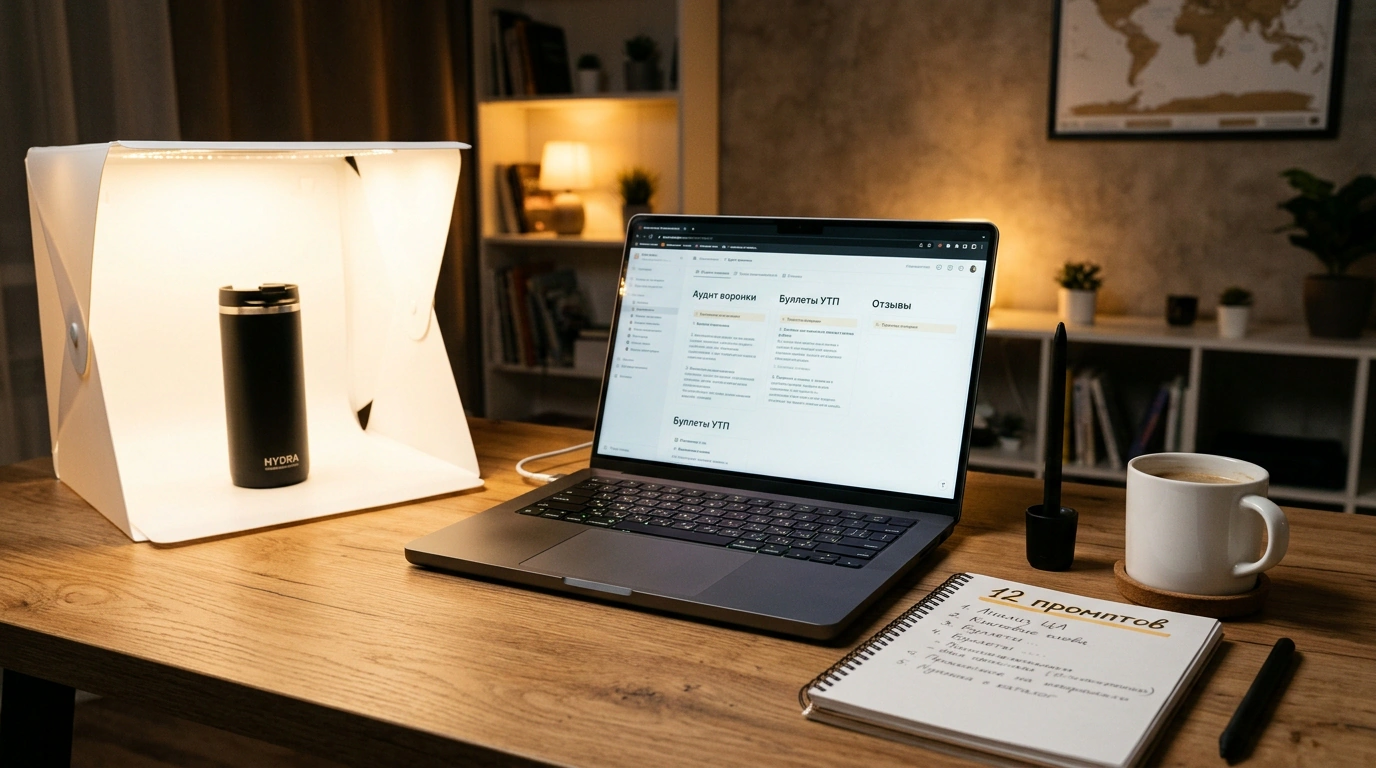
You have probably opened ChatGPT or Claude more than once hoping to offload routine work onto AI. You typed something like "write a high-converting product description for a thermal mug"... and got back a dreary wall of clichés: "This stylish, premium-quality mug will become your ideal companion in life."
You closed the tab and went back to doing it by hand, deciding that AI isn't ready for real e-commerce yet.
In truth, language models handle seller operations brilliantly if you assign tasks like a manager rather than a random passerby. Marina Romanova, an expert at Ozon Seller's "Bestseller" media, teamed up with active practitioners to assemble a system of 12 structured prompts. I tested these templates on real listings, timed the workflow, and confirmed: the method saves 15 to 22 hours of pure working time a month.
Let's walk through the mechanics step by step and put the ready-made prompts to work.
Timing the Routine: Where a Seller Loses 20 Hours a Month
Let's honestly add up what eats the day of a seller managing a 20–40 SKU catalog:
- Funnel and conversion audits: pulling impressions, clicks (CTR), and add-to-carts — 15–20 minutes a day.
- Replying to reviews and buyer questions: handling complaints and politely explaining technical nuances — 15–30 minutes a day.
- Generating copy for infographics and descriptions: drafting bullet points for designers and refreshing keyword copy — 15–20 minutes a day.
Altogether, that adds up to 45–70 minutes of text-heavy routine every single day. Over a month, it compounds into 18–22 hours — nearly three full workdays better spent sourcing factories or optimizing unit economics.
The secret to working with LLMs is simple: don't ask the model to "write nicely." Give it a role, feed it facts, specify the output format (table, list), and set a ban list for filler words. In our piece on listing automation tools, we covered in detail how context frames boost generation accuracy.
Content and Storefront: USP Bullets, Video Scripts, and Content Plans
The first block of tasks builds the messaging framework for promoting your product.
Prompt 1. Offbeat Social Media Topic Generator
"Act as an e-commerce content strategist. Come up with 10 non-cliché post ideas around the product: name. Audience: who buys, pain points. Platform: Telegram / VK / Dzen. Goal: spark discussion and remove buyer fears. Tie every idea to a real everyday situation or a common buying mistake. Format as a table: Topic / Format / Opening-Line Hook."
Prompt 2. Script for a 20-Second Faceless Video
"Write a storyboard for a 20-second video of product name. The video is shot on a smartphone on a table with no person on camera (only hands and the item). Goal — show the solution to specify pain point. Split into 4 scenes of 5 seconds each. Output as a table: Seconds / On-Screen Action / On-Screen Text (up to 5 words) / Audio."
Prompt 3. USP Bullets for Infographics (Under 60 Characters)
Shoppers scan the main slide in 1.5–2 seconds, so long sentences don't work.
"Here are the product specs: insert parameters. Extract 5 key advantages for the first infographic slide. Keep each under 60 characters strictly. Forbidden words: quality, reliable, ideal, premium, best. Use only numbers, facts, and tangible benefits."
Product Listing and Customer Care: Audits, Handling Negativity, and Defect Hunting
The second block covers the most time-consuming part: reviewing listings and talking to buyers.
Prompt 4. Listing Audit Through a Buyer's Eyes
"Imagine you are a picky buyer hesitating before placing an order. Here are the description and specs of our listing: insert data. Run an audit: 1) what is unclear at first glance; 2) what exact specs are missing; 3) where the copy is pure fluff; 4) what doubts stop someone from buying. Format as a table: Weak Spot / Buyer Doubt / How to Fix."
Prompt 5. Comparison Against Three Niche Leaders
"Here are four product descriptions: our version text and three top-ranking competitors competitor texts. Compare them: 1) what important features competitors highlight that we missed; 2) which of our phrases sound weaker; 3) what our real untapped advantage is. Give a list of 5 edits."
Prompt 6. Stripping Out Corporate Jargon
"Rewrite this listing copy text in lively conversational language built for mobile reading. Remove participial clauses, bureaucratese, and empty hype. Break the text into 2–3 sentence paragraphs with subheadings. Keep all technical parameters and numbers unchanged."
Prompt 7. Non-Templated Reply to a Negative Review
"You are a brand care manager. A buyer left a 1-star review: review text. Product: name. Write a reply: 1) express genuine empathy without a canned 'we are sorry'; 2) do not argue; 3) offer a solution (warranty replacement / return); 4) leave support contact info; 5) stay within 450 characters."
Prompt 8. Answering a Complex Technical Question
"A buyer asked on the listing: question text. Here is the product manual: documentation excerpt. Write a friendly answer in exactly 2–3 sentences. Avoid complex acronyms and explain the point using a simple everyday example."
Prompt 9. Review Clustering to Spot Defects
"Here is a batch of 50 reviews for our product: insert reviews. Group complaints into 4 categories: manufacturing defect, marketplace logistics, unclear instructions, wrong color/size. For each, give the percentage share and one recommendation for production."
Pairing a language model with customer-support templates cuts average response time to a listing question from 4 hours down to 2–3 minutes. According to Ozon, a fast reply on the product card raises the likelihood of a hesitant shopper ordering by 28%.
Operations Management and Safety Rules
The final three prompts bring order to day-to-day operations:
Prompt 10. Weekly Task Prioritization
"You are the COO of a marketplace store. Here is the seller's current weekly to-do list: list of 15–20 tasks. Sort them into an Eisenhower Matrix: 1) Urgent & Important; 2) Important, Not Urgent; 3) Urgent, Not Important (delegate); 4) Routine (automate). Give a one-line rationale for each item."
Prompt 11. Brief for a Product Photographer
"Write a product-photography brief for product name. Specify: 1) 3 angles on a white background for the catalog; 2) 4 lifestyle shots in an interior setting; 3) 2 macro shots (texture, seams, labeling); 4) lighting and composition requirements to leave room for infographic overlays."
Prompt 12. Diagnosing an SKU Funnel Drop
"Here is the listing's two-week performance: Impressions was X1 -> now X2, Clicks CTR Y1 -> Y2, Carts CR1 Z1 -> Z2, Orders CR2 W1 -> W2. Price changed from P1 to P2. Formulate 3 hypotheses for where the bottleneck appeared and propose 3 quick 48-hour tests."
Never publish AI-generated listing copy or buyer replies without a human proofread. Large language models are prone to hallucinations: they may invent a non-existent port, overstate a waterproof rating, or promise a 5-year warranty instead of 6 months. Inaccurate specs lead to platform fines and a wave of returns.
And practice basic digital hygiene: never paste confidential company financial statements, employee IDs, or customer databases with phone numbers into public AI chats.
Treat AI like a sharp intern: give clear instructions, verify the facts, and invest the 20 hours you save each month into actually scaling your business.
