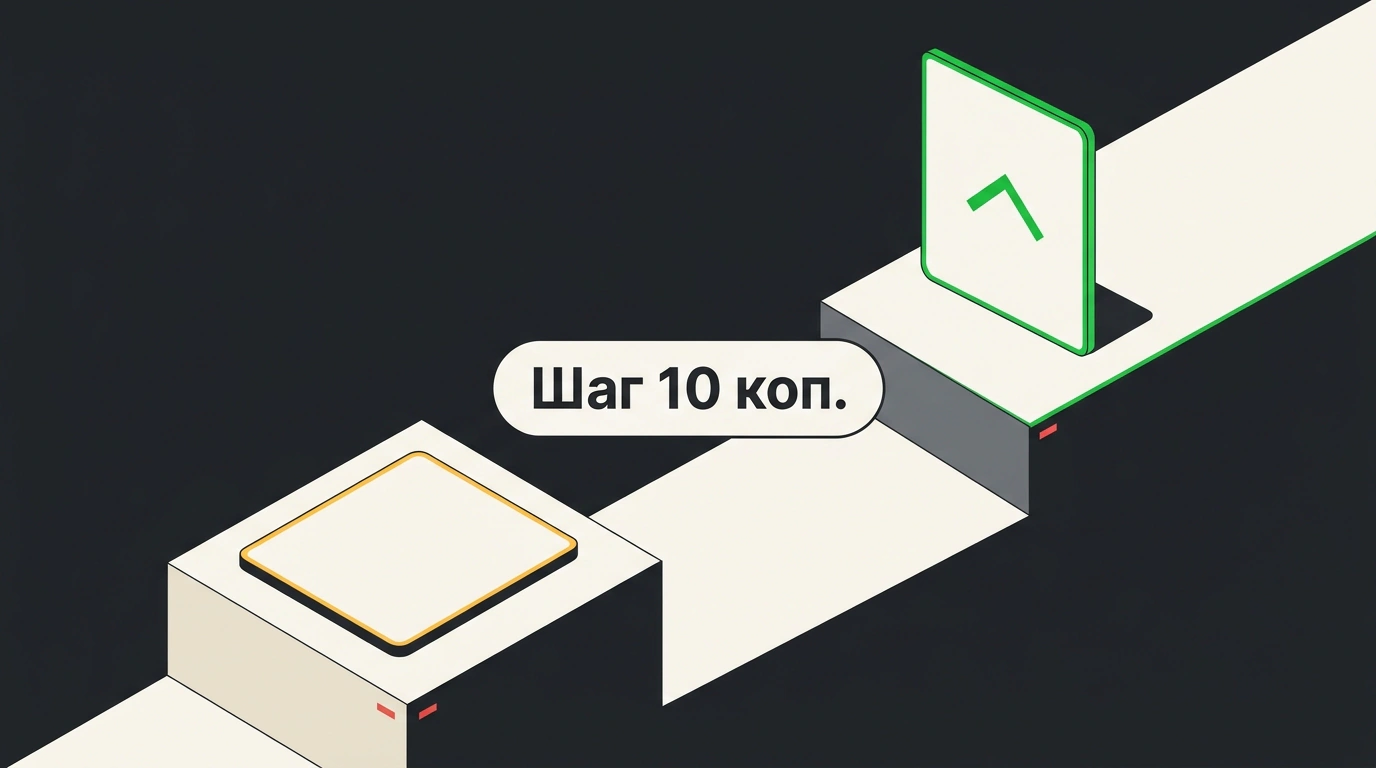
Set a 15-ruble click bid in Wildberries search against a competitor's 10 rubles, and you take the higher spot while paying 10 rubles 10 kopecks per click. Over 100 clicks, that saves nearly 500 rubles, and over 1,000 clicks, about 5,000 rubles. At the same time, the marketplace opened pay-per-click ads across six recommendation zones that previously ran on pay-per-impression.
However, the click discount doesn't apply on every screen. If you carry your search bid over to recommendation shelves without separating budgets, the ad dashboard will charge your full bid down to the last kopeck.
How the Second-Price Auction Works in Search and Catalog
Search ads used to follow a first-price rule: whatever bid you entered in the dashboard was what you paid per click. Now, search and catalog use a second-price auction—a bidding model where the higher bid wins the top spot, but the seller pays just above the nearest rival's price.
For sellers in Russia, the charge follows a simple formula: the nearest competitor's bid plus 10 kopecks. For sellers from other countries, the markup is also symbolic, though Wildberries hasn't named exact amounts in other currencies. Your entered bid acts as a hard ceiling that your click cost won't exceed.
In an official example from WB Partners, two product cards match a search query: yours bids 15 rubles and the nearest competitor bids 10 rubles. Your product ranks higher, and your balance drops by 10 rubles 10 kopecks. The exact saving per click is 4 rubles 90 kopecks—that's 490 rubles per 100 clicks and 4,900 rubles per 1,000 clicks, though Wildberries reps round those figures to roughly 5, 500, and 5,000 rubles.
This changes how you manage click prices, as explained on VC.ru. Before, sellers manually lowered bids out of fear of overpaying and lost rankings as a result. Now it makes sense to calculate from unit economics: plug in your target ad cost share, click-to-order conversion, and buyout rate to find your maximum bid ceiling and set it in the campaign. If rivals bid lower, the algorithm lowers your charge automatically.
Six Recommendation Zones and Choosing Between CPC and CPM
Previously, promoting products on recommendation shelves required the CPM model, where you paid per thousand impressions just for showing up on screen. Now CPC campaigns can enter those placements too: if a shopper scrolls past your card without clicking, you pay nothing.
The WB Partners team listed six placement spots for this type of promotion:
- 'See also' inside a product card;
- 'Picked for you' on the home page;
- similar product carousels across marketplace screens;
- the related items block after checkout;
- the 'Look what we found' feed on a non-existent product page;
- the 'Club discounts' section for subscribers.
To avoid wasting impressions, the algorithm evaluates shopper behavior and past product interactions. For pay-per-click ads, it builds a CR forecast—estimating in advance how likely a view and click are to lead to an order. Your card goes more often where click odds are higher, while empty views cost you nothing.
You can enable recommendation zones in both new and active CPC campaigns via settings. Best of all for your budget, when search and recommendations are both active, the dashboard lets you set a separate bid for each zone.
When both placement zones are active in one CPC campaign, set one click price for search and another for recommendations. In search, the second-price auction protects your ceiling, whereas on shelves it's safer to start with a moderate bid and watch order return.
Where Savings End and How to Check Your Campaign
The main trap sits right on the border between the two zones. The second-price auction—charging the competitor's level plus 10 kopecks—only works in search and catalog. Recommendation blocks and some special placements still use the first-price model, as confirmed by the VC.ru breakdown. If you push your recommendation bid up to your search ceiling expecting an algorithm discount, the dashboard will bill the entire amount.
You can easily check how the new rules apply to each SKU inside your dashboard. When adding a product to a CPC campaign, or inside running campaigns, a bright purple badge appears next to eligible items—meaning the second-price auction is active for that card.
Wildberries hasn't yet published minimum CPC bid thresholds by category or exact markups in foreign currencies. For now, look for the purple badge on your target cards, set your search ceiling using unit economics, and cap your recommendation shelf bid separately.