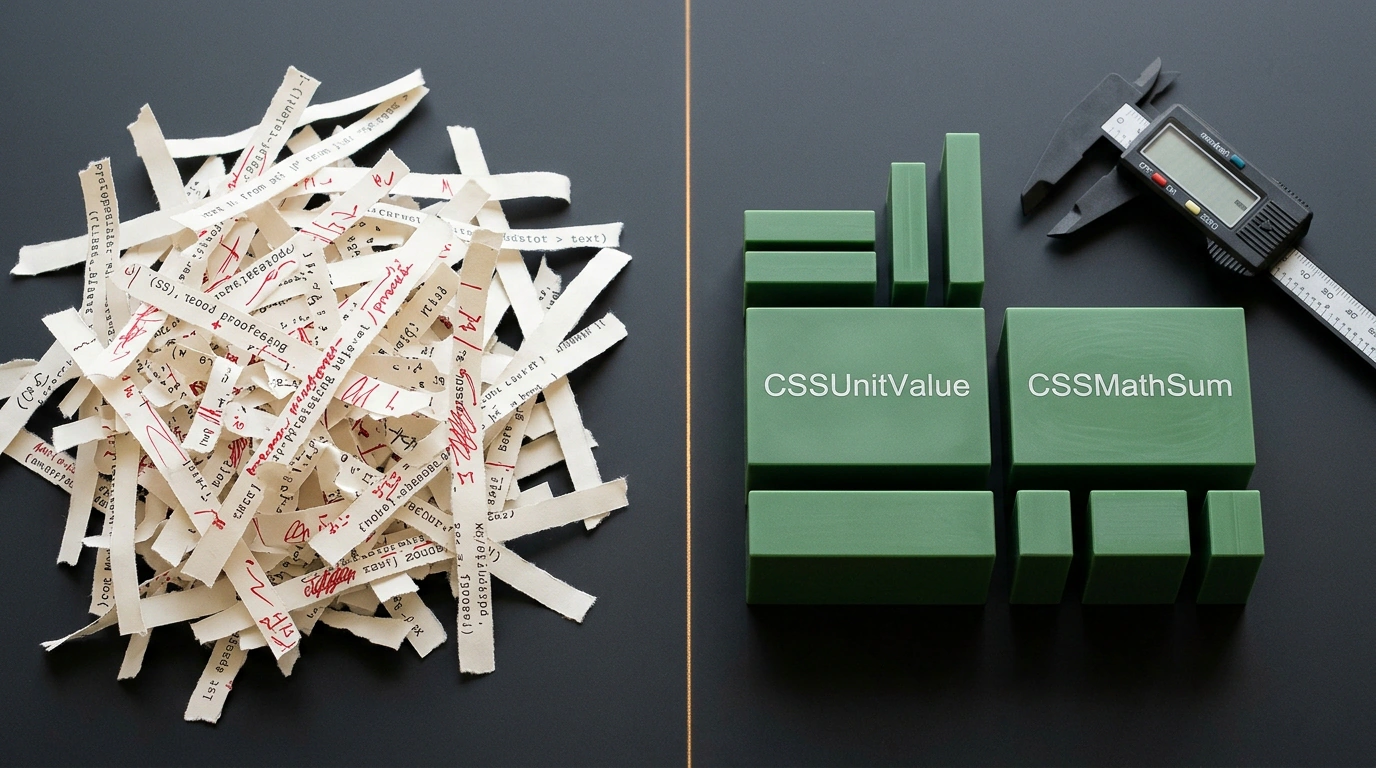
Almost everyone who tries to read or modify element dimensions from JavaScript for the first time is baffled by a quirk of the browser API: working with numbers here means wrestling with strings. You query an element's opacity via getComputedStyle() expecting to see the number 0.2, and you get the string '0.2'. You ask for a container's width, and back comes the text '120px'. The moment a task goes beyond simple assignment—say, reading a card's width and adding 20px—your code gets cluttered with parseFloat() calls, regular expressions, and suffix concatenation.
Inside the browser engine itself, all dimensions are already stored as typed numbers, yet the legacy DOM stubbornly converts them to text and back. The CSS Typed Object Model (Typed OM) specification from the W3C CSS Houdini standards aims to free frontend code from this double conversion, and the css-typed-om polyfill released in October 2026 by Google Chrome DevRel engineer Bramus Van Damme (Bramus) removed the main barrier to adoption—uneven browser support. Let's look at why string-based style exchange slows down interfaces and how to move dimension math onto objects with units.
The Hidden Cost of the String DOM: Double Parsing on Every Frame
Inside Chromium, Safari, and Firefox, stylesheets and geometry are computed in C++ or Rust. A container width of 120px sits in engine memory as a compact structure: the number 120 and the unit code px.
When you access getComputedStyle(el).width, the engine converts the internal number into characters, appends px, and allocates the JavaScript string '120px'. Your script then calls parseFloat('120px'), strips the suffix, adds 20, and concatenates '140px'. On assignment to el.style.width, the browser spins up the CSS parser again, validates the width property grammar, and turns '140px' back into the number 140.
It is like two accountants sitting at adjacent desks: instead of saying the sum out loud, the first prints the number on a form and seals it in an envelope, while the second scans the sheet, adds twenty on a calculator, and prints another letter. On a single click the delay is invisible, but during panel dragging, gestures, or requestAnimationFrame animations (60–120 frames per second), constant string parsing loads the CPU and fills memory with garbage for the garbage collector (GC). Some geometry tasks can now be solved natively—in our breakdown of detecting element overlap via anchor positioning and Style Queries, we saw how to remove DOM reads from scroll handlers. When JS calculations are still necessary, Typed OM steps in to replace strings.
How Style Maps and Unit Objects Work
In CSS Typed OM, instead of element.style, an element exposes an inline style map element.attributeStyleMap, and window.getComputedStyle(element) gives way to element.computedStyleMap(). All values in them inherit from CSSStyleValue:
CSSUnitValue— an object withvalue(a number) andunit('px','em','percent', or'number'for unitless values likeopacity);CSSKeywordValueandCSSTransformValue— wrappers for keywords ('block','auto') and transform matrices without parsingmatrix(...);CSS.*factories — methodsCSS.px(),CSS.em(),CSS.percent(),CSS.number(), andCSS.deg()that constructCSSUnitValue.
Let's look at reading computed styles and writing inline properties via Typed OM objects on a .my-element container with a width of 120px:
const box = document.querySelector('.my-element');

const styles = box.computedStyleMap();
const width = styles.get('width');
const opacity = styles.get('opacity');

console.log(width.value, width.unit);     // 120, 'px'
console.log(opacity.value, opacity.unit); // 0.2, 'number'

box.attributeStyleMap.set('opacity', CSS.number(0.5));
box.attributeStyleMap.set('margin-top', CSS.px(20));
Calling styles.get('width') immediately returns a CSSUnitValue, where width.value holds the number 120 and width.unit is 'px'. The opacity value comes back as { value: 0.2, unit: 'number' }. Writing via box.attributeStyleMap.set('margin-top', CSS.px(20)) passes the structure straight to the engine and guards against typos: whereas element.style.width silently ignores '140xp' or NaN, CSS.px() checks the argument type right away.
Unit Arithmetic: Calculations with CSSMathSum and CSSMathProduct
In the classic DOM, you cannot add pixels to percentages or parse calc(100px + 10%) with parseFloat()—it returns NaN. In CSS Typed OM, arithmetic is built into the objects via CSSMathSum, CSSMathProduct, CSSMathNegate, and the .add(), .sub(), .mul(), and .div() methods.
Let's read the width of .my-element (120px), increase it by 20px via CSSMathSum, scale it, and set a margin combining pixels and em:
import 'css-typed-om';

const box = document.querySelector('.my-element');
const currentWidth = box.computedStyleMap().get('width'); // CSSUnitValue { value: 120, unit: 'px' }

const expandedWidth = new CSSMathSum(currentWidth, CSS.px(20));
box.attributeStyleMap.set('width', expandedWidth);

const doubledWidth = currentWidth.add(CSS.px(20)).mul(2); // CSSUnitValue { value: 280, unit: 'px' }
const fluidMargin = CSS.px(20).add(CSS.em(2));            // CSSMathSum -> calc(20px + 2em)

box.attributeStyleMap.set('margin-top', fluidMargin);
When adding matching units in currentWidth.add(CSS.px(20)).mul(2) (via CSSMathProduct), they collapse into a CSSUnitValue with 280px. When adding different units in CSS.px(20).add(CSS.em(2)) or CSS.px(100).add(CSS.percent(10)), the method builds a CSSMathSum tree equivalent to calc(20px + 2em) without a single template string. We explored a similar typing principle in stylesheets in our article on dynamic component theming with CSS functions and @property: when the browser knows a variable's type, it computes it on the fly.
Cross-Browser Reality, Bramus's Polyfill, and Applicability Limits
Chromium and WebKit engines support attributeStyleMap and computedStyleMap() natively (except for certain CSSColorValue subclasses like CSSRGB and CSSOKLCH), while in Firefox the implementation sits behind the layout.css.typed-om.enabled flag (Firefox bug 1278697). Previously, library authors—such as the scroll-timeline polyfill, where Johannes Odland ported parts of Typed OM for CSS.px() and CSS.percent()—had to write their own wrappers.
The css-typed-om package by Bramus Van Damme (with the npm package name transferred by Jonathan Neal) closed this gap. The repository integrates the Web Platform Tests (WPT) suite: running npm run test:wpt launches headless Firefox 157 with layout.css.typed-om.enabled turned off and runs over 400 test files under /css/css-typed-om/. The polyfill passes 12,479 out of 13,134 subtests—around 95% of the specification.
The reason the score is 95% rather than 100% reveals two fundamental principles of how browsers handle styles:
- Delegating grammar to the native parser. To avoid bloating the bundle by 400+ KB with a database of every CSS property,
css-typed-omhands syntax validation to the browser's native parser. When WPT tests a brand-new keyword that Firefox 157 does not yet recognize (anchor-validinstead ofanchors-valid), the browser rejects it—yet the polyfill stays lightweight and in sync withelement.style. - Irreversibility of computed styles. The polyfill implements
computedStyleMap()viawindow.getComputedStyle(), which returns already resolved values:rgb(0, 0, 0)instead ofcurrentcolor, and pixels instead ofwidth: 50%orauto. Recovering the original keyword from JS without native engine support is impossible.
In Chrome, Edge, and Safari, CSS Typed OM delivers both a strict code architecture and a direct speed boost by bypassing the string parser. In Firefox, the css-typed-om polyfill provides a unified typed API and safe CSSMathSum math, but under the hood it calls getComputedStyle(), so rendering speedups in Firefox will only arrive once native support is enabled.
You can test Typed OM right now without installing any packages: open DevTools Console in Chrome, Edge, or Safari and run $0.computedStyleMap().get('width') and $0.attributeStyleMap.set('padding', CSS.px(16).add(CSS.em(1))). And if your project has sliders, charts, or animations concatenating + 'px', install the package via npm install css-typed-om (with global import 'css-typed-om' or modular import { CSSUnitValue } from 'css-typed-om') and move your dimension calculations to typed objects.