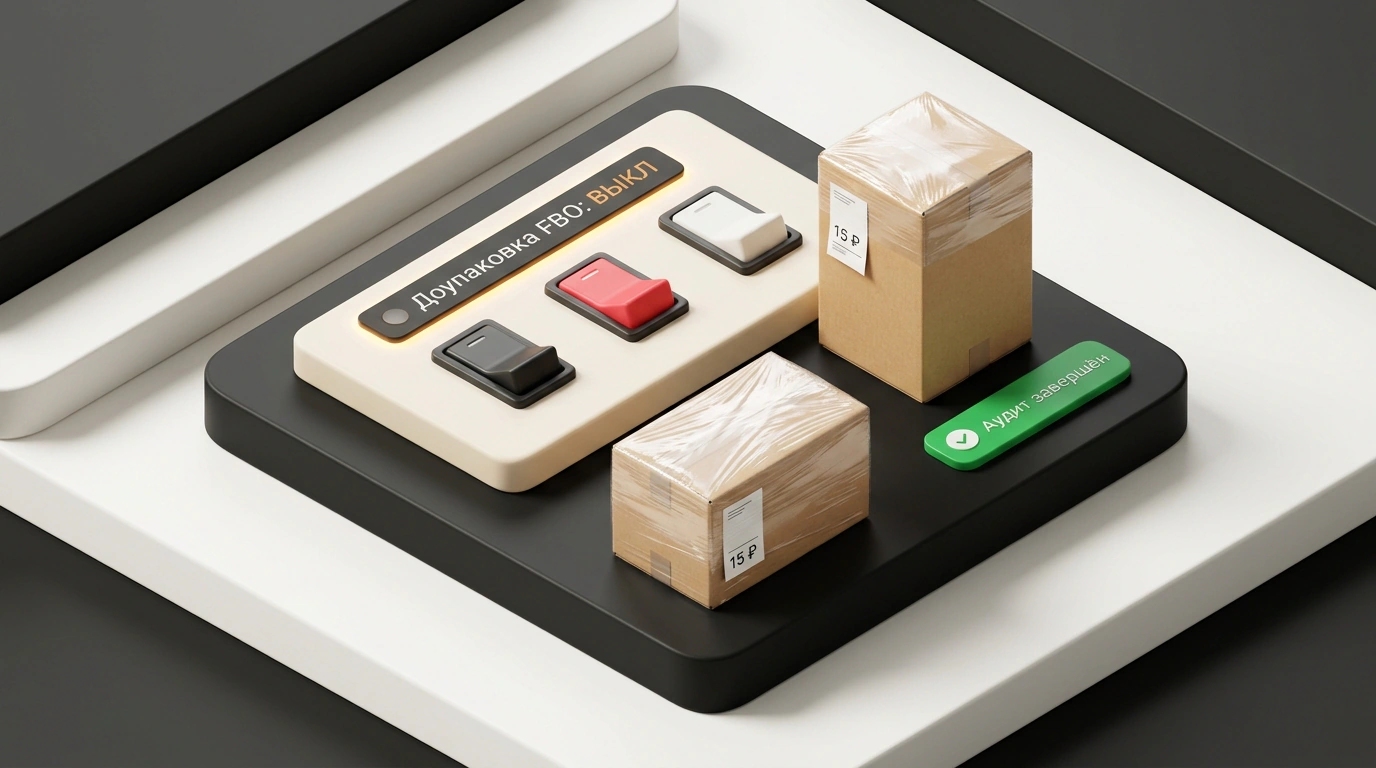
When you register a store on Ozon, create product listings, or accept an offer-agreement update, invisible switches quietly click on deep inside your dashboard. The platform doesn't send big alerts when extra services are enabled: background options simply start running, and deductions for them are smeared across settlement reports between logistics and acquiring fees.
The charges look tiny—1–2% of turnover slips away. But I always calculate unit economics from net margin. At 10–15% profitability, losing a couple of percent of turnover means handing 10% to 20% of your net profit back to the platform. Let's look at which paid features Ozon turns on by itself and how to quickly shut them off in your dashboard.
Why new accounts lose money on auto-enabled subscriptions
The biggest mistake when launching sales or opening a second legal entity is trusting factory defaults. Ozon activates paid promotion, loyalty, and warehouse handling tools by default, leaving it up to the seller to hunt down those sections and flip the switches off.
The author of the Telegram channel «Андрей: Про маркетплейс Wildberries, OZON и не только» compiled a registry of these auto-subscriptions and noted that fresh accounts take the hardest hit. Take a running example: a new home-goods store reached 800,000 ₽ in monthly revenue with projected net profit of 120,000 ₽. When reconciling statements, it turned out 16,000 ₽ had been withheld over the month for unrequested options: 4,500 ₽ for extra packaging, 6,500 ₽ for auto-points for reviews, and 5,000 ₽ from a test promo campaign. Skipping an audit cost the seller 13.3% of net earnings.
Four main paid traps in Ozon settings
If you translate storefront service names into the language of costs, four auto-subscriptions do the main damage to your margin:
- Paid FBO extra packaging. Under the Ozon Seller regulations, every listing has a "packaging reliability index." As soon as it drops below 97–98% due to complaints about a dented box, the warehouse wraps each unit weighing up to 10 kg and measuring up to 45×32×32 cm in stretch film at 15 ₽ per piece (those exact 300 orders from our example).
- Reviews subscription and points fee. At a listing's launch, the platform turns on automatic points accrual for feedback and a paid review-management module. Once the SKU has already built its rating, the tool keeps burning budget for nothing.
- Brand promotion. A paid storefront and brand highlighting in the catalog are activated in the brands section. For a seller of everyday goods without nationwide brand recognition, the option adds no conversion lift while charging a subscription fee.
- "Star Products" mechanic. The buyer receives boosted Ozon points for future purchases (even from competitors), while the cost of the cashback is deducted from your revenue.
Step-by-step protocol for disabling imposed services
Along with the main four, check two adjacent settings: the "Promotion for 1 ruble" promo in week one, which switches to a 5% of SKU sales rate in week two, and auto-enrollment in promos (we covered protecting stock from discounting in the breakdown of Ozon sale and repricer traps).
Run the audit from a computer, since part of the toggles are hidden in the mobile app:
- FBO extra packaging: in
FBO → Управление остатками → Услуги(seller.ozon.ru/app/fbo-stocks/stocks-management/operations), switch the toggle off manually or via an XLSX template. For books and fragile glass, opting out may be blocked if packaging is weak. - Reviews, brand, and points: turn off the reviews subscription (
seller.ozon.ru/app/reviews/subscription), auto-points collection (seller.ozon.ru/app/items/transfer), brand cabinet (seller.ozon.ru/app/brand/my-brands/list), and "Star Products" (seller.ozon.ru/app/loyalty/sellerpoints/?view=star-loyalty). - Promos and auto-campaigns: stop pay-per-order campaigns (
seller.ozon.ru/app/advertisement/product/cpo/all) that have rolled over from a trial rate to a percentage of turnover. InЦены и акции → Цены на товары(seller.ozon.ru/app/prices/control?tab=marketing_actions), click the pencil icon and under "Инструменты цен" disable "Автоматически добавлять товар в акции."
Pair this check with statement reconciliation, because even in Ozon's automatic tax offsets, the seller pays for algorithm errors. Keep three rules in mind:
- Check all seven sections immediately after registering an account or creating listings.
- Repeat the toggle audit on the first business day of each month after offer-agreement updates.
- Cross-check the extra-services line in the sales report against the list of campaigns you launched manually.
Ten minutes of this preventive check once a month will save tens of thousands of rubles in net profit for restocking inventory.
