According to an industry review on Sostav.ru, handing routine tasks over to neural networks frees up to 80% of marketplace managers' time when scaling an assortment, and a single batch audit of search results replaces 1–2 working days of an analyst. Yet many sellers still assume automation requires programmers, paid APIs, and complex scrapers.
In practice, the three biggest time drains—analyzing competitor listings, initial resume screening, and matching blind factory price lists with photos—can be handled right in the browser with zero code. I broke down three working playbooks that e-commerce practitioner Dmitry Kovpak implemented in his projects, and I'll show how these prompts save dozens of hours using the example of a cookware seller ordering a batch of frying pans and pots from Guangzhou.
Auditing 100 listings in search results and building a photo funnel without scrapers
When a cookware seller launches a new line of pots, manually collecting competitor triggers turns into endlessly opening browser tabs. To eliminate that grind, open the Claude or ChatGPT browser extension on a Wildberries or Ozon search results page and enter Dmitry Kovpak's prompt: "Study the search results, analyze 100 listings, their reviews, questions, and the USP on the first slide. Give key takeaways: what are the sellers generating the most revenue per SKU using, compared to my listing (SKU #)?"
In a single pass, the neural network cross-references niche leaders' cover images against buyer complaints in reviews and outputs strong talking points for your photo funnel. Just note one technical nuance: Cloudflare protection on marketplaces sometimes throttles extension requests, in which case you need to click the CAPTCHA manually in the browser. And to quickly turn the collected offers into slides, dedicated AI tools for generating infographics can help.
Filtering independent hires from 300 applicants using the Skolkovo approach
Right after packaging listings, a growing store hits hiring a manager who won't need micromanaging at every step. Typically, a recruiter narrows 200–300 applications down to a spreadsheet of 50 candidates with relevant experience and a completed test task.
From there, a simple logic chain applies: if you start reading through fifty profiles in the evening after shipping orders, fatigue will make you pick the most polished resume; if instead you upload the spreadsheet to AI with a proactivity filter, the model highlights results-oriented people. Dmitry Kovpak uses a prompt based on Skolkovo methodologies: "Find people who are capable of doing more than is expected of them and acting independently." You walk away with a shortlist of 3–5 finalists and targeted questions for the live interview.
Merging wholesale price lists and supplier photos in five minutes
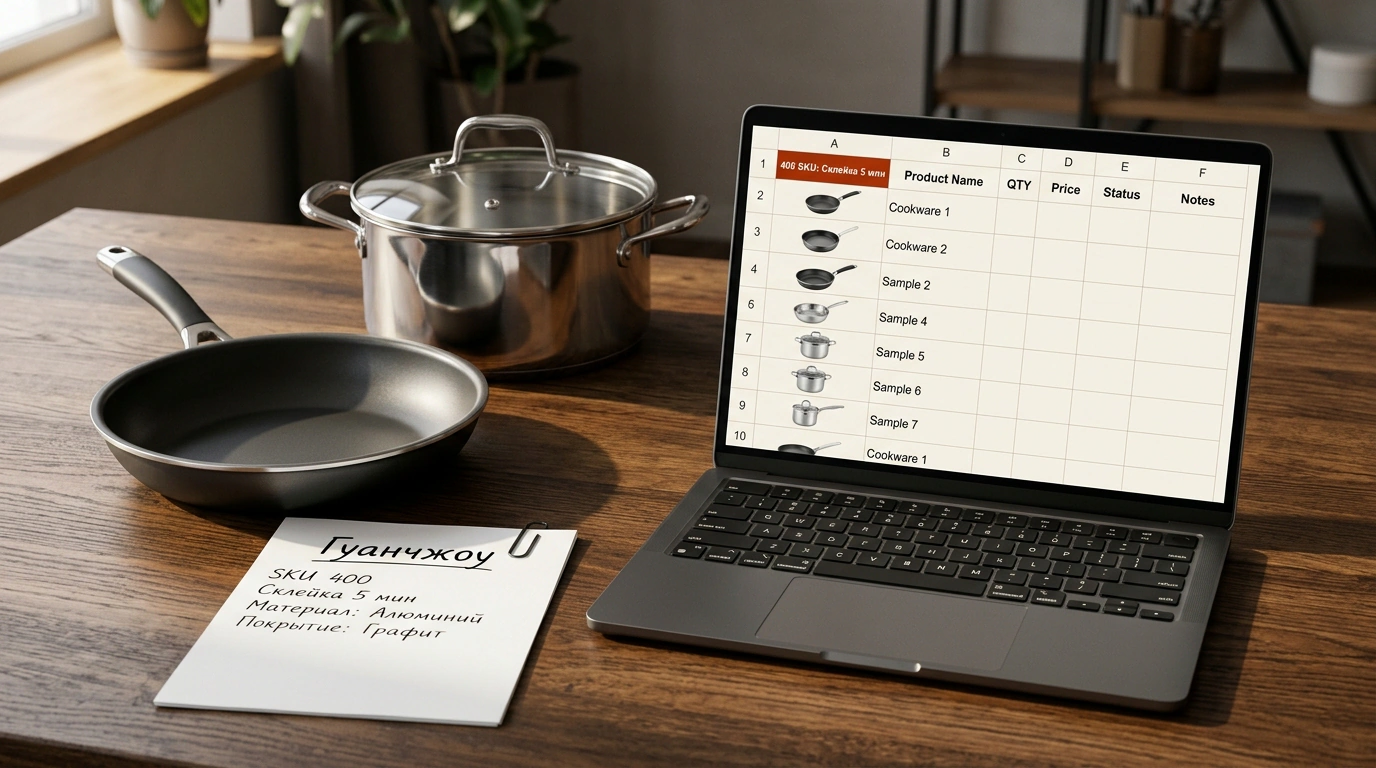
Even a strong manager shouldn't spend a shift copying pictures from Chinese catalogs. In our cookware case, a factory in Guangzhou sent an Excel price list for 400 SKUs without a single photo, while posting images on a closed wholesale website. Manual matching would have cost an assistant 8 hours of work.
Multimodal models like Claude 3.5 Sonnet and GPT-4o—with context windows of up to 200,000 tokens and built-in code interpreters—act like an experienced buyer at a large sorting table: they lay the price spreadsheet in front of them, spread out screenshots of the factory's storefront beside it, read the SKUs off the images, and stitch everything into one file.
- Export the price list: save the factory's spreadsheet as XLSX or CSV, removing supplier details to protect trade secrets.
- Capture the catalog: take screenshots of the factory's closed website or grant the model page access via an extension.
- Run the prompt: upload the files to the chat with the command "Build a new spreadsheet with photos matched by SKU"—in 5 minutes you get a consolidated file with photos, stock, and prices.
- Spot-check a sample: visually verify 5–10 random items before placing the order.
Final verification is mandatory: if pots in the price list differ by just a single letter in a color suffix, AI can mix up adjacent variants, whereas a quick check of ten rows insures against wrong-item shipments. Handing these three tasks over to neural networks frees up dozens of hours to work on margins—so which routine spreadsheet in your dashboard is waiting right now for you to close it with one prompt in five minutes?