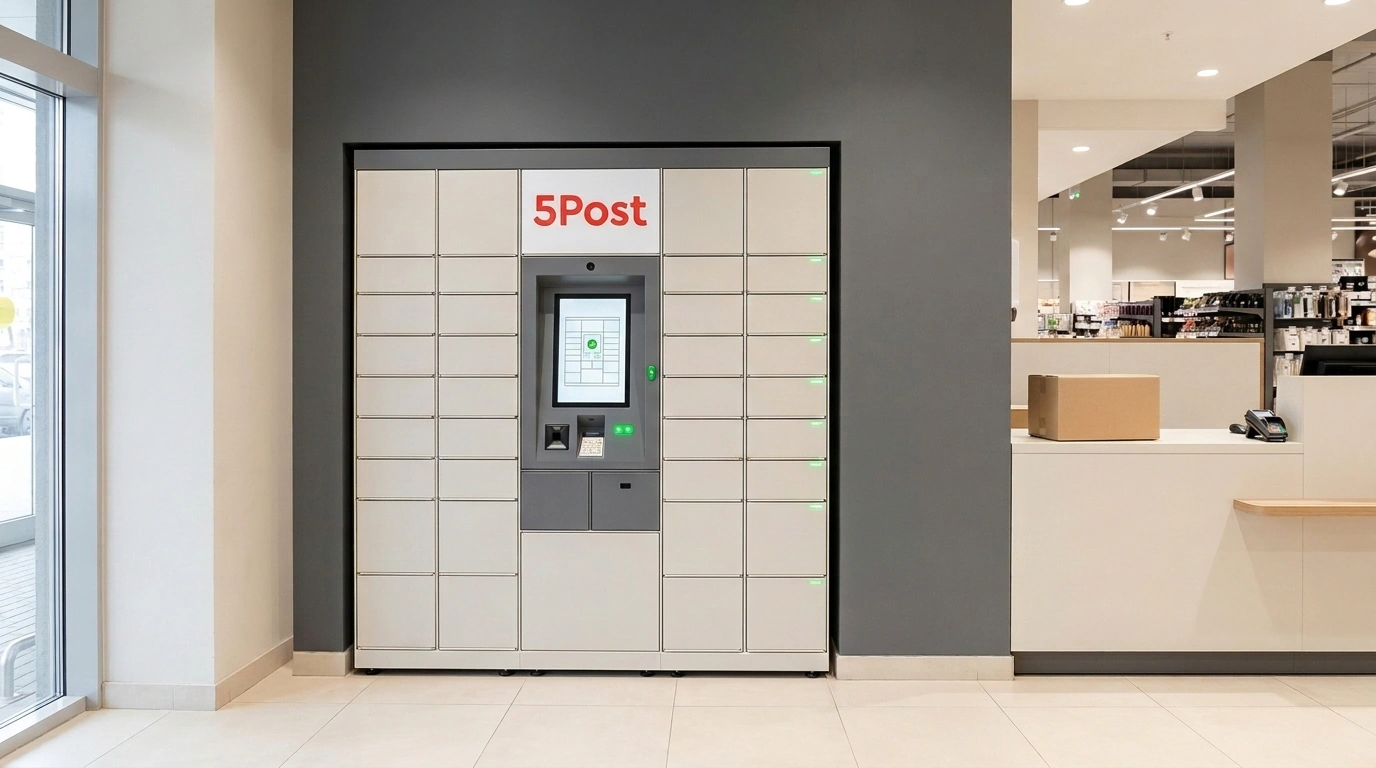
Dropping off five or ten Ozon orders on your way to buy bread—instead of sitting in evening traffic to a sorting center—is now a working reality. If you fulfill from your own stock under realFBS Standard and your parcels stay within 15 kg and roughly 61 × 40 × 36 cm, you can hand them over right at the checkout of a nearby Pyaterochka or Perekrestok grocery store. From there, 5Post—X5 Group's logistics arm—delivers them through its network of store counters and parcel lockers.
Under realFBS Standard, inventory sits at your own space (whether a rented room or a garage), you pick and pack orders yourself, and third-party or partner carriers handle standard-speed delivery to buyers.
How a Parcel Moves From Your Shelf to the Locker
An order comes in—you pack it at your warehouse to Ozon and 5Post standards and print the shipping label from Ozon Seller. It already carries a barcode and unique shipment code.
You don't need to wait for a courier or drive to a sorting center. Grab the box, walk into your chosen Pyaterochka or Perekrestok, and show the barcode or read the code at checkout. The cashier scans the parcel (adding a transit sticker if needed) and takes it.
Right after scanning, the status in Ozon Seller flips automatically to 'Accepted for Delivery'—no paper manifests or support tickets required. Next, a 5Post truck picks up the parcel and delivers it to the buyer's pickup point or locker. Seller chats are already joking that soon we'll visit Pyaterochka not just for groceries, but for daily order drop-offs.
Two-Minute Ozon Setup With No Extra Contracts
You don't need to sign a separate direct contract with 5Post: the integration and baseline terms are already built into Ozon's seller agreement. Setup takes two minutes: open an existing realFBS Standard warehouse (or create a new one), choose 'Ozon Partners' or 'Integrated Services' under delivery methods, select 5Post, and pick a convenient X5 store.
You don't have to scrap your existing logistics either—delivery methods mix freely. You can drop small parcels near home in the evening while handing other orders to a courier or sorting center.
Who Benefits—and Where This Channel Breaks
If you ship moderate volumes of compact goods—cosmetics, accessories, small electronics—X5 drop-offs save real time and fuel. Better yet, many Pyaterochka and Perekrestok stores stay open 14–24 hours a day, so you can pack late at night and drop boxes next door.
Still, the format has hard limits: weight strictly up to 15 kg and dimensions roughly up to 61 × 40 × 36 cm (5Post's XL ceiling). Oversized cargo (KGT) won't be accepted at checkout. Nor does it fit high-volume sellers shipping fifty boxes a day—standing in a grocery line with a cart of parcels takes longer than handing a batch to a courier or sorting center.
Finally, Ozon calculates eligible drop-off stores and zone delivery rates dynamically inside your dashboard. Your closest Pyaterochka might only handle buyer pickups, and you should run the shipping rate through your unit economics first.
What to check before your first 5Post drop-off
- Parcel weighs under 15 kg and fits within 61 × 40 × 36 cm (not oversized).
- Your realFBS Standard warehouse has 'Ozon Partners' or 'Integrated Services' enabled with 5Post.
- The chosen X5 store appears in Ozon Seller specifically as a seller drop-off point.
- Current delivery rates in the dashboard are checked and won't eat your average-order margin.
- The Ozon Seller label is affixed cleanly with a sharp barcode and readable code.