When a fresh box of samples arrives from China, sellers usually face two choices. Hire a designer, pay per SKU, and wait days for revisions—or stay up past midnight wrestling image generators for a consistent look. Both break down once you need to launch ten SKUs at once.
Delegating the night shift to an AI agent sounds ideal: send sample photos and references from your phone, go to sleep, and wake up to finished slides for Ozon or WB. Without strict guardrails, though, a bot burns through token limits in half an hour clicking around and produces sloppy slides. In practitioner Dmitry's workflow pairing an AI agent with Google Flow, the overnight pipeline rests on four practical habits.
Persistent Browsers and Scripts to Stop Token Burn
At the core sits Google Flow, Google Labs' official AI studio powered by Imagen and Veo models. It takes product reference images ('ingredients'), holds a consistent visual style across a series, and exports up to 2K frames on paid Google AI plans.
The first snag is login. If an agent opens a clean browser session every run, Google keeps asking to verify the sign-in. The fix is a persistent browser—a permanent profile that keeps cookies, login state, and browser fingerprint. You log in manually once and forbid the bot from resetting the profile, so the session stays alive all night.
The second trap hits your wallet. If you simply ask an agent to design slides, it clicks through the web UI manually and drains your token or subscription quota within a few rounds. The smarter start: have the bot inspect a finished project first and write automation scripts for repeatable steps. The author doesn't cite exact dollar savings, but the logic is clear—code runs the routine, not an expensive model clicking buttons.
Reviewing the Bot's Work: Cropped Legs, 40 cm, and 2K Exports
The expectation is 11 flawless slides on the first prompt. The reality is an agent makes rookie-designer mistakes, so you have to review its output just as strictly. That showed up clearly on an Ozon case for a tall orthopedic pillow 'for men with broad shoulders'.
Dmitry gave the bot a simple rule: keep the bottom-left corner clear for Ozon's promo badge. Taking it literally, the agent cropped off the model's legs just to leave the corner empty. He had to spell it out: legs can stay in the corner, just keep text and infographic callouts out of it.
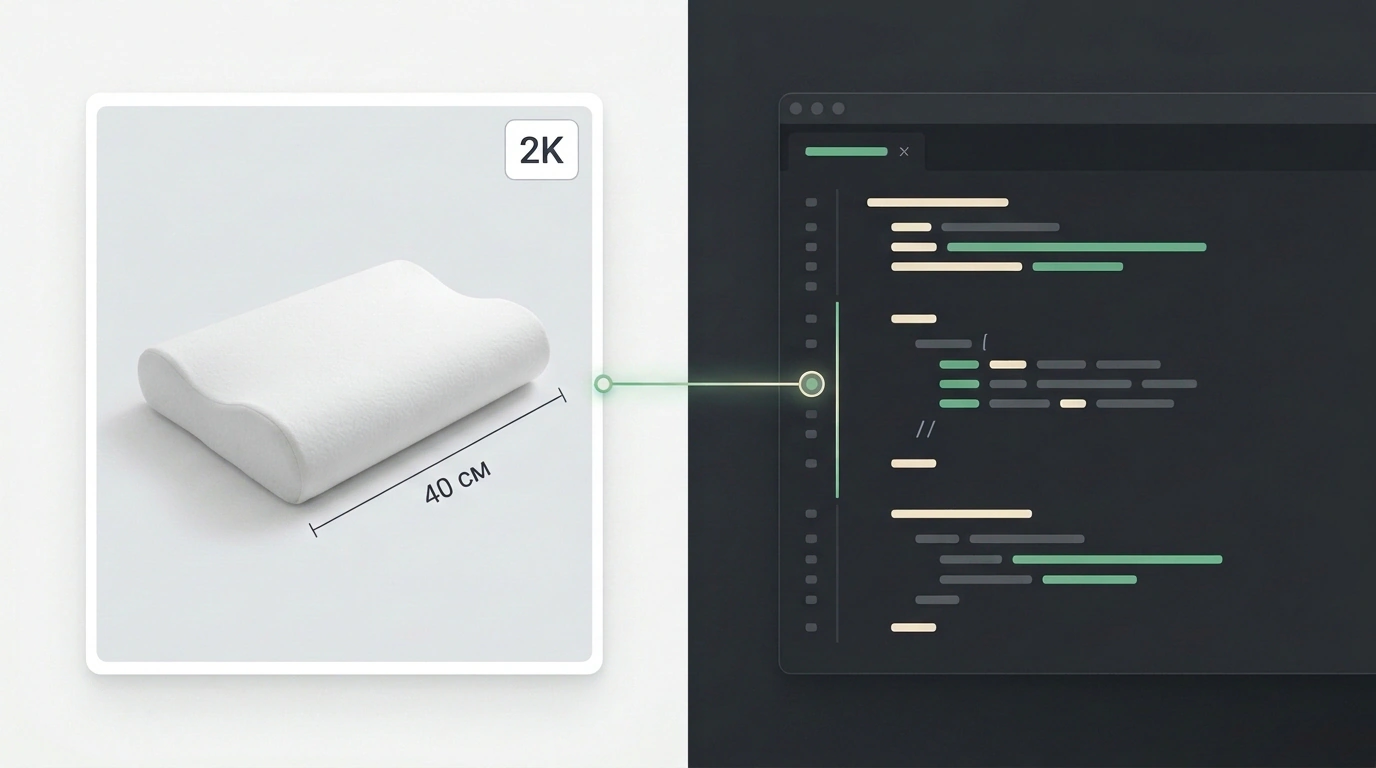
Across the 11 slides, other glitches surfaced too: a missing 3D mesh on one frame, a ruler overlapping the body, drifted dimensions, or a missing 40 cm measurement bar. When the agent can save feedback to memory, errors drop with every pass. Through the same chat—without recording screencasts—he also taught it the small details: finding the 2K download button and sending slides to Telegram as separate files instead of a zip archive for easy phone review.
One Agent for Operations, Another for Creative
Once the pipeline works, it's tempting to hand it to the same bot already managing your Ozon store, ads, orders, and paperwork. That runs straight into agent context—its working memory. Mix store operations and visual layout in one head, and the bot starts making mistakes on both fronts.
The clean fix is splitting roles. Tested scripts and agent skills—packaged instructions and code for repeatable tasks—get bundled and moved to a dedicated creative bot focused solely on infographics, posts, articles, and video.
- Persistent browser: sign into Google Flow once with saved cookies and never wipe the profile.
- Scripts over clicks: ask for automation scripts upfront instead of burning tokens in the UI.
- Specific QA: save rules in bot memory for badge zones, exact specs like 40 cm, and uncompressed 2K exports.
- Two separate agents: don't clutter your operations bot's context with creative tasks.
Don't expect perfection on try one: you still have to double-check dimensions and specs by eye. Also note that Google Flow isn't directly available from Russia—you'll need a foreign account, a proxy, and a paid Google AI plan for 2K output.