Anyone who has tried handing long-term projects to AI assistants hits the same wall: models have no persistent memory. Today you patiently explain your repo layout, coding style, and API conventions; tomorrow you open a fresh session and you're staring at a blank slate.
Stuffing your entire company handbook into the system prompt is a dead end. First, you burn tokens on every single request. Second, even with hundred-thousand-token windows, model attention drifts ("Lost in the Middle"), and the agent starts ignoring critical constraints.
I put together and tested a stack that solves this cleanly: the open-source Hermes Agent engine from Nous Research, a local Obsidian Markdown vault as long-term memory, and the Antigravity 2.0 autonomous control layer. Let's break down how it fits together.
How Two-Tier Memory Works
Instead of standing up a heavy vector database with a separate server and constant re-embedding, we use a simple, transparent file layout:
- Tier 1 working scratchpad. Inside the agent's working directory, lightweight
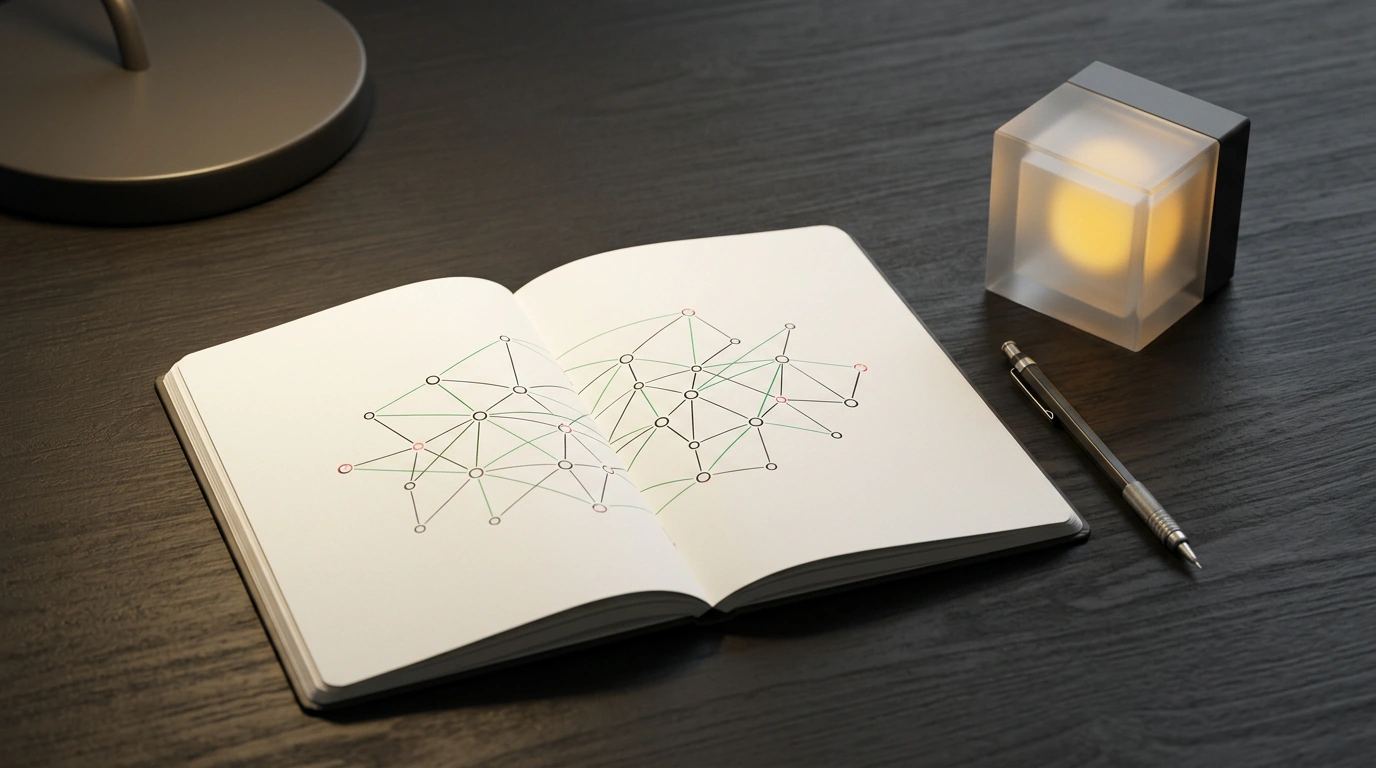
MEMORY.mdandUSER.mdfiles track live state: what we're working on right now, temporary variables, and where things are blocked. - Long-term "second brain" (Obsidian Vault). All SOPs, architecture notes, client profiles, and completed task logs live in a plain folder of Markdown files. Because everything is human-readable, you can open Obsidian anytime, inspect the knowledge graph, and edit any note by hand.
Paired with Antigravity 2.0, you don't need bloated IDE wrappers: the agent runs as an autonomous background process, calling tools through explicit permissions. We've already looked at infinite memory setups for agents and the minimalist Hermes OS concept—and now you can wire the whole thing up in minutes.
Practical Environment Setup
To get started, you'll need Node.js 20+, Python 3.11+, and Obsidian installed with a local vault (for example, /home/user/Obsidian/AgentVault).
First, create the agent's environment file at ~/.hermes/.env:
# Path to your local Obsidian knowledge base vault
OBSIDIAN_VAULT_PATH="/home/user/Obsidian/AgentVault"

# Model provider configuration via OpenRouter
MODEL_PROVIDER="openrouter"
OPENROUTER_API_KEY="sk-or-v1-your-api-key"
HERMES_DEFAULT_MODEL="deepseek/deepseek-chat"
Next, define strict system instructions and security rules in ~/.hermes/config.yaml:
agent:
  name: "HermesMemoryAgent"
  system_instructions: |
    You are an autonomous engineering assistant with persistent memory.
    Before starting a task, review the SOPs in /Projects and MEMORY.md.
    When finished, update task statuses in the corresponding Markdown notes.
memory:
  vault_root: "/home/user/Obsidian/AgentVault"
  auto_commit: true
  max_snippet_chars: 4000
tools:
  allowed:
    - file_reader
    - file_writer
    - directory_lister
    - bash_executor
  security:
    disallow_paths:
      - "/etc"
      - "/root"
      - "~/.ssh"
Always list restricted system paths in the security block. Even if the model's reasoning goes sideways, it won't be able to touch your SSH keys or system configs.
Launching and Verifying a Live Session
All that's left is checking vault integrity and spinning up the agent under Antigravity 2.0:
# Verify vault accessibility and note indexes
hermes memory test --vault "/home/user/Obsidian/AgentVault"

# Start an autonomous session managed by Antigravity 2.0
antigravity agent start --config ~/.hermes/config.yaml
On startup, the agent reads AGENTS.md from the root of your Obsidian vault and confirms it's ready. From there, you can assign tasks, close your terminal, or reboot your machine—when you come back, the agent picks up right where you left off.