How often do you wrap up a Zoom or Google Meet call thinking everything is aligned, only to discover two days later that everyone remembers different deadlines, small action items vanished, and the follow-up email is still sitting in drafts?
Trying to lead a conversation while taking notes at the same time inevitably drags down both. With the Grok Bot 1.0 release from xAI (launched November 14, 2026 on Super, Ultra, Team, and Enterprise plans), a new Add to Meeting feature tackles this head-on—broken down in real scenarios by automation practitioner Julian Goldie. Instead of a passive recorder, an active AI participant joins your Zoom, Google Meet, or Microsoft Teams calls: it answers questions in the meeting chat, takes voice commands live, and compiles a list of decisions with owners by the time you hang up.
Why Manual Note-Taking Splits Your Focus and Drops Tasks
When you're running a weekly sync or talking to a client, switching over to type notes breaks your rhythm—jot down one point, and you miss half of what the other person says next. And if you rely on memory, asking "Who's sending the updated timeline to the team?" gets nods all around, yet without a name attached, the task floats into thin air.
After the call, cleanup eats another 20 minutes: deciphering messy scribbles, turning them into a clean list, writing a follow-up email, and posting status updates in chat. I traced this exact friction on a startup founder's weekly Monday engineering standup.
Letting Grok Bot Into the Call—and Not Leaving It in the Lobby
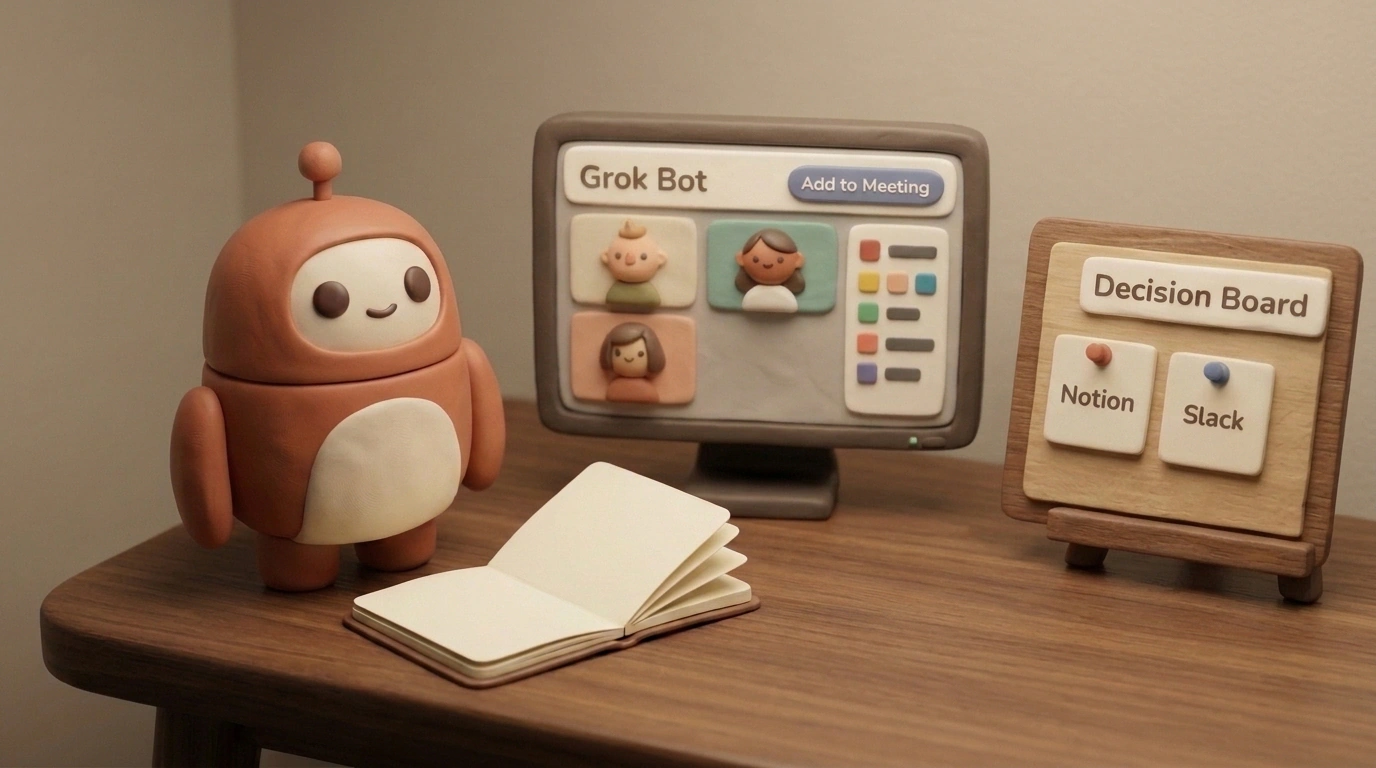
In the Grok Bot 1.0 sidebar, Add to Meeting sits right beneath your recurring routines. If your calendar is connected, you don't even have to paste a link: ask it in chat to join your next call, and the agent pulls the event from your schedule and enters with a transcribing badge, appearing as its own tile with a blue circle.
Once inside the room, two workflows click into place:
- When a detail slips mid-discussion—say someone asks, "What did we promise beta testers last week?" or "When did we push the deadline?"—you ask Grok Bot, and it pulls the answer from past meeting logs straight into the call chat in seconds.
- When a task needs to happen right now—you say out loud, "Grok Bot, send the updated timeline to the team," and the bot executes it in your connected app while the meeting keeps moving.
There is one rookie trap right at the start, though. Video platforms treat the bot as an external guest in the waiting room. If the host forgets to click Admit in the pop-up prompt, the assistant sits outside a locked door for an hour and records nothing. You also need to notify external clients about recording under GDPR rules (or switch on quiet Disable Interactivity mode), and on noisy mics, speak final decisions clearly so speaker diarization doesn't mix up who said what.
The Decision Board: From Spoken Line to Ready-Made Cards in Slack and Notion
The real centerpiece of the update is the Decision Board. During the startup's Monday Google Meet sync, the founder speaks naturally mid-call: "Grok, check our retention from last week, assign Priya to fix the sign-up bug, and give designer Sasha a task for Friday's banners."
The assistant immediately drops the retention chart into the meeting chat and binds every commitment to an owner: sign-up bug to Priya, Friday banners to Sasha, onboarding rollout and the investor update draft to the founder. By the moment you click "Leave call," the minutes are already saved in Notion, the task summary and launch timeline have landed in Slack, a design review request is queued in Figma, and client follow-up drafts are waiting in your inbox (sending always requires human sign-off). For more on how these agents run on a schedule in the background, check out our breakdown of Grok Bot's cloud architecture and task files.
Don't try to wire the bot into every meeting on day one or memorize a dozen commands. Pick one weekly sync, connect your calendar to Slack or Notion, and start with just two spoken cues: "What did we already agree on?" and "Who owns this?" Even if you tweak a couple of lines in the first report, within two or three standups the bot settles into your team's cadence—and that post-call hour becomes yours again.