Have you ever read those panicked forum posts: "Sold on Avito for three years, hundreds of reviews, and boom—permanent ban!"? The seller swears they never broke a single rule and blames "rogue algorithms."
Yet when you trace what actually happened, it almost always turns out the seller made one or two seemingly harmless mistakes that the security system flagged as a serious violation. Avito specialist Nikolay Toropov unpacked these common traps in a "bad advice" format. Let's look at how the platform's anti-fraud defenses actually work under the hood.
Bad Advice #1: "Jump on Any Free Wi-Fi"
You are sitting in a café or coworking space, hop onto the open Wi-Fi, and log into your business account. What could possibly go wrong?
To the security bot, that looks sketchy fast. Avito's anti-fraud system continuously scans not just your browser, but the entire network footprint: IP addresses, subnets, and router identifiers (BSSID). If a spammer sat in that same café an hour earlier and got banned, the algorithm automatically links your profile to theirs via the shared network trail. Result: an instant ban for running a multi-account spam network.
Never log into a commercial seller account over public Wi-Fi. The only safe connection outside your home or office is your own mobile carrier's cellular data—via tethering or hotspot—where IP addresses rotate dynamically.
Bad Advice #2: "Got Banned? Spin Up a New Account on the Same Phone"
A classic panic move: a seller sees the ban notice, buys a fresh SIM card, and registers a new profile from the exact same smartphone.
The algorithm immediately reads the hardware fingerprint: Device ID, IMEI, and system cache. The bot matches that fingerprint to the freshly banned account, kills the new profile within minutes, and blacklists the phone itself.
An individual is allowed to verify their identity (via passport, driver's license, or Gosuslugi) on only one profile. If you were banned by mistake, your only route is an official support appeal with ID verification. And if you legitimately need separate storefronts for different product lines, use Avito's built-in "Linked Profiles" feature.
Bad Advice #3: "Cancel Delivery Orders Whenever You Don't Feel Like Going to the Drop-Off Point"
A buyer already paid for the item, but you can't be bothered to pack it up or walk to the shipping counter. You hit "Cancel order," figuring no harm done.
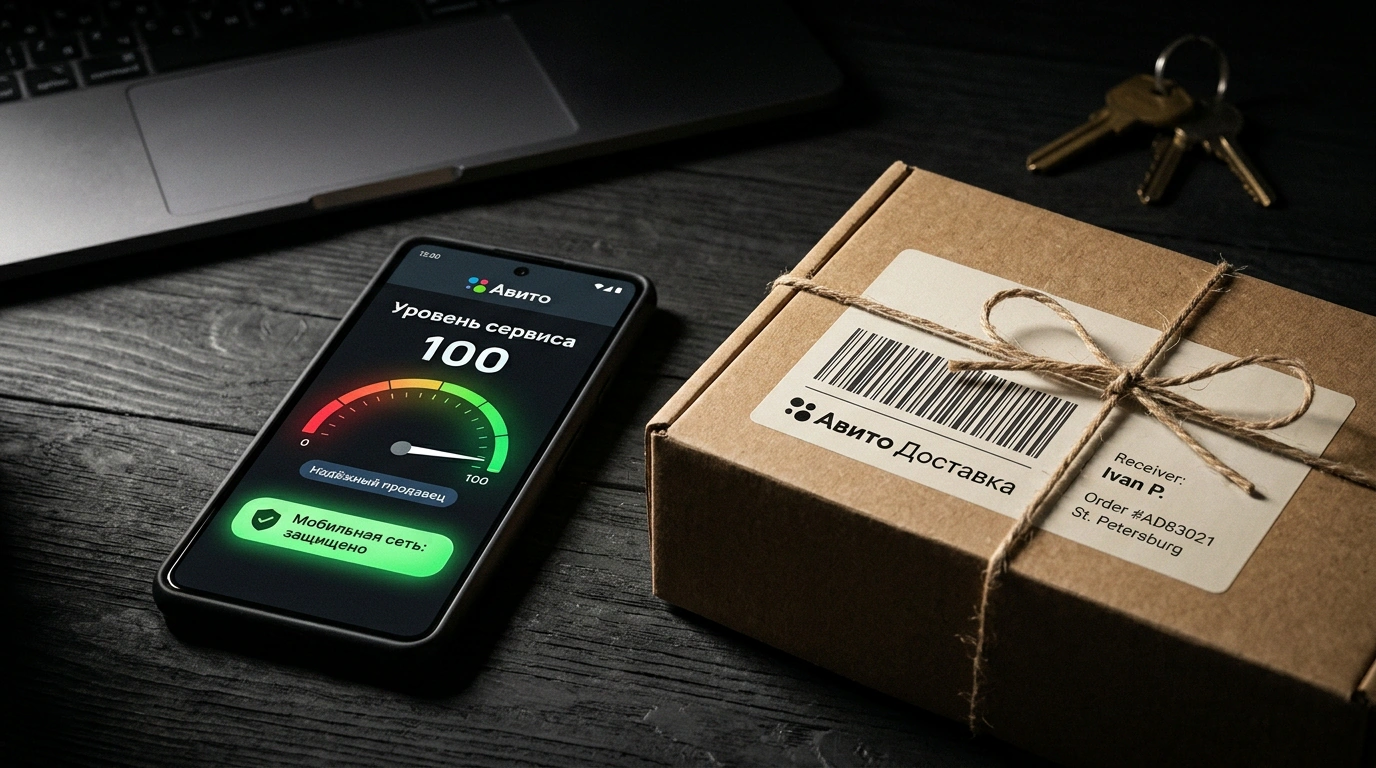
That single tap tanks your internal Service Level. The bot scores this metric from 0 to 100 across green, yellow, and red zones. Repeated seller-initiated cancellations push your profile straight into the red zone. Avito strips your badges (like "Trusted Seller"), pushes your listings down in search, and blocks paid promotion. You only avoid a penalty in two cases: when the buyer cancels, or when the shipping carrier itself fails. For a deeper look at protecting your standing, check out our complete guide to managing reviews and ratings on Avito.
Bad Advice #4: "Tell Them to Call—You're Too Busy to Type in Chat"
A buyer asks for a quick photo of a boot's sole, and the seller snaps back: "It's all in the description, call me."
Avito's algorithms closely track reply speed—the first 10–15 minutes are critical. Slow replies drag down your search rankings, while refusing to send fresh photos makes buyers assume you are either a scammer or a flipper hiding defects.
Guard your account: treat Avito's rules and anti-fraud checks like non-negotiable safety protocols.
