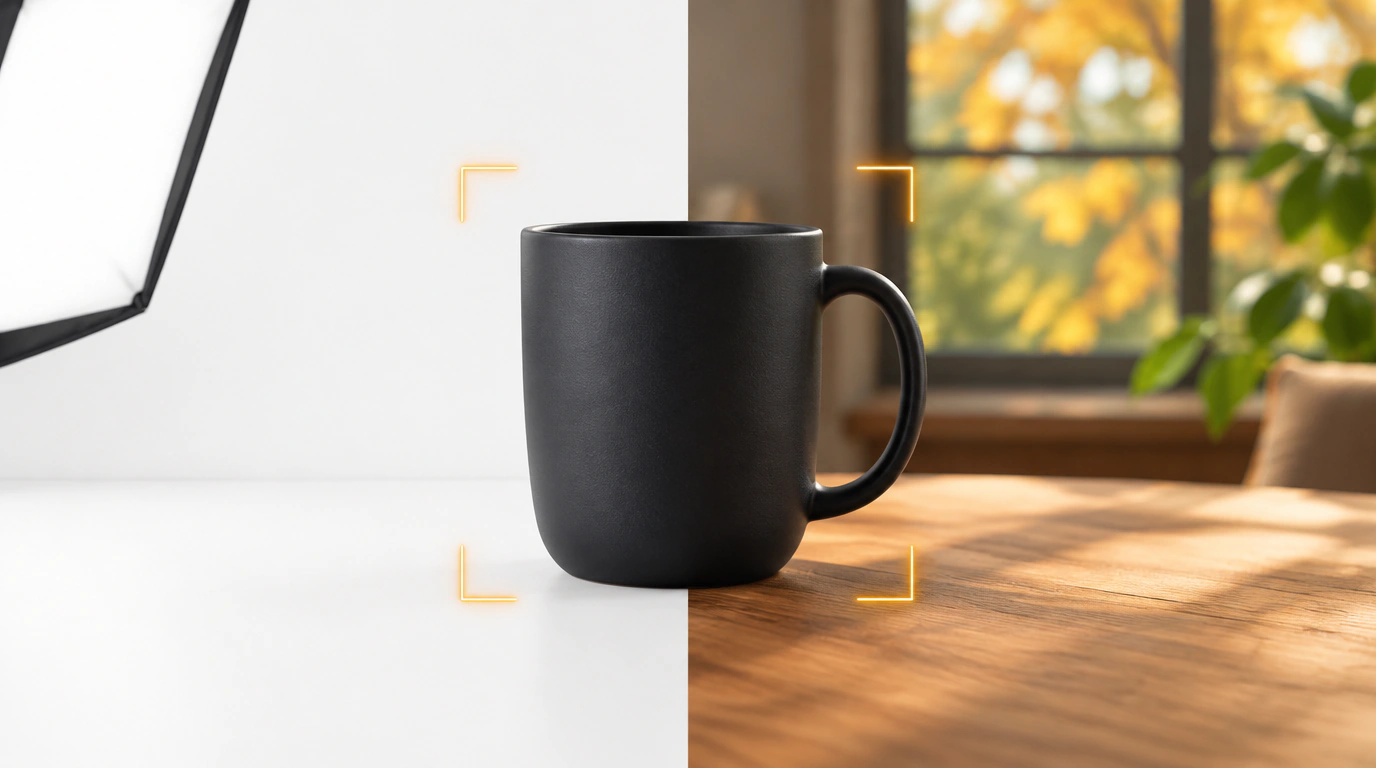
Any seller who has launched a new line of tableware, cosmetics, or home goods knows how much time and nerve-wracking effort goes into creating the main funnel photo. A sterile white background on the first slide has long been losing in click-through rate: shoppers scrolling the feed want to see the product in a real cozy interior, on damp bathroom marble, or on a textured wooden table.
Until recently, sellers had two options: either book a product photo studio with props for 5,000–12,000 rubles per SKU, or hire a designer to manually cut out the object and generate surroundings in Midjourney or Photoshop. Ozon decided to slash those costs and embedded a generative neural network directly into the "Media" tab of the Ozon Seller dashboard.
How Generation Works: Text Prompt vs. Reference
The tool is available completely free of charge to all registered sellers and launches in one click via the product photo edit icon.
Inside, two straightforward scenarios are implemented:
- Text-prompt generation: you write in plain Russian what you want to see around your product. For example: "A ceramic mug stands on a light wooden windowsill, an autumn park outside the window, soft diffused morning light, cozy shadows." The algorithm automatically detects the physical object's boundaries, removes the old drab background, and seamlessly fills in the scene with accurate geometric perspective.
- Visual-reference generation: if it's hard to put into words, simply upload a photo you like from the internet or a glossy catalog. The neural network reads the color temperature, light angle, and material textures of the reference and places your product into a matching lighting environment.
Generating a set of 3–4 ready-made options takes 15 to 30 seconds. Earlier, we looked at Ozon's algorithm mechanics and how behavioral factors affect rankings, and strong first-slide visuals deliver a direct 18–35% lift in search CTR.
Listing Economics, Shadows, and Moderation Pitfalls
Despite its apparent simplicity, the neural editor requires care and sober judgment:
- Moderation requirements: the artificial background must not visually swallow the product. If the object's outline blurs or generated shadows distort the item's true proportions and color, the moderation bot will reject the listing.
- Fine-detail issues: glass bottles with clear liquid, delicate lace, and thin metal chains are still cut out by the neural network with minor artifacts. For such complex objects, it's better to clean up the source mask manually beforehand.
- Infographics aren't going anywhere: a generated interior background is ideal for the first and second funnel slides to catch the shopper's eye in search. But technical specs, dimensions, and package contents still need to be communicated with crisp graphics.

