Think back to how building a user interface with AI has worked up until now: you open a web generator or Figma, spin up a decent-looking screen, copy a chunk of HTML or a React component, switch to your code editor, paste it in, fix the spacing, fire up a local dev server, tab back to the browser, spot that the mobile layout broke... and run the same relay race all over again.
That nagging gap between visual design tools and terminal-first coding always felt like the single biggest drag on productivity. We have already looked at why Claude Code in the terminal speeds things up so dramatically by sitting directly on top of your filesystem and shell. And when Google first previewed Stitch CLI as a bridge between UIs and terminal agents, it was clear the days of copying snippets out of a browser tab were numbered.
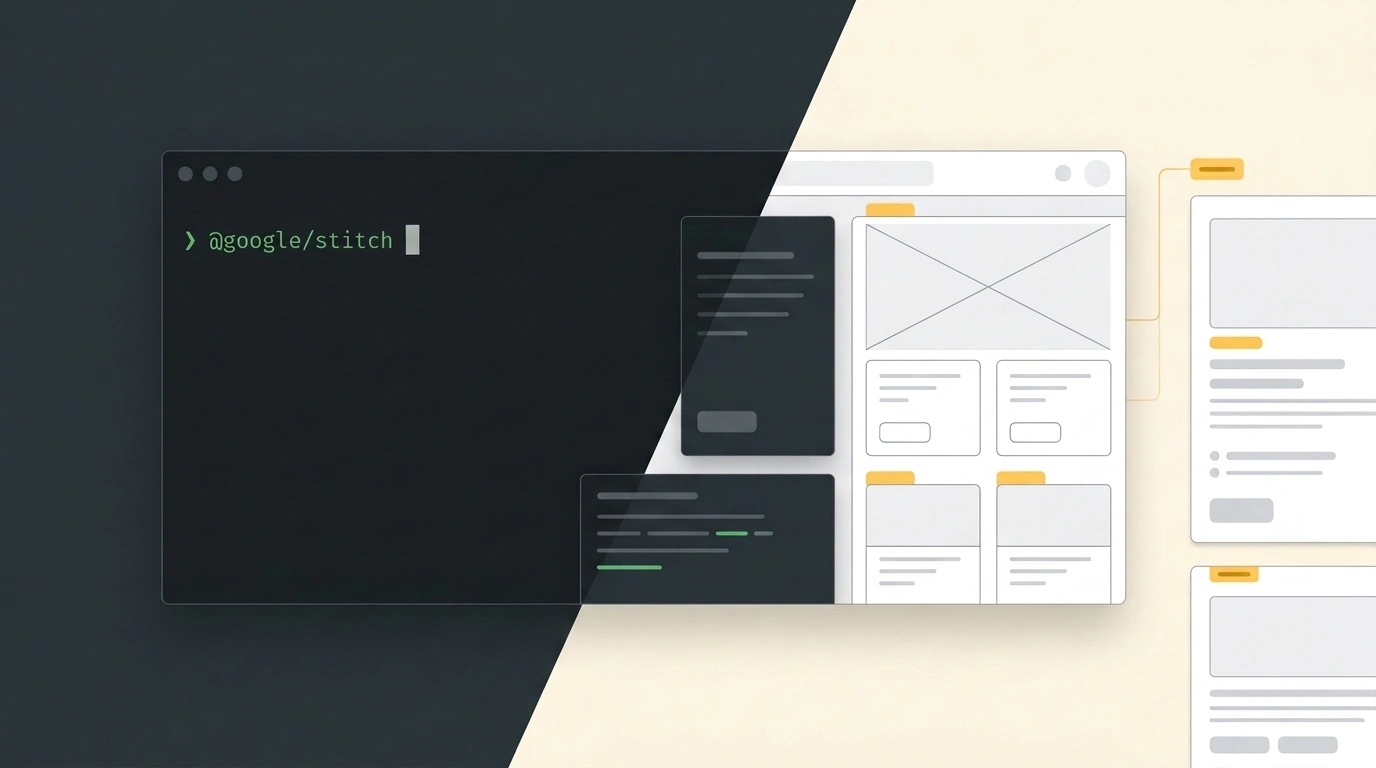
Now Stitch CLI (@google/stitch) from Google Labs is out in the open, ready to test on real projects. It wires UI generation, redesign, and visual auditing directly into the terminal loop of autonomous coding agents.
What the Tool Does Inside the Agent Loop
The core trick with Stitch CLI is giving your agent eyes and design hands right inside your working shell. With a single skill-install command, it integrates natively with Claude Code, Cursor, Gemini CLI, and Google Antigravity.
Instead of bouncing between external web apps, the agent handles the whole sequence on its own:
- Scaffolding from a description: You ask the agent to build a responsive landing page or a lead dashboard. It calls Stitch CLI, generates semantic HTML/Tailwind markup, and places the components cleanly into your project files.
- Comparing alternative layouts: In a single pass, the model can generate 3 to 4 layout and color-accent variations, weigh them side by side, and propose the strongest visual hierarchy for your audience.
- Two-way sync via snapshots: Stitch can capture a snapshot of your locally running web app, check it against your design system, and apply targeted CSS and markup fixes without breaking the surrounding business logic.
Because the output avoids bloated frameworks, you also get cleaner markup that helps page load speed, Core Web Vitals, and search rankings out of the box.
How to Set Up Stitch CLI: Four Quick Steps
You will need Node.js version 20 or higher (node -v).
Installation and basic setup take four commands:
# 1. Install the CLI globally via npm
npm install -g @google/stitch

# 2. Verify the installation
stitch --version
stitch status

# 3. Sign in with your Google account
stitch login

# 4. Add agent skills to your terminal environment
stitch agent-skills add --user
Each step above installs the binary, checks that it is ready, authenticates your session, and exposes the Stitch skills so your terminal coding agent can call them directly. If you are wiring this up on a remote server or inside CI/CD, you can skip interactive login by exporting export STITCH_API_KEY="your_key" or running stitch config set apiKey "..." --global.
When prompting your agent, ask for options right away: 'Build the analytics screen and generate three alternative KPI card layouts (a minimalist list, a chart-focused tile grid, and a compact table).' The agent will spin up all three in parallel so you can pick the cleanest fit.
Where the Guardrails Are
No need to romanticize it: Stitch CLI nails UI scaffolding and responsive styling, but it won't architect your backend for you. User auth, token encryption, Redis queues, and database transactions still need proper engineering.
Output quality also tracks closely with how clearly you specify the task. Toss the model a vague "make it look nice" and you will get a sterile template straight out of 2005. Give it a concrete block structure, user flow, and design-system constraints, and Stitch CLI saves hours of tedious pixel-pushing.