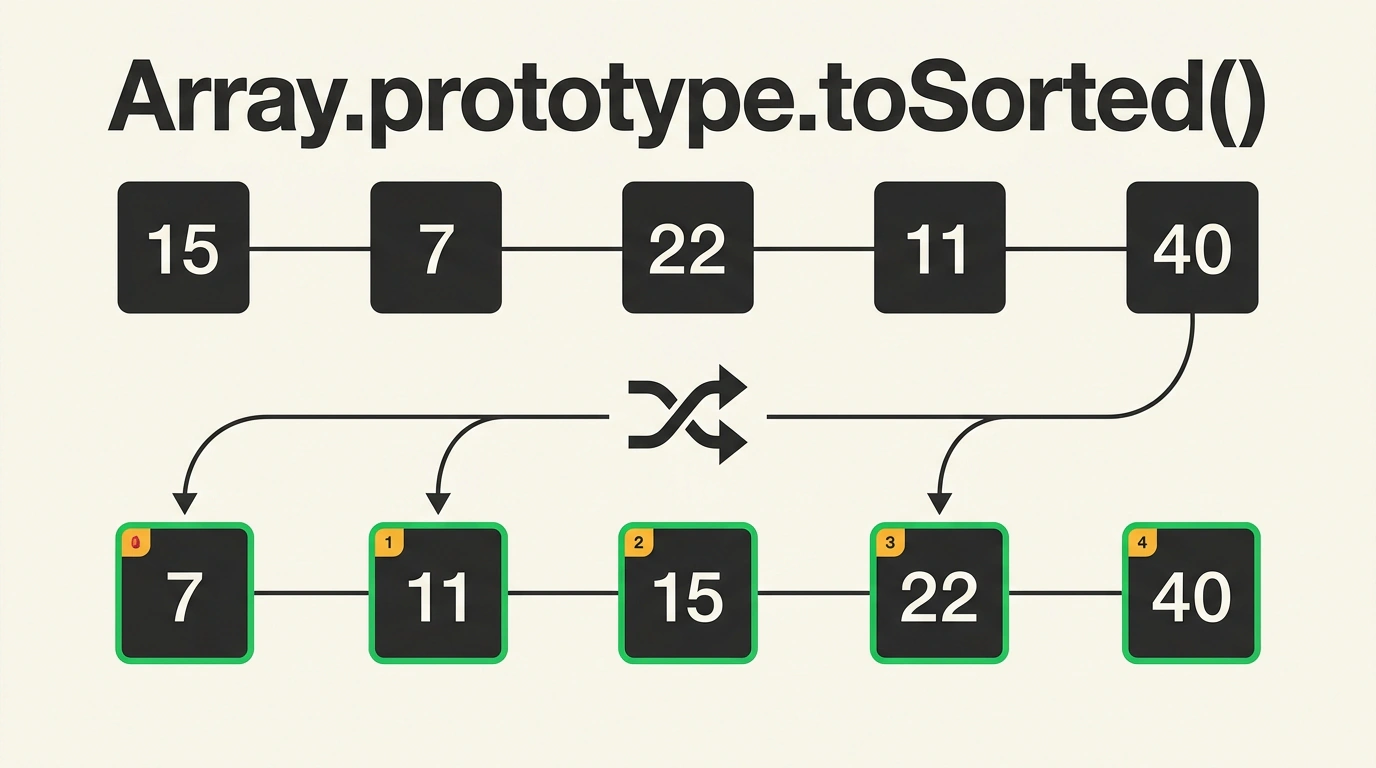
Picture a painfully familiar scene: you are building a catalog filter component in React or Vue. The user clicks "Price: Low to High", you call products.sort(), update state... and nothing happens. In the console, the data is sorted, yet the UI stays frozen. Or worse: a neighboring shopping-cart widget suddenly re-renders even though it had no business knowing about your sort.
The culprit is the mutating nature of the classic Array.prototype.sort() method. It modifies the original array in place and returns a reference to the exact same object: arr === arr.sort(). Declarative frameworks rely on shallow reference comparison in hooks like useMemo and useEffect. If the reference didn't change, the framework assumes no re-render is needed.
For years we cobbled together workarounds like [...arr].sort() or arr.slice().sort(). Starting with ECMAScript 2023 (via the Change Array by Copy proposal), JavaScript gained a built-in Array.prototype.toSorted() method. Today it is supported across all modern browsers and runtimes (Node.js 20+, Bun, Deno).
I looked at another piece of the language's evolution earlier when covering Stage 4 Iterator Helpers for lazy evaluation. toSorted() tackles an adjacent goal: making array operations safe and predictable.
Gotchas: Alphabetical Surprises and Sparse Array Holes
Even though toSorted() feels like a lifesaver, it inherits all the historical quirks of its predecessor:
- Lexicographical sorting by default. Call
[3, 10, 2].toSorted()with no arguments, and JavaScript helpfully converts numbers to strings and sorts them by UTF-16 code units:[10, 2, 3]. Passing a numeric comparator(a, b) => a - bis still mandatory. - Sparse arrays. If an array has empty "holes" from deleting elements or calling
new Array(5),toSorted()materializes those gaps as explicitundefinedvalues and neatly moves them to the very end of the resulting array without invoking the comparator for them.
// Initial numeric data
const scores = [45, 100, 12, 8, 99];

// GOTCHA: Sorting without a comparator treats values as strings!
const lexicographical = scores.toSorted();
console.log(lexicographical);
// [100, 12, 45, 8, 99] — 100 comes before 12, and 8 ends up last!

// CORRECT: Pass a numeric comparison function
const ascending = scores.toSorted((a, b) => a - b);
console.log(ascending);
// [8, 12, 45, 99, 100]

// The original scores array remains completely untouched:
console.log(scores);
// [45, 100, 12, 8, 99]

// Meanwhile, here is what the old sort() method does:
const mutated = scores.sort((a, b) => a - b);
console.log(scores === mutated);
// true — the original array was mutated in place!
toSorted() creates a new top-level array, but it only performs a shallow copy. If the elements are objects or nested structures, the new array holds references to the exact same memory addresses. Changing sortedList[0].price = 999 immediately mutates that same object inside initialList as well. If you need full state isolation, combine it with structuredClone() or clone objects during rendering.
Using It in React Components and Performance
In real UI code, toSorted() eliminates extra allocations from the spread operator. Engines like V8 and SpiderMonkey optimize the call in native C++: the engine allocates the target array of the exact size up front and places the sorted references in a single pass:
import React, { useState } from react;

export function ProductCatalog({ initialProducts }) {
  const [products] = useState(initialProducts);
  const [sortOrder, setSortOrder] = useState(asc);

  // Safe sorting without risking parent state mutation:
  // toSorted() returns a fresh reference to a new array
  const sortedProducts = products.toSorted((a, b) => {
    return sortOrder === asc ? a.price - b.price : b.price - a.price;
  });

  return (
    <section className="catalog">
      <div className="toolbar">
        <button onClick={() => setSortOrder(asc)}>Price: Low to High</button>
        <button onClick={() => setSortOrder(desc)}>Price: High to Low</button>
      </div>
      <ul>
        {sortedProducts.map((item) => (
          <li key={item.id}>
            <strong>{item.title}</strong> — {item.price} ₽
          </li>
        ))}
      </ul>
    </section>
  );
}
Paired with its companion methods toReversed(), toSpliced(), and with(), modern JavaScript finally lets you write clean, immutable code for everyday tasks without pulling in third-party utilities like Lodash or Immer.